GuideApril 22, 2026·3 min read
How to Get a Bank of America Statement (PDF Download)
Quick answer
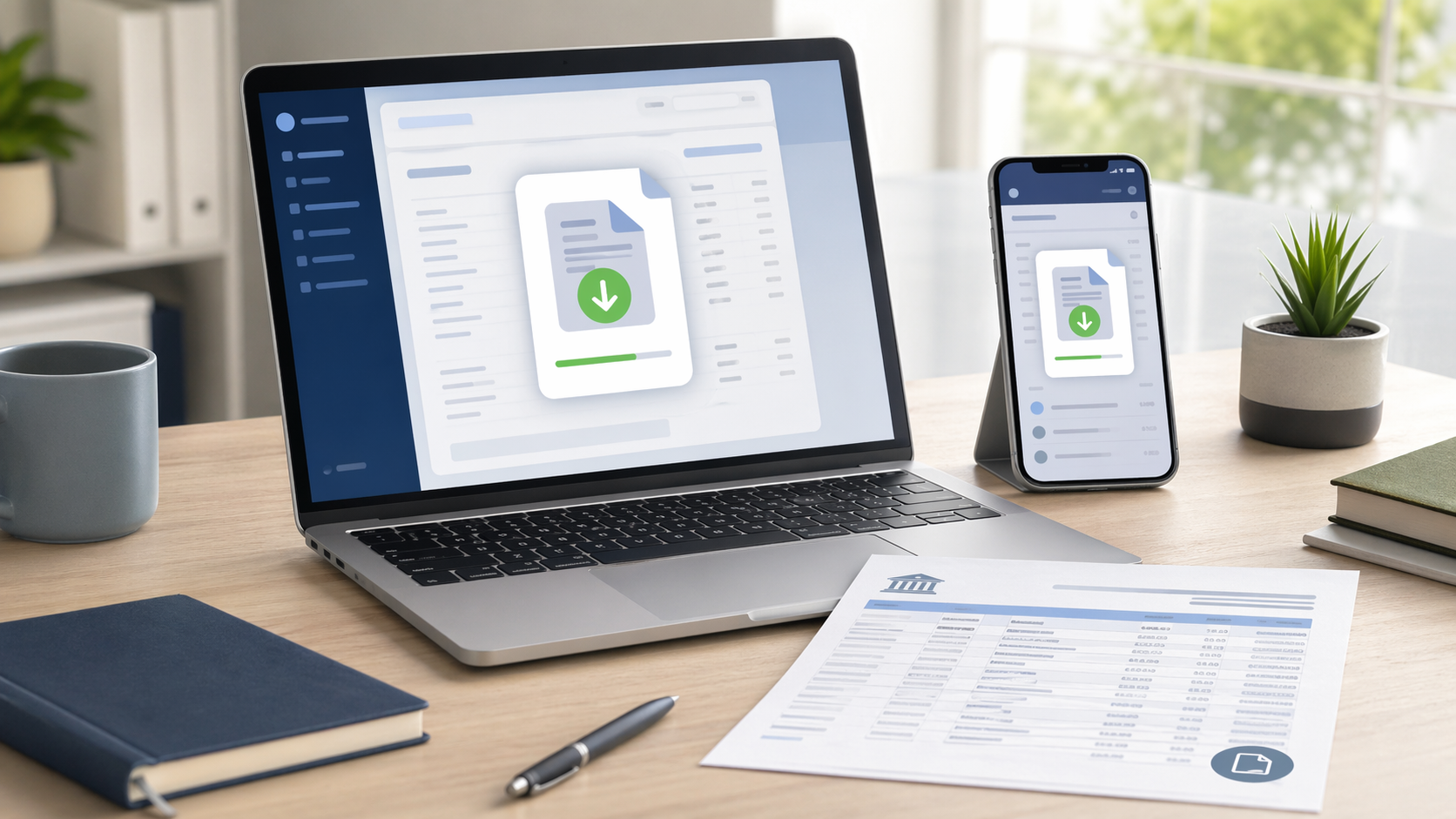
Log in to bankofamerica.com or the BofA Mobile app → select the account → click Statements & Documents → pick the month → Download PDF. BofA keeps 18 months of statements online (not 7 years like Chase).
Heads up: Bank of America only keeps 18 months of statements available online for most consumer accounts. If you need a statement from more than 18 months ago (common for mortgage applications reviewing 2+ years of history), you'll need to call 1-800-432-1000 and pay a per-statement fee.
Method 1: bankofamerica.com (desktop)
- 1Go to bankofamerica.com and click Sign In
- 2Enter your Online ID and passcode (or use SafePass if enabled)
- 3Click the account you need — checking, savings, credit card, or mortgage
- 4Click "Statements & Documents" in the account menu
- 5Pick a statement period (up to 18 months back)
- 6Click Download — the PDF saves to your downloads folder
Method 2: Bank of America Mobile app
- 1Open the Bank of America Mobile app
- 2Sign in with Face ID, fingerprint, or your Online ID
- 3Tap the account you need
- 4Tap "Statements" from the account menu
- 5Pick a statement month
- 6Tap download — save or share the PDF
Statements older than 18 months
- Call Bank of America at 1-800-432-1000 (24/7)
- Verify identity with your Online ID, SSN last 4, and DOB
- Request specific statement month(s) by mail or email
- Fee: approximately $5 per statement (as of 2026) for statements older than 18 months
- Delivery: 3-5 business days by mail, or by secure email to your registered address
Free tool · 30 seconds · No signup
Downloaded your BofA statement? Analyze it in 30 seconds
Upload the Bank of America PDF — AI categorizes every transaction, spots recurring charges, and exports to CSV or Excel. First page free, no signup.
Continue readingView all posts →
Guide9 min read
Average Savings by Age in 2026: Median, Mean, and What You Should Have
How does your savings stack up against people your age? We pulled the median and mean savings balances by age bracket from Federal Reserve data, plus the recommended benchmarks from major financial firms — so you can see exactly where you stand.
→
Guide9 min read
Dollar-Cost Averaging Explained: The Math, the Vanguard Study, and When It Wins
Dollar-cost averaging means buying the same dollar amount of an asset on a regular schedule. We walk through the math, the Vanguard study showing lump-sum wins 2/3 of the time, and the cases where DCA still beats lump-sum.
→
Comparison9 min read
ETF vs Mutual Fund: The 2026 Comparison That Tells You Which to Pick
ETFs trade like stocks; mutual funds price once a day. ETFs are typically more tax-efficient; mutual funds support automatic dollar-amount investments. Here is the full comparison — fees, taxes, mechanics, and which one wins for which use case.
→