Analyze your statement
Upload a PDF to see categories, charts, subscriptions, and CSV export in one report.
No signup · deleted after analysis
Bank Statement Analysis Software vs Online Tools
Desktop software keeps files local; online tools use AI and require no installation. The right choice depends on your privacy needs, volume, and whether you need automatic categorization or just raw data extraction.

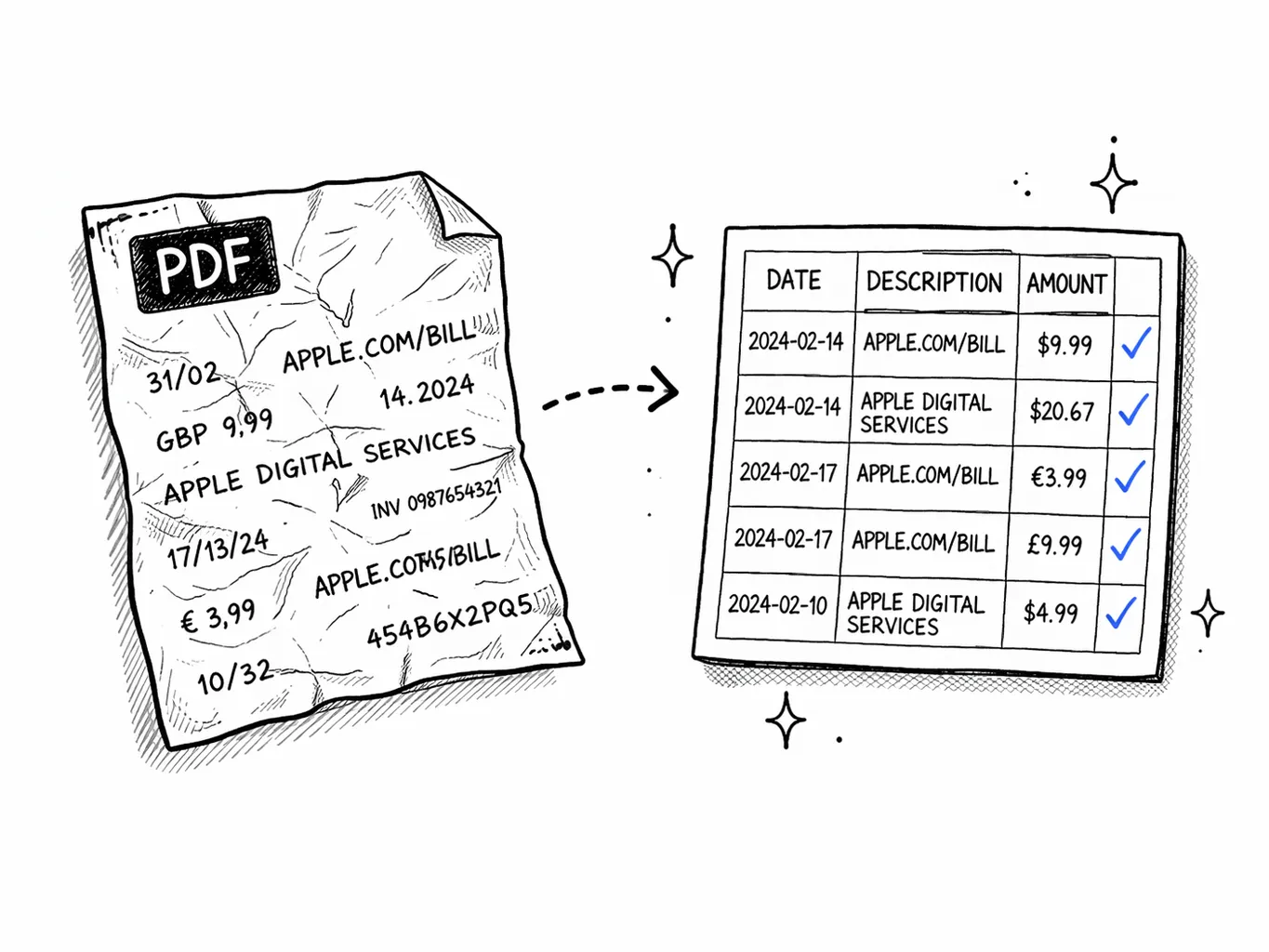
Online bank statement tools are best for most users — they offer AI categorization, automatic exports, and work on any device without installation. Desktop software is better for users who need offline access, maximum privacy, or work in regulated environments where files cannot leave the local machine. For one-off analysis, free online tools are sufficient. For high-volume accounting workflows, paid desktop or enterprise online tools are worth the cost.
Side-by-side comparison
| Feature | Desktop software | Online tool | Winner |
|---|---|---|---|
| Setup time | Download, install, configure bank templates | Open browser, upload PDF — no install | Online |
| OCR accuracy | Depends on engine (Tesseract, ABBYY, etc.) | Cloud AI — usually 95–99% on clean PDFs | Online |
| Transaction categorization | Rules-based or manual tagging | AI auto-categorization — learns merchant patterns | Online |
| Export formats | CSV, Excel, QIF, OFX, QBO (varies by product) | CSV, Excel, QIF, OFX, QBO, JSON | Tie |
| Bank template library | User must build or download templates | Trained on 1,000+ global banks automatically | Online |
| Privacy / data control | File stays on your machine | Processed in memory, discarded after analysis (varies by vendor) | Desktop |
| Multi-user / team access | Usually single-user licenses | Built-in sharing, team workspaces, role-based access | Online |
| Recurring charge detection | Manual scan or basic pattern matching | AI flags subscriptions and recurring debits automatically | Online |
| Mobile access | Limited or none | Works on any phone or tablet browser | Online |
| Pricing | $99–$500 one-time or annual license | Free tier + subscription ($9–$49/mo) | Depends on volume |
| Integration with accounting tools | QuickBooks, Xero via file export | Direct API integrations + file export | Online |
| Offline usage | Fully offline | Requires internet | Desktop |
Top bank statement analysis tools (2026)
Here is how the most popular tools compare for different use cases:
When to choose desktop software
Desktop bank statement software is the right choice when:
- You work in a regulated industry (healthcare, legal, government) where files cannot be uploaded to cloud services
- You process highly sensitive financial data and want absolute control over file storage
- You need offline access — working from locations without reliable internet
- You prefer a one-time purchase over recurring subscriptions
- You already own accounting software and just need a robust PDF-to-spreadsheet converter
When to choose an online tool
Online bank statement tools are better when:
- You want AI to categorize transactions automatically instead of manual tagging
- You need Sankey charts, spending breakdowns, and visual summaries without building them in Excel
- You work across multiple devices (phone, tablet, desktop) and want access anywhere
- You collaborate with a team, accountant, or bookkeeper who needs shared access
- You process statements from many different banks and don't want to maintain templates for each
- You want recurring charge detection and subscription tracking without manual scanning
Key features to look for
Free tool · 30 seconds · No signup
Upload a statement.
See where every dollar goes.
AI reads your bank PDF, categorizes every transaction, finds subscriptions you forgot about, and exports everything to CSV.