GuideApril 22, 2026·3 min read
How to Get a Wells Fargo Bank Statement (PDF Download)
Quick answer
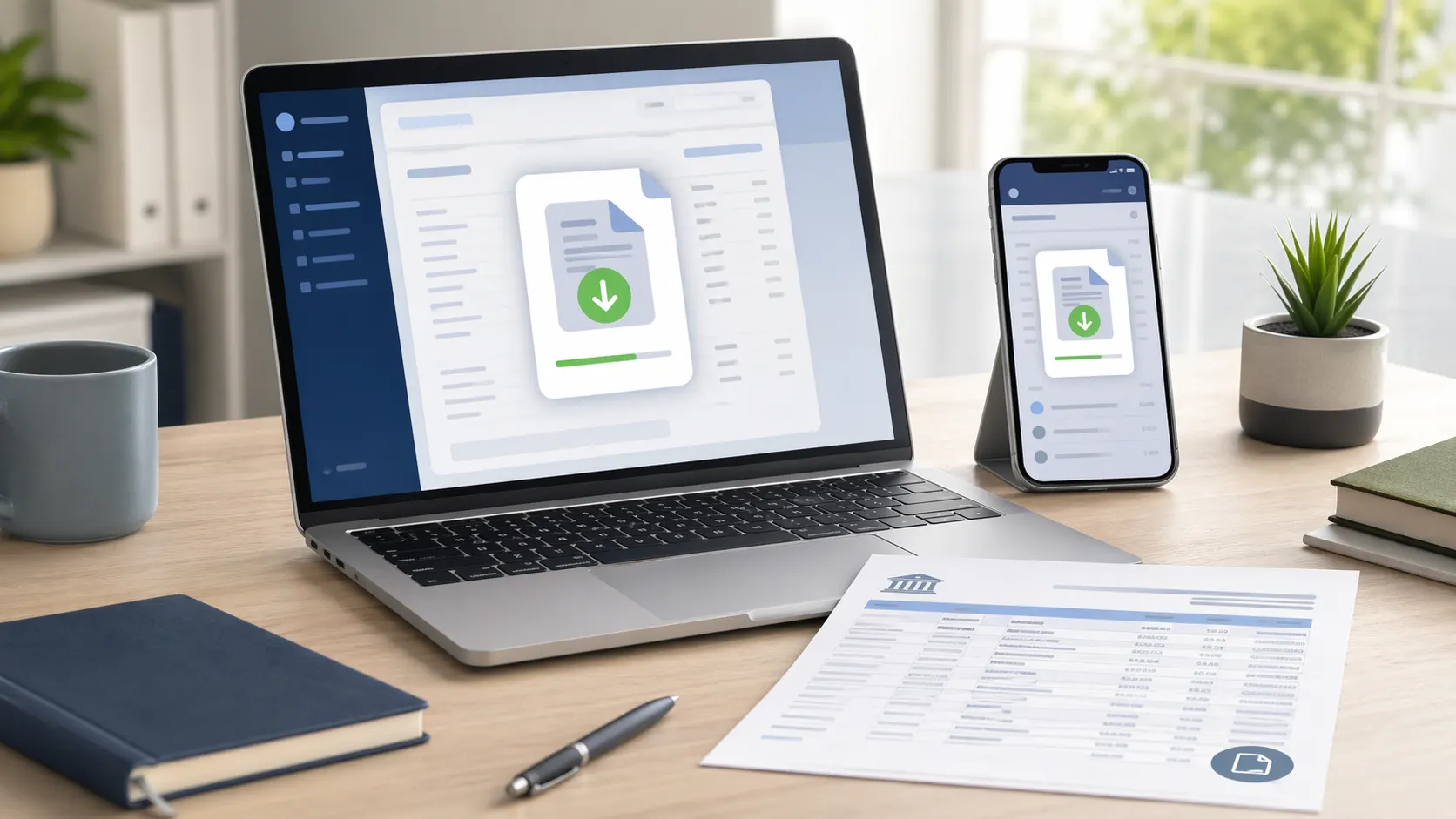
Log in to wellsfargo.com or the Wells Fargo Mobile app → select the account → click Statements & Documents → pick the period → Download PDF. Wells Fargo retains 7 years of statements online. No password required.
Wells Fargo Bank (formerly merged with Wachovia in 2008) issues a monthly PDF statement for every personal account — checking, savings, credit card, auto loan, and home mortgage. The download flow is identical across all types.
Now analyze the statement you downloaded
Upload the Wells Fargo PDF and get spending categories, income, recurring charges, and a searchable transaction list in about 30 seconds.
Method 1: wellsfargo.com (desktop)
- 1Go to wellsfargo.com and click Sign On
- 2Enter your username and password
- 3Click the account you need — checking, savings, credit card, auto loan, or mortgage
- 4Click "Statements & Documents" in the account menu
- 5Pick a statement period (up to 7 years back)
- 6Click Download PDF — the file saves to your downloads folder
Tip: Wells Fargo keeps 7 years of statements online. Great for mortgage applications that need 2 years of history or tax prep reviewing multiple years. Use the date picker to jump directly to older months rather than scrolling.
Method 2: Wells Fargo Mobile app
- 1Open the Wells Fargo Mobile app
- 2Sign in with Face ID, fingerprint, or your username
- 3Tap the account you need
- 4Tap "Statements" from the account menu
- 5Pick a statement month
- 6Tap the share icon — save as PDF to Files or share via AirDrop / email
Closed Wells Fargo account?
- Closed accounts remain visible in wellsfargo.com under "Closed accounts" for up to 7 years
- If you can't log in, call Wells Fargo at 1-800-869-3557 (1-800-TO-WELLS)
- Statements older than 7 years require a phone request and carry a per-statement fee
- Tax forms (1099-INT, 1098) remain available under Tax Forms even after account closure