APPLE.COM/BILL on Bank Statement: Every Apple Charge Explained
APPLE.COM/BILL on a bank statement means Apple charged your card for a digital purchase or subscription— App Store apps, iCloud+ storage, Apple Music, TV+, or an in-app purchase. It is Apple's official billing descriptor, not a third-party scam.
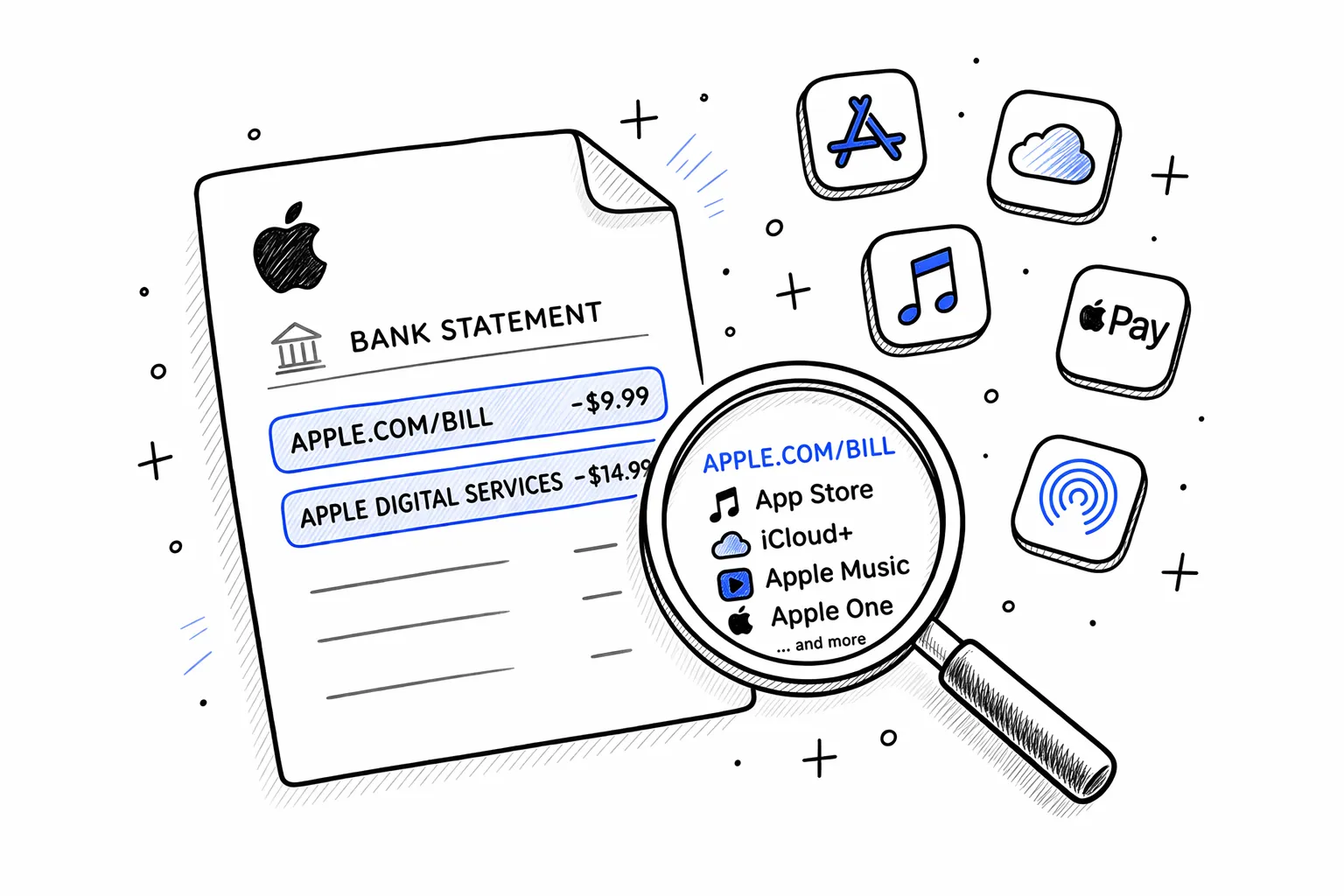
apple.com/billis Apple's standard billing descriptor. It covers App Store purchases, iCloud+ storage, Apple Music, Apple TV+, Apple Arcade, and any other subscription or digital purchase through your Apple Account. The phone number 866-712-7753 that sometimes appears is Apple's billing support line.
Free tool · no signup
Paste your exact charge to decode it
Try it with the Apple descriptor on your statement. The decoder identifies the product, category, and next step.
Descriptor explainer
Paste one raw line from the statement. This tool is for one descriptor, not the whole document.
Card purchase, bill, or outgoing movement
Looks like an Amazon retail, marketplace, Prime, digital, or Whole Foods descriptor. Common variants: AMZN MKTP, AMAZON.COM, AMZNPrime, Amazon RETA, Amazon Digital, AMZN Digital Svcs.
Best manual read from the pasted descriptor.
Pattern-match confidence, not a guarantee.
Check Amazon order history, digital orders, Prime renewals, Subscribe & Save shipments, and family member purchases.
Usually legitimate, but the underlying merchant may be hidden or abbreviated.
Every Apple charge code on bank statements
| Code | What it means | Example |
|---|---|---|
| APPLE.COM/BILL | Standard billing descriptor for most Apple purchases — App Store apps, in-app purchases, subscriptions, media | APPLE.COM/BILL 866-712-7753 CA |
| APPLE DIGITAL SERVICES | Apple digital content subscription — Apple Music, Apple TV+, Apple Arcade, Fitness+, News+, or Apple One bundle | APPLE DIGITAL SERVICES $9.99 |
| ITUNES.COM/BILL | Older billing descriptor for iTunes purchases — music, movies, TV shows, or legacy subscriptions | ITUNES.COM/BILL 866-712-7753 CA |
| APPLE.COM/US | Purchase from the Apple Online Store — hardware, accessories, or gift cards | APPLE.COM/US $1,099.00 |
| APL* ITUNES.COM/BILL | App Store purchase or subscription renewal through iTunes billing | APL* ITUNES.COM/BILL $4.99 |
| APPLE PAY CASH | Person-to-person payment sent or received via Apple Pay Cash in Messages | APPLE PAY CASH SEND $25.00 |
| APPLE STORE | In-store purchase at a physical Apple retail location | APPLE STORE #R123 $49.00 |
| APPLE CARD GSB | Apple Card payment processed by Goldman Sachs Bank — monthly payment or credit | APPLE CARD GSB PAYMENT $500.00 |
| APPLE.COM/BILL ONE | Apple One subscription bundle (Music + TV+ + Arcade + iCloud+ in one plan) | APPLE.COM/BILL ONE $19.95 |
| APPLE MEDIA SERVICES | Umbrella billing for Apple media content — similar to Apple Digital Services | APPLE MEDIA SERVICES $14.99 |
Common mystery Apple charges
How to find what Apple charged you for
See every Apple charge on your statement in one place
Upload your PDF → AI groups all Apple entries by type and flags duplicates. Free, 30 sec.
If you're reconciling your bank statement, match each apple.com/bill charge to an Apple receipt email. Apple groups multiple small purchases into a single charge on some days, so the receipt total may combine several items.
Paste the exact text from your statement into our tools — they cover thousands of merchant codes, processor labels, and subscription billing names.