How to Do a Personal Money Audit (Find $200+/Month in Hidden Savings)

A money audit is the financial equivalent of cleaning out your closet. You go through everything, keep what serves you, and get rid of what doesn't. Most people who do one find $200-400/month in spending they didn't realize they had — and don't miss when it's gone. Here's the complete process.
Step 1: Gather Your Statements
Log into your bank and download the last 1-3 months of statements as PDFs. If you have multiple bank accounts or credit cards, get statements from all of them — money you spend on a credit card is still money spent.
One month is enough for a quick audit. Three months gives you a more complete picture and smooths out one-off expenses (birthday gifts, car repair, annual subscriptions).
Step 2: Categorize Everything
This is the core of the audit. Every transaction needs a category so you can see the big picture.
Fast method: Upload your statement to free bank statement analyzer. AI categorizes every transaction in about 30 seconds — groceries, dining, subscriptions, transport, shopping, entertainment, and more. You get a visual breakdown immediately.
Manual method: Open the statement in a spreadsheet, add a category column, and tag each transaction. Takes 1-2 hours per month of statements.
Either way, the goal is the same: turn 150+ individual transactions into 10-12 category totals that you can actually analyze.
Step 3: The Subscription Purge
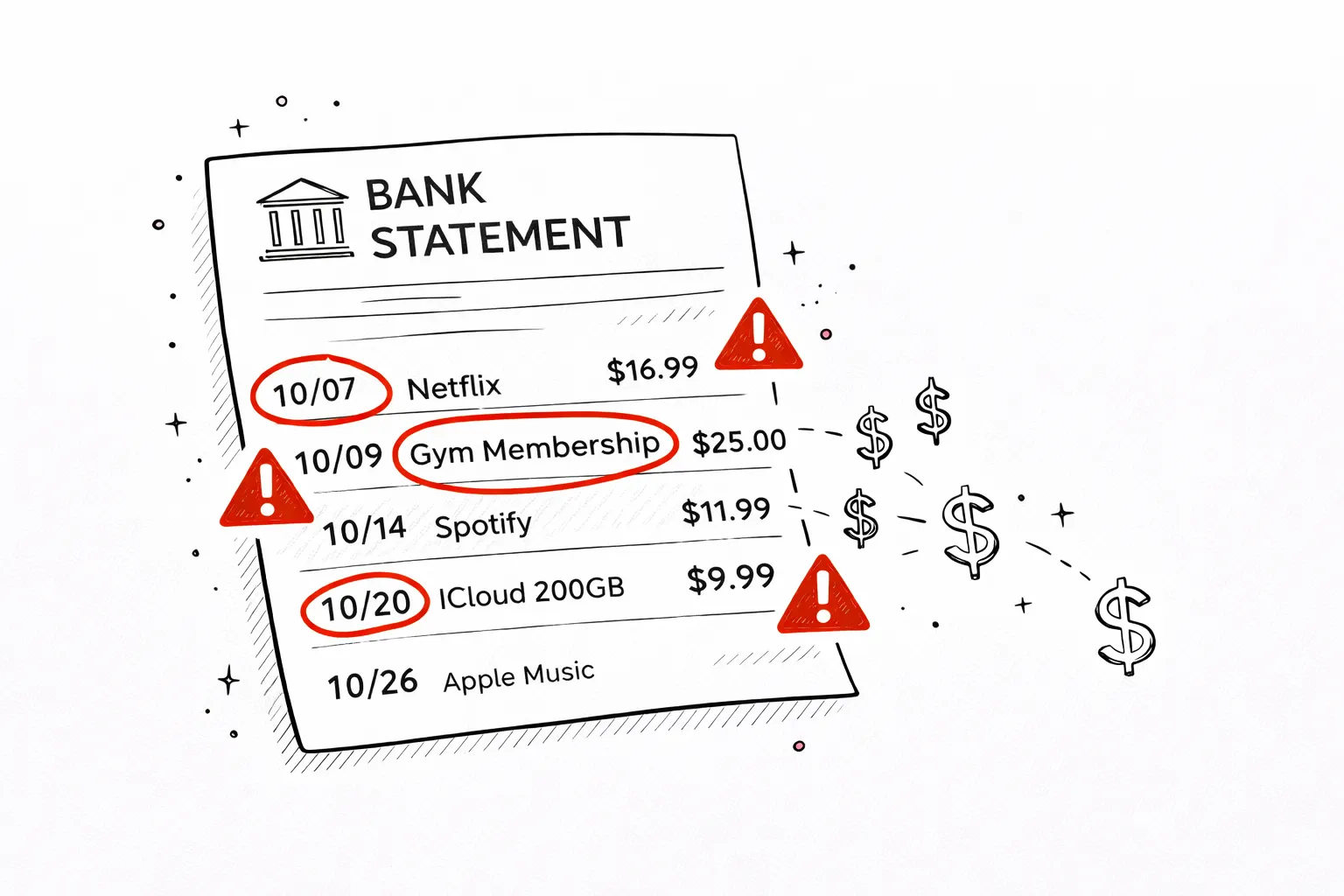
This is the highest-ROI step. Look at every recurring charge and ask one question: "Did I use this in the last 30 days?"
If no — cancel it. Right now, not later. Common finds:
- Streaming services you watch once a month (or never)
- Apps you downloaded, used once, and forgot about
- Gym memberships you haven't used since January
- Free trials that silently converted to paid
- Software you have a free alternative for
Average discovery: 3-5 subscriptions worth $40-120/month that can be cancelled immediately. See our complete subscription audit guide for the full checklist.
Step 4: Find the Spending Surprises
Look at your category totals. Which ones are higher than you expected? Common surprises:
- Dining out: People typically underestimate by 40-60%. Restaurant meals, coffee, delivery fees, and tips add up faster than groceries.
- Amazon/online shopping: Individual orders feel small. The monthly total rarely does. $300-600/month is common and almost always a surprise.
- Transport: Gas + Ubers + parking + tolls + car wash. People remember the car payment but forget everything else.
- ATM withdrawals: Cash spending is a black hole. If you withdraw $200/month at ATMs, where does that cash go? Most people genuinely don't know.
Write down the top 3 categories that surprised you. These are your biggest savings opportunities.
Step 5: Check for Silent Price Increases
Companies regularly raise prices by $1-3/month hoping you won't notice. Compare this month's amounts to what you originally signed up for:
- Netflix has raised prices 5 times since 2019 — your plan may cost $7 more than when you started
- Insurance premiums increase annually, often automatically
- Internet providers raise rates after promotional periods end
- Gym memberships add "annual maintenance fees" on top of monthly dues
When you spot increases, call the provider and ask for the original rate or a competitor-matched price. This works surprisingly often.
Step 6: Calculate Your Real Numbers
Now calculate three numbers that summarize your financial position:
Step 7: Make 3 Changes (Not 30)
The biggest money audit mistake: trying to fix everything at once. You identify $400/month in potential savings and try to cut all of it immediately. By week 3, you're exhausted and back to old habits.
Instead, pick exactly 3 changes:
- One instant win — cancel a subscription right now. Takes 2 minutes, saves money immediately.
- One spending reduction — reduce your top surprise category by 20%. Not 50%, not zero — just 20%.
- One automation — set up an automatic transfer to savings on payday. Even $50/month starts the habit.
Stick with these 3 changes for a month. Then do another quick audit and pick 3 more. Compound improvements over 6 months beat a dramatic overhaul that lasts 2 weeks.
Your Audit Starts Now
The hardest part of a money audit is starting. Right now, you can download your bank statement and have a complete spending picture in under a minute. Everything else — the subscriptions to cancel, the spending to reduce, the savings to automate — follows naturally from seeing the data.
Frequently Asked Questions
What is a personal money audit?
A money audit is a thorough review of all your income, expenses, subscriptions, debts, and savings — usually based on 1-3 months of bank statements. The goal is to find waste, spot patterns, and identify opportunities to save or redirect money.
How long does a money audit take?
A quick audit (upload bank statement, review categories) takes 5-10 minutes. A thorough audit (reviewing 3 months, checking all accounts, negotiating bills) takes 2-3 hours but can save you $200-500/month.
How often should I do a money audit?
A quick audit monthly (5 minutes reviewing your statement). A deep audit quarterly or after major life changes (new job, move, marriage, baby).
What do I need for a money audit?
Your last 1-3 months of bank statements (PDF from your bank), a list of debts and balances, and your savings/investment account balances. That's it.
What do most people find during a money audit?
The most common discoveries: forgotten subscriptions ($50-150/month), higher-than-expected dining spending, silent price increases on services, unnecessary insurance add-ons, and duplicate services (paying for two streaming or cloud storage plans).
Free tool · 30 seconds · No signup
Start your money audit in 30 seconds
Upload your bank statement PDF — AI categorizes every transaction, detects subscriptions, and shows you where the waste is. Free, no account needed.
Better fit for this topic