Analyze your statement
Upload a PDF to see categories, charts, subscriptions, and CSV export in one report.
No signup · deleted after analysis
Bank Statement Guide
Bank statement template: what every field means
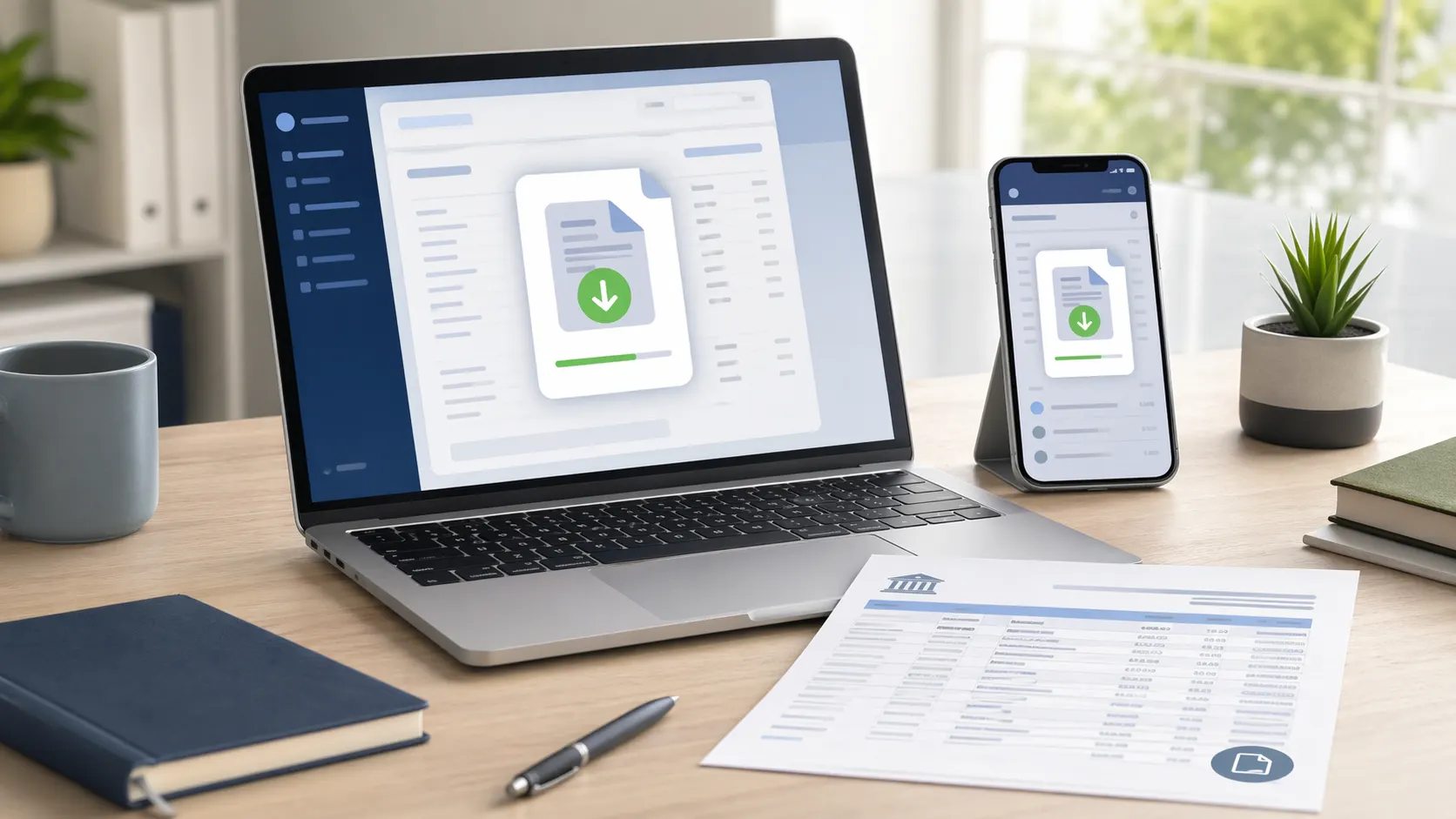
Bank statements follow the same structure across every bank — account details in the header, a transaction table in the middle, and a balance summary. Here is what every field contains and where to find it.
The three sections of a bank statement
Header section
Contains your personal account details — name, account number, sort code or routing number, and the statement period (the date range covered). The bank's own name, address, and logo appear here too.
Transaction table
Lists every posted transaction in chronological order. Each row shows the date, a description or narrative, the amount debited or credited, and your running balance after that transaction.
Summary section
Shows your opening balance (balance at the start of the period), total money in, total money out, and closing balance (balance at the end of the period). Used to quickly verify the period at a glance.
Official bank statement fields
Every field you will find on an official bank statement, where it appears, and what it contains.
| Field | What it contains |
|---|---|
| Account holder name | The full legal name registered to the account. For joint accounts, both names appear. |
| Account number | Your unique account identifier, typically 8 digits (UK) or varies by bank (US). Often partially masked for security. |
| Sort code / routing number | UK: 6-digit sort code identifying your bank branch. US: 9-digit ABA routing number identifying the bank. Used for transfers. |
| IBAN / SWIFT | International Bank Account Number (IBAN) for international transfers. SWIFT/BIC code identifies the bank globally. More common on European statements. |
| Statement period | The date range covered by the statement — typically a calendar month (e.g. 1 March – 31 March 2026). Annual statements cover a full tax year. |
| Opening balance | The account balance at the start of the statement period. Matches the closing balance from the previous month's statement. |
| Date | The date each transaction posted to the account. May differ from the date you made the purchase (pending lag). |
| Description / narrative | The merchant name, reference, or transfer description. Often shows billing descriptor rather than the brand name you recognise. |
| Money out (debits) | Amounts leaving the account — purchases, direct debits, standing orders, cash withdrawals, bank charges. |
| Money in (credits) | Amounts entering the account — salary, transfers, refunds, interest, benefit payments. |
| Running balance | The account balance after each transaction. Lets you trace exactly when the balance changed. |
| Closing balance | The account balance at the end of the statement period. Becomes the opening balance for the following month. |
| Bank name and address | The official name and registered address of the bank. Required for use as proof of address or in legal proceedings. |
| Statement number / reference | A unique identifier for this specific statement. Useful when referencing a statement with your bank or in dispute correspondence. |
Why banks do not use a standard template
Financial regulators require banks to include certain information on statements — your name, account details, all transactions, and balances — but they do not mandate a specific layout or format. Each bank designs its own template.
This is why a Barclays statement looks different from a Chase statement, which looks different from a Bank of America statement. The column order, terminology (some say "debit" and "credit", others say "money out" and "money in"), date format, and visual design all vary.
It also means AI tools that analyze bank statements — like ours — are built to handle dozens of formats from banks worldwide. The underlying data structure is the same even when the layout differs.
How to get your actual bank statement
Online banking
Log in to your bank's website and navigate to statements or documents. Most banks let you download up to 7 years of PDF statements instantly.
Mobile banking app
Open your bank's app, find the account, and look for 'Statements' or 'Documents'. Many apps let you download or share PDF statements directly.
Telephone banking
Call the number on the back of your card and request a printed statement by post. This typically takes 5–7 business days and may incur a fee.
Branch visit
Visit a branch in person with ID. Staff can print a statement on the spot or arrange a certified copy if required for legal or official purposes.
Postal statement
If you have opted in to paper statements, your bank mails a printed statement each month. Contact your bank to restart paper statements if you switched to paperless.
Warning: using fake bank statement templates is fraud
Creating, altering, or submitting a fabricated bank statement — even using a template "for demonstration purposes" — is a criminal offence in most countries. This includes:
- •Using a fake statement in a loan or mortgage application
- •Altering genuine statements to change balances or transactions
- •Submitting fabricated statements for visa applications
- •Using templates to create statements for rental applications
See our full guide on fake bank statement consequences for the legal penalties involved.
Understanding what is on your statement
Even with a clear template in mind, bank statement descriptions can be difficult to read. Transactions often show billing descriptor codes rather than the business name you recognise — "AMZN Mktp US" instead of "Amazon", or "SQ *COFFEESHOP" instead of the café name.
For a full walkthrough of how to read a bank statement, see our guide on reading bank statements. For unknown charges specifically, the POS and billing descriptor guide explains common prefixes.
Understand your actual bank statement in 30 seconds
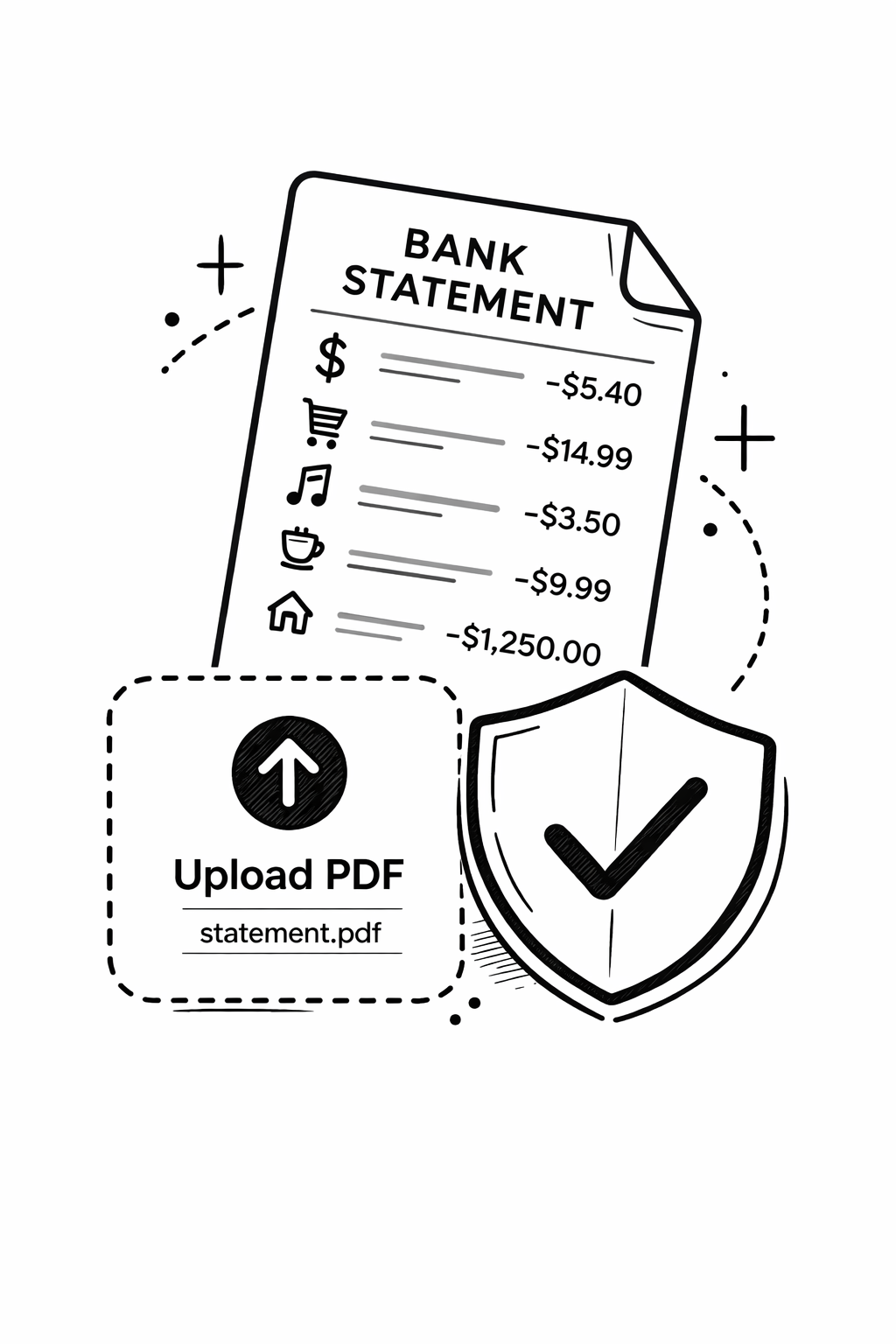
Upload your PDF and AI reads every transaction, categorizes spending, and shows you a clear breakdown — no template needed. Free, no account needed.
Analyze my statement free →Free tool · 30 seconds · No signup
Understand your actual bank statement in 30 seconds
Upload your PDF and AI reads every transaction, categorizes spending, and shows you a clear breakdown — no template needed. Free, no account needed.
Common questions
What is a bank statement template?
A bank statement template is a layout showing the standard fields a bank statement contains — account details in the header, a transaction table with dates, descriptions, and amounts, and a summary section with opening and closing balances. Banks do not use a universal template; each bank has its own design, but all official statements contain the same core fields.
What information is on a bank statement?
A bank statement contains: your name and account number, the statement period, opening and closing balances, and a transaction table listing every posted transaction with the date, description, amount, and running balance. Many statements also show your sort code or routing number, IBAN, and the bank's registered address.
Do all banks use the same bank statement format?
No. Each bank designs its own statement layout, which is why there is no single universal template. The core information — account details, transaction table, balances — is the same across all banks because it is required by financial regulators. But the visual layout, column order, and terminology differ. HSBC, Barclays, Chase, and Bank of America all use different formats.
Can I use a bank statement template to create my own statement?
No. Creating or altering a bank statement — even using it as a sample or for demonstration purposes — constitutes fraud in most jurisdictions. An official bank statement must come directly from your bank. If you need a statement for a loan, rental application, visa, or court proceeding, only an original or certified statement from your bank is acceptable.
How do I get a copy of my bank statement?
The fastest way is to download a PDF from your bank's online banking website or mobile app. Most banks hold up to 7 years of statements available for instant download. If you need a certified or original copy, visit a branch or call telephone banking. Printed statements can also be requested by post.
What is the difference between a transaction date and a posting date on a bank statement?
The transaction date is when you made the purchase or initiated the transfer. The posting date is when the transaction settled and was recorded on your account — this is the date shown on your bank statement. The two dates usually differ by 1–3 business days for card purchases and can differ by more for international transfers or cheques.