How to Download a Citibank Statement PDF
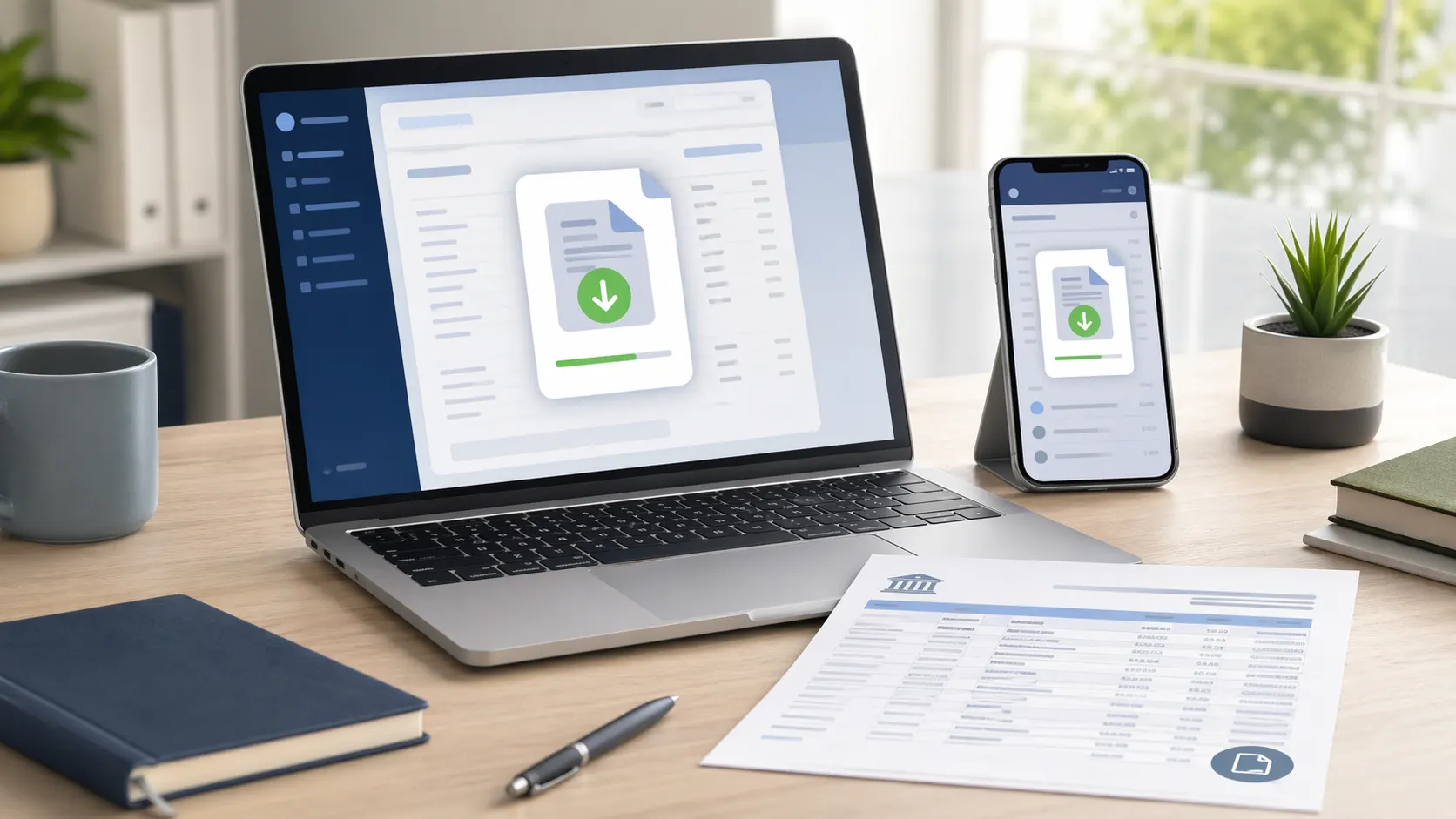
Log in to citibank.com or the Citi Mobile app → select the account → click Statements & Documents → pick the billing cycle → Download PDF. Citi retains 7+ years of statements online. No password for US accounts.
Citibank issues a monthly PDF statement for every checking, savings, and credit card account. The same flow works for regular and premium accounts (Citigold, Priority, Private Bank). Here are the exact steps.
Method 1: citibank.com (desktop)
- 1Go to citibank.com and click Sign On
- 2Enter your Citi User ID and password (or use the Citi Authentication device if enabled)
- 3Click the checking, savings, or credit card account you need
- 4Click "Statements & Documents" in the account menu
- 5Pick the statement period you need
- 6Click Download PDF — the file saves to your downloads folder
Method 2: Citi Mobile app
- 1Open the Citi Mobile app on iPhone or Android
- 2Sign in with Face ID, fingerprint, or your Citi User ID
- 3Tap the account you need
- 4Tap "Statements" from the account menu
- 5Pick a statement month
- 6Tap the download icon — share via AirDrop, email, or save to your device
If your Citibank PDF is password protected
US Citibank statements downloaded from citibank.com or the Citi Mobile app are not password protected. Password-protected e-statements only occur for some Citi international accounts (India, Hong Kong, UAE) sent by email.
The default password for Citi international e-statements is usually:
If the default format doesn't work, call the Citi support number printed on the statement cover email, or use the regional support: India 1860-210-2484, Hong Kong +852 2860 0333, UAE 800-2484.
Closed Citibank account?
- Log in to citibank.com with your existing Citi User ID — closed accounts typically still show under "My Accounts" with Statements & Documents access for up to 7 years
- If you've lost access, call Citi at 1-800-374-9700 to request historical statements by email or mail
- For statements older than 7 years, Citi charges a fee per statement and delivery takes 3–5 business days