← Back to blogReference
OnlyFans on Bank Statement: Billing Names Explained
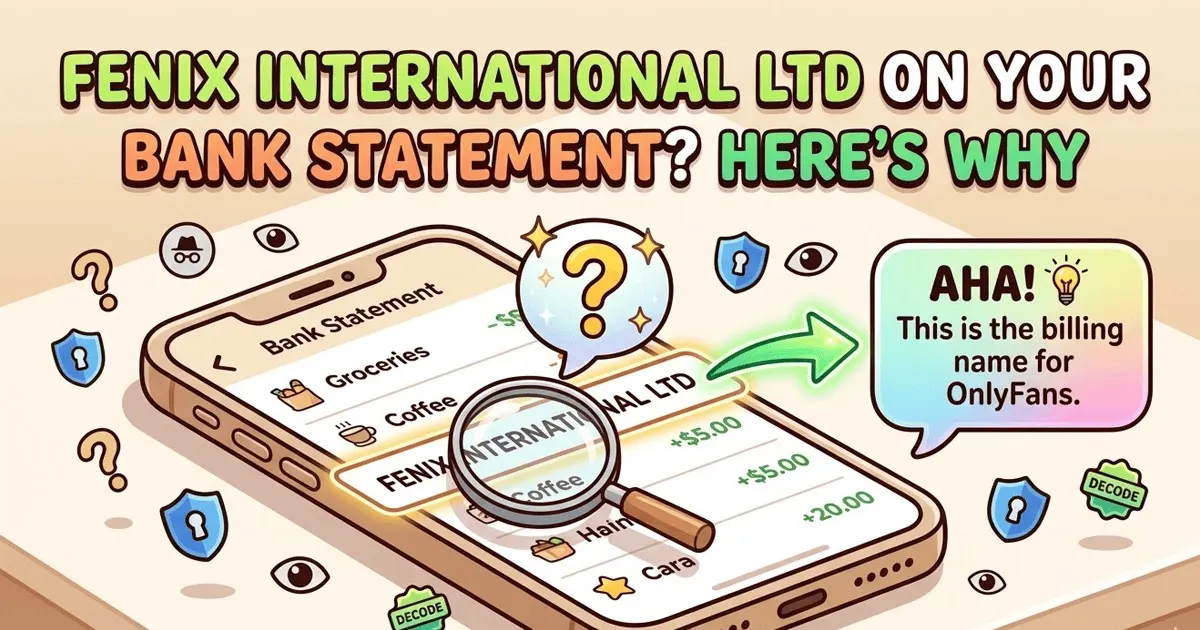
OnlyFans on a bank statement usually shows as ONLYFANS.COM or ONLYFANS — not the word "OnlyFans" spelled out plainly. Some banks list Fenix International Ltd (the UK parent company). Your bank cannot see which creator you subscribed to — only the platform and amount.
March 13, 2026 · 5 min read
Quick answer
OnlyFans shows up as "ONLYFANS" or "ONLYFANS.COM" on most bank statements. At some banks it appears as "FENIX INTERNATIONAL LTD" — the UK-registered parent company. Either way, your bank cannot see which creator you subscribed to — only the platform name and amount.
How OnlyFans appears at each major bank
The exact billing name depends on your bank's formatting rules and which payment processor OnlyFans used for your transaction. Here's what to look for at each major US bank:
| Bank | What you'll see | Notes |
|---|
| Chase | ONLYFANS.COM | Most common. Shows the website name directly. |
| Bank of America | ONLYFANS* or FENIX INTL LTD | May alternate between display name and parent company. |
| Wells Fargo | ONLYFANS.COM | Appears with the full domain. |
| Citibank | FENIX INTERNATIONAL LTD | Often shows the UK parent company name. |
| Capital One | ONLYFANS | Short form without the domain suffix. |
| US Bank | ONLYFANS.COM | Domain format, similar to Chase. |
| TD Bank | ONLYFANS* or FENIX INTL | Varies by transaction type. |
| Chime | ONLYFANS.COM | Shows merchant name directly. |
| SoFi | ONLYFANS | Short form. |
| PayPal (via OF) | PAYPAL *ONLYFANS or PP*ONLYFANS | If payment is routed through PayPal. |
What is "Fenix International Ltd" on your bank statement?
Fenix International Limited is the official registered business name of the company that owns and operates OnlyFans. The company is incorporated in the United Kingdom and processes all platform billing under this legal entity.
You may see this name appear instead of "OnlyFans" because some banks display the legal merchant name from the payment network rather than the brand name. This is common at Citibank, Bank of America, and some credit unions.
The key detail: if you see FENIX INTERNATIONAL, FENIX INTL LTD, or any variation, it is an OnlyFans charge. There is no other consumer-facing platform that commonly bills under this name.
What your bank can — and cannot — see
This is the most common concern people have. Here's the precise breakdown of what shows on your statement versus what stays private:
👁️Visible on statement: The merchant name (OnlyFans or Fenix International Ltd)
👁️Visible on statement: The transaction amount
👁️Visible on statement: The transaction date
👁️Visible on statement: The transaction type (e.g. subscription, tip, PPV purchase)
🔒Not visible: Which creator you subscribed to or tipped
🔒Not visible: Any content you accessed or purchased
🔒Not visible: Your OnlyFans username or account details
🔒Not visible: Any messages or interactions on the platform
How OnlyFans billing works
Understanding the billing structure helps explain why multiple charges from OnlyFans can appear on a single statement:
Monthly subscription
Charged on the same date each month for each creator you follow. Each subscription is a separate charge, so subscribing to 3 creators means 3 separate line items on your statement.
Tips
One-time charges that appear immediately. They show the same merchant name (ONLYFANS or FENIX INTL) with no additional detail identifying who received the tip.
Pay-per-view (PPV) content
One-time purchases of locked content. Billed as a single transaction with no content description visible to your bank.
Currency conversion
If you're billed in a currency other than USD, your bank may add a foreign transaction fee. OnlyFans operates in USD but the UK entity means some banks flag it as international.
What to do if you see an OnlyFans charge you didn't make
1
Check if someone else used your card
If you share a bank account or a family member has access to your card details, they may have made the purchase. Before disputing, confirm no authorized user made the charge.
2
Check your own OnlyFans account
If you've ever had an OnlyFans account — even one you forgot about — log in and check for active subscriptions. It's possible an old subscription auto-renewed without you realizing.
3
Check for free trial conversions
Some creator accounts offer free trials that convert to paid subscriptions. If you signed up for a free trial and didn't cancel before it ended, it will show as a charge.
4
Contact OnlyFans support first
Go to onlyfans.com/support. For most billing disputes, they can identify the charge quickly and issue a refund faster than going through your bank. Include the transaction date and amount.
5
Dispute with your bank if needed
If OnlyFans support doesn't resolve it, contact your bank to dispute the charge. For debit cards, you have 60 days under Regulation E. For credit cards, you have 60 days under the Fair Credit Billing Act. Your bank will issue a provisional credit while investigating.
How to cancel OnlyFans and stop charges
Unlike Netflix or Spotify, OnlyFans subscriptions are per-creator — there is no single "cancel all" button. You must cancel each subscription individually:
- Log into your OnlyFans account at onlyfans.com
- Go to your Subscriptions page (the bookmark icon in the sidebar)
- Click on each active subscription
- Turn off the 'Auto-Renew' toggle for each one
- Repeat for every creator you're subscribed to
To remove your payment method entirely, go to Settings > Add Card and delete the saved card. This prevents any future charges even if you forget to cancel individual subscriptions.
Cancelling does not issue a refund for the current billing period. Your access continues until the subscription end date, and no further charges occur after that.
Does OnlyFans show up on joint or shared accounts?
If you have a joint bank account or share a credit card, anyone who can access the account statements will see the charge. The billing name (ONLYFANS or FENIX INTERNATIONAL) will appear just like any other merchant purchase.
If privacy is a concern on a shared account, the most reliable approach is to use a payment method that's not shared — such as a prepaid card, a personal credit card, or a digital wallet like PayPal or Cash App that routes the charge through that platform's name instead.
Note on using PayPal
Paying through PayPal shows "PAYPAL *ONLYFANS" or "PP*ONLYFANS" on your statement — still clearly identifiable as OnlyFans. Using a prepaid Visa gift card is the only method that fully obscures the merchant from a shared statement, but these are single-use and can't be set up for recurring billing.
OnlyFans vs. other subscription billing names
Similar adult content platforms bill under different names. Here's how to tell them apart:
| Platform | Bank statement name | Parent company |
|---|
| OnlyFans | ONLYFANS or FENIX INTL LTD | Fenix International Ltd (UK) |
| Fansly | FANSLY or SELECT MEDIA LLC | Select Media LLC (US) |
| Patreon | PATREON* [CREATOR NAME] | Patreon Inc (US) |
| Substack | SUBSTACK or SUBSTACK INC | Substack Inc (US) |
| ManyVids | MANYVIDS or MV COMMERCE INC | MV Commerce Inc (CA) |
Decode another line on your statement
Paste the exact descriptor into our free lookup — or upload the full PDF to label every charge automatically.
Frequently asked questions
What does OnlyFans show up as on a bank statement?
OnlyFans most commonly appears as 'ONLYFANS' or 'ONLYFANS.COM' on bank statements. At some banks — particularly Citibank and Bank of America — it may show as 'FENIX INTERNATIONAL LTD' or 'FENIX INTL LTD', which is the legal name of the UK-based parent company that operates OnlyFans.
What is Fenix International Ltd on my bank statement?
Fenix International Limited is the registered company name behind OnlyFans. The platform is headquartered in London, UK, and all billing is processed through this entity. If you see 'FENIX INTERNATIONAL' or 'FENIX INTL' on your statement, it is an OnlyFans charge.
Does OnlyFans show the creator's name on your bank statement?
No. Your bank statement will never show the name of the individual creator you subscribed to or tipped. It will only show the platform name — OnlyFans or Fenix International — plus the transaction amount and date. Creator names are not visible to your bank or on your statement.
Can my bank see what I purchased on OnlyFans?
No. Your bank only sees that a payment was made to OnlyFans (the platform) for a specific dollar amount on a specific date. They cannot see which creator you subscribed to, what content you accessed, or any other account details. OnlyFans charges are indistinguishable from any other subscription purchase from your bank's perspective.
How do I cancel OnlyFans so it stops appearing on my statement?
Log into your OnlyFans account, go to Settings > Subscription, and turn off auto-renew for each creator subscription individually. You can also go to Add Card > Billing and remove your payment method. Note that cancelling stops future charges but does not issue a refund for the current billing period.
I see an OnlyFans charge I didn't authorize — what should I do?
First, check if any family member or person with access to your card may have made the purchase. If you're certain it's unauthorized, contact your bank immediately to dispute the transaction. Under Regulation E (for debit cards) and the Fair Credit Billing Act (for credit cards), you are protected against unauthorized charges. Your bank will investigate and typically issue a provisional credit while they resolve it.
Does OnlyFans show on a credit card statement differently than a debit card?
The merchant name ('ONLYFANS' or 'FENIX INTERNATIONAL') is the same regardless of whether you used a debit or credit card. The difference is in the transaction type prefix — debit cards may show 'POS PURCHASE ONLYFANS' while credit card statements typically show just 'ONLYFANS.COM' as the merchant name.
Decoding every line on your statement by hand is slow. A
bank statement analyzer reads the whole PDF in 30 seconds and labels every merchant automatically.
Other mystery charges explained