Analyze your bank statement

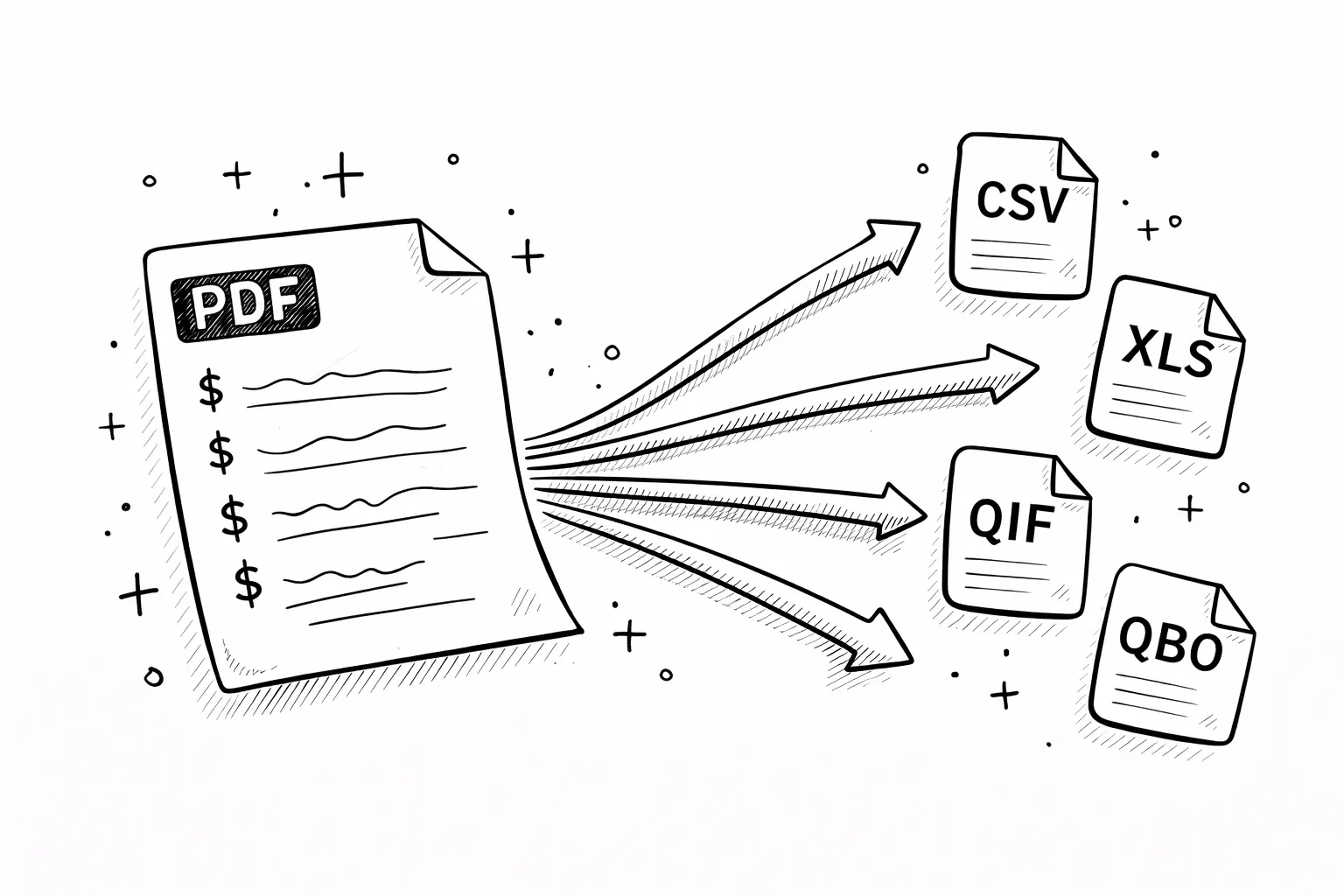
Upload PDF → see categorized spending, charts, subscriptions, and export to CSV. Free, 30 sec.

AI categorization
Spending charts
CSV & Excel export
Private & encrypted
Upload your PDF free →

No signup · deleted after analysis

← Back to blog
Reference

Zelle on a Bank Statement

You see "ZELLE PAYMENT TO," "ZELLE TRANSFER," or "ZELLE FROM" on your statement. Here is how to decode every Zelle descriptor, find the recipient, and what to do if the transfer was not authorized.
April 20, 2026 · 5 min read
Quick answer

ZELLE on your bank statement is a real-time bank-to-bank transfer sent or received using the Zelle network. The recipient or sender name usually follows TO or FROM. Zelle transfers settle instantly and cannot be reversed by your bank once the recipient is enrolled — so unauthorized Zelle activity needs urgent action.

Free tool · no signup

Paste your exact Zelle descriptor

The decoder identifies the recipient and next steps — including whether you can dispute.

Descriptor explainer

Paste one raw line from the statement. This tool is for one descriptor, not the whole document.

Card purchase, bill, or outgoing movement

Likely source
Amazon or Whole Foods

Looks like an Amazon retail, marketplace, Prime, digital, or Whole Foods descriptor. Common variants: AMZN MKTP, AMAZON.COM, AMZNPrime, Amazon RETA, Amazon Digital, AMZN Digital Svcs.

Likely category
Shopping

Best manual read from the pasted descriptor.

Confidence
High match

Pattern-match confidence, not a guarantee.

What to do next

Check Amazon order history, digital orders, Prime renewals, Subscribe & Save shipments, and family member purchases.

Usually legitimate, but the underlying merchant may be hidden or abbreviated.

What is Zelle?

Zelle is a real-time payment network owned by a consortium of major U.S. banks (Chase, Bank of America, Wells Fargo, and others). When you send money through Zelle, the funds move directly between bank accounts in minutes, with no intermediate balance held anywhere.

Because Zelle is built into your bank's app rather than a separate service, Zelle activity appears alongside regular transactions on your bank statement. The bank typically labels it with "ZELLE" plus the counterparty's name or enrolled email or phone number.

Zelle codes on bank statements — what each one means

Code on statementWhat it meansExample
ZELLE PAYMENT TO [NAME]Money you sent through Zelle to a contact — enrolled email or phone number shown after TOZELLE PAYMENT TO JOHN DOE 03/14
ZELLE PAYMENT FROM [NAME]Money received via Zelle — this is a credit, not a charge. Sender's name or enrolled contact shownZELLE PAYMENT FROM ACME CO 03/14
ZELLE TRANSFERGeneric Zelle debit descriptor used by some banks when the enrolled contact is not capturedZELLE TRANSFER CONF#88291
ZELLE CHASE QUICKPAYZelle transfer through Chase QuickPay — same Zelle network, Chase-specific descriptorZELLE CHASE QUICKPAY 03/14
ZELLE BUSINESS PAYMENTZelle payment to or from a business — same rail, with a business identifierZELLE BUSINESS PAYMENT TO PLUMBER INC

What to do if you don't recognize a Zelle charge

1
Open your bank app and find Zelle activity
Every bank that offers Zelle has a Send & Receive Money or Zelle Activity tab with a full history — recipient, email or phone, date, and confirmation number.
2
Match the amount and date to the bank statement
Find the Zelle row that matches. The recipient's enrolled contact tells you who got the money.
3
Call your bank immediately if unauthorized
Zelle transfers settle instantly and cannot be reversed by the bank once claimed. Unauthorized transfers need to be reported within hours to maximize the chance of recovery under Regulation E.
4
Ask the recipient to send it back
If you sent to the wrong contact, contact the recipient through Zelle and request they return the money. There is no automatic reversal — it depends on their cooperation.
5
File a written dispute within 60 days
For unauthorized transfers, send your bank a written Regulation E dispute within 60 days of the statement date. Change your online banking password and enable two-factor authentication.

Free tool · 30 seconds · No signup

Upload a statement.
See where every dollar goes.

AI reads your bank PDF, categorizes every transaction, finds subscriptions you forgot about, and exports everything to CSV.

Frequently asked questions

What does ZELLE mean on my bank statement?
A ZELLE line on your bank statement means a real-time bank-to-bank transfer was sent or received using the Zelle network. Unlike Venmo or Cash App, Zelle transfers settle directly between bank accounts — there is no Zelle balance. The recipient or sender name appears on the statement after TO or FROM.
Why do I have a Zelle charge I do not recognize?
Three common causes: you sent money to the wrong enrolled email or phone number; someone with access to your online banking sent a Zelle payment; or your account was compromised. Because Zelle posts instantly and is considered an authorized transfer, unrecognized Zelle payments need urgent attention — call your bank immediately.
Can I get back a Zelle payment I sent by mistake?
Usually no. Zelle transfers settle immediately and cannot be reversed by your bank if the recipient is already enrolled. Your only path is to ask the recipient to voluntarily send the money back. If the recipient is not enrolled and does not claim the payment within 14 days, the payment auto-reverses to your account.
Can I dispute an unauthorized Zelle transfer?
You have rights under Regulation E for unauthorized transfers — meaning a transaction you did not authorize at all, not a scam where you were tricked into sending. Contact your bank right away, say the transfer was unauthorized, and file a written dispute within 60 days of the statement date. Scam disputes (where you authorized the transfer but were deceived) are harder and often not refunded.
How do I find who I paid through Zelle?
Log into your online banking and open the Zelle history section — most banks have a Send & Receive Money or Zelle Activity tab. Each row shows the recipient's enrolled email or phone number, the amount, and a confirmation number. Match the amount and date on your bank statement to identify the recipient.
Is there a Zelle account I can log into?
No — there is no standalone Zelle account. Zelle lives inside your bank's app or online banking. All Zelle activity, contacts, and limits are managed through whichever bank you enrolled with (Chase, Bank of America, Wells Fargo, etc.). The zellepay.com website only supports non-bank enrollment for smaller banks and credit unions.
Why does Zelle appear on my statement when I never use it?
Either someone with your online banking credentials sent a Zelle payment, or a fraudster tricked you or a family member into authorizing one. Call your bank immediately, request a fraud investigation, change your online banking password and security questions, and enable two-factor authentication. File an FTC report at reportfraud.ftc.gov.
Other mystery charges explained
Amazon chargesApple.com/billNetflix / 121 Albright WaySP SpotifyUber / Uber EatsGoogle / 1600 AmphitheatreMSFT (Microsoft)POS chargesComenity PayTPG ProductsWMT Plus (Walmart)SQ (Square)
Continue readingView all posts →
Reference3 min read
What Is Teller Transaction Credit on a Bank Statement?
Teller transaction credit means a deposit made at a bank teller — mostly on Bank of America statements. How it differs from counter credit.
Reference5 min read
Apple.com/bill on Bank Statement — Every Apple Charge Explained
APPLE.COM/BILL, Apple Digital Services, iTunes.com/bill — every Apple billing code decoded with examples.
Reference5 min read
Google Charge on Bank Statement — 1600 Amphitheatre Parkway Explained
GOOGLE *SERVICES, GP PAYMENTS, 1600 AMPHITHEATRE PKWY — every Google billing code explained.