PDF to Excel converter
PDF to Excel
Upload a bank statement PDF — get a clean spreadsheet with AI categories in 30 seconds .
What the Excel export looks like
A clean 4-column spreadsheet — opens instantly in Excel, Google Sheets, or Numbers. Every transaction categorized by AI.
Why us
Not just a PDF converter — a bank statement parser
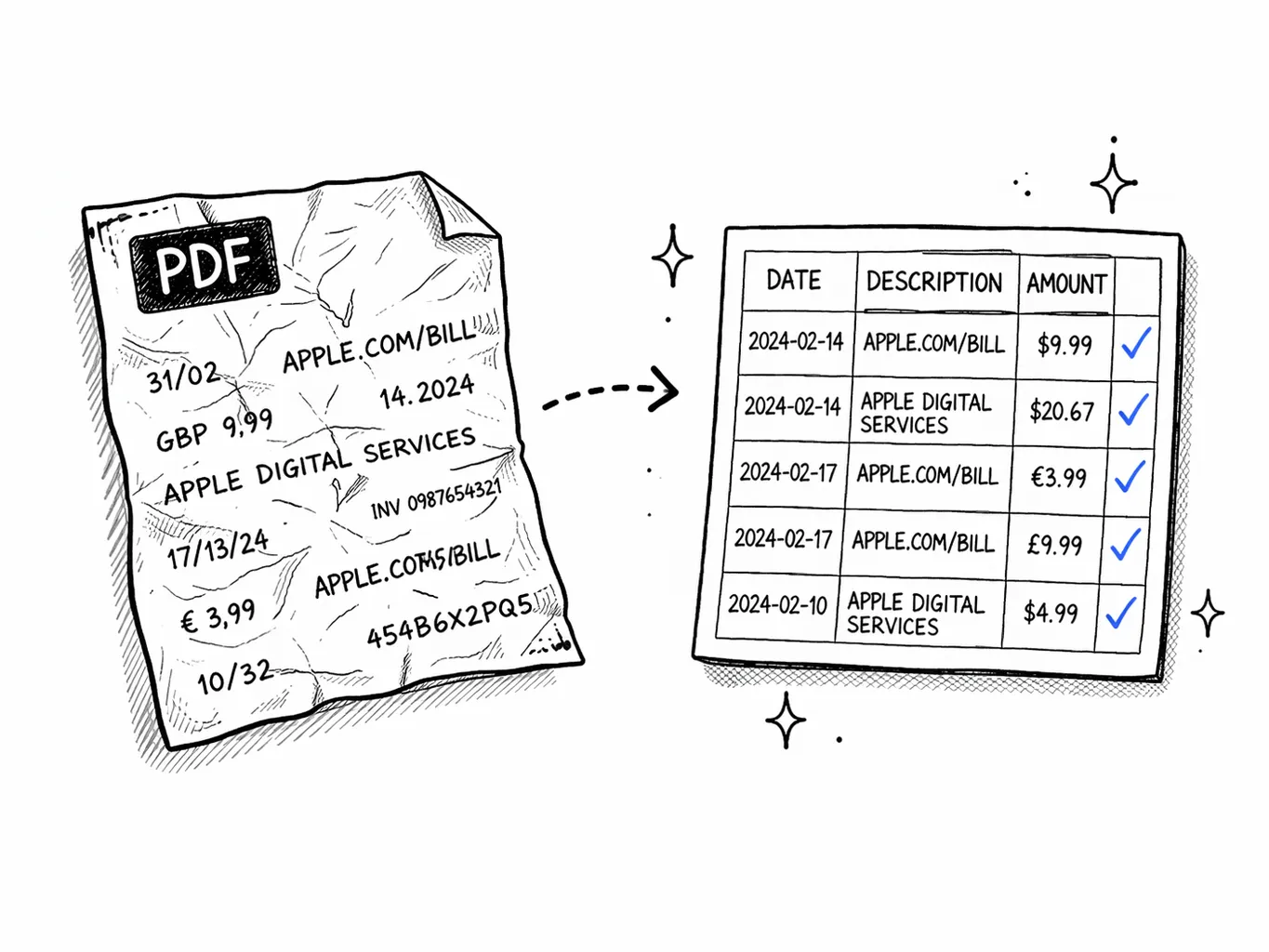
Built for bank statements
From messy PDF to clean spreadsheet
Generic PDF-to-Excel tools dump raw text into cells with no structure — dates and amounts jumbled together, headers repeated as data rows, running balances counted as transactions.
Our converter understands bank statement layouts. It identifies each transaction, normalizes dates, merges split debit/credit columns into signed amounts, and assigns one of 19 spending categories with AI.
Why bank PDFs need a specialized converter
Bank statement PDFs are harder to parse than you'd think. Here's what generic converters get wrong.
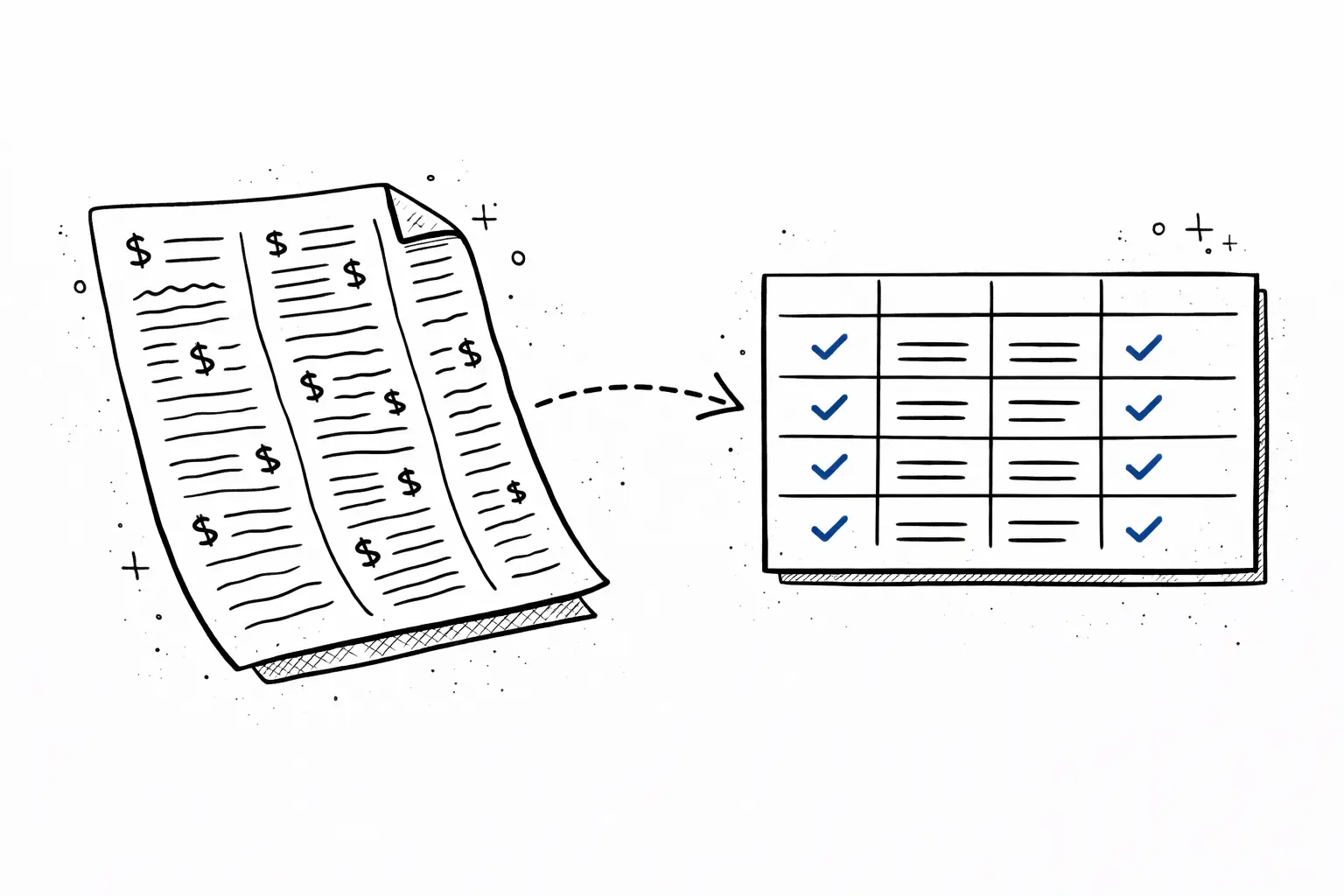
Multi-column layouts
Banks print transactions in 3–5 column tables. Generic converters lose the relationship between date, description, and amount.
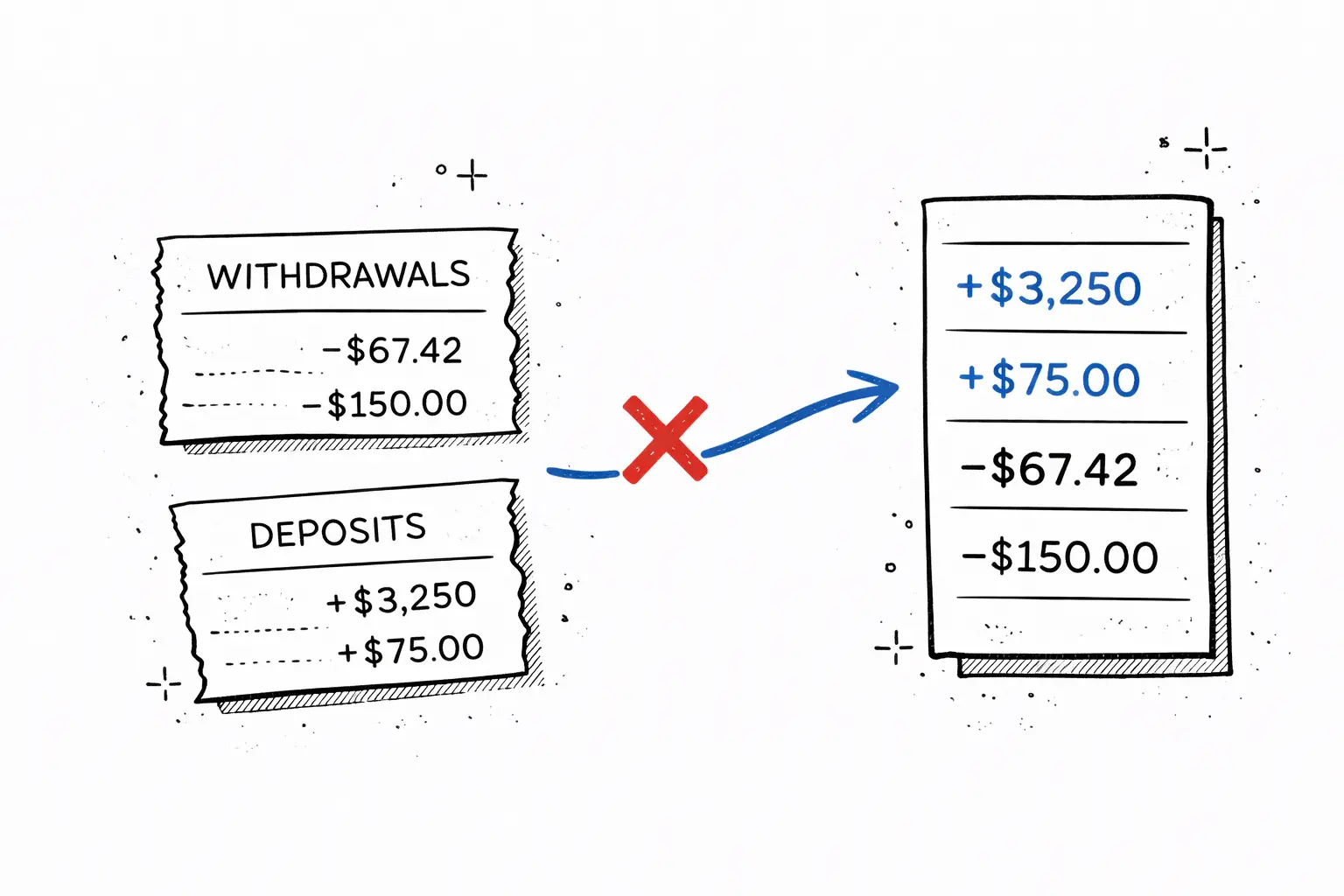
Split debit/credit columns
Wells Fargo and BofA put withdrawals and deposits in separate columns. Standard converters can't merge these into signed amounts.

Scanned image PDFs
Paper statements become image PDFs with no extractable text. Generic converters return empty spreadsheets. Our OCR reads them.
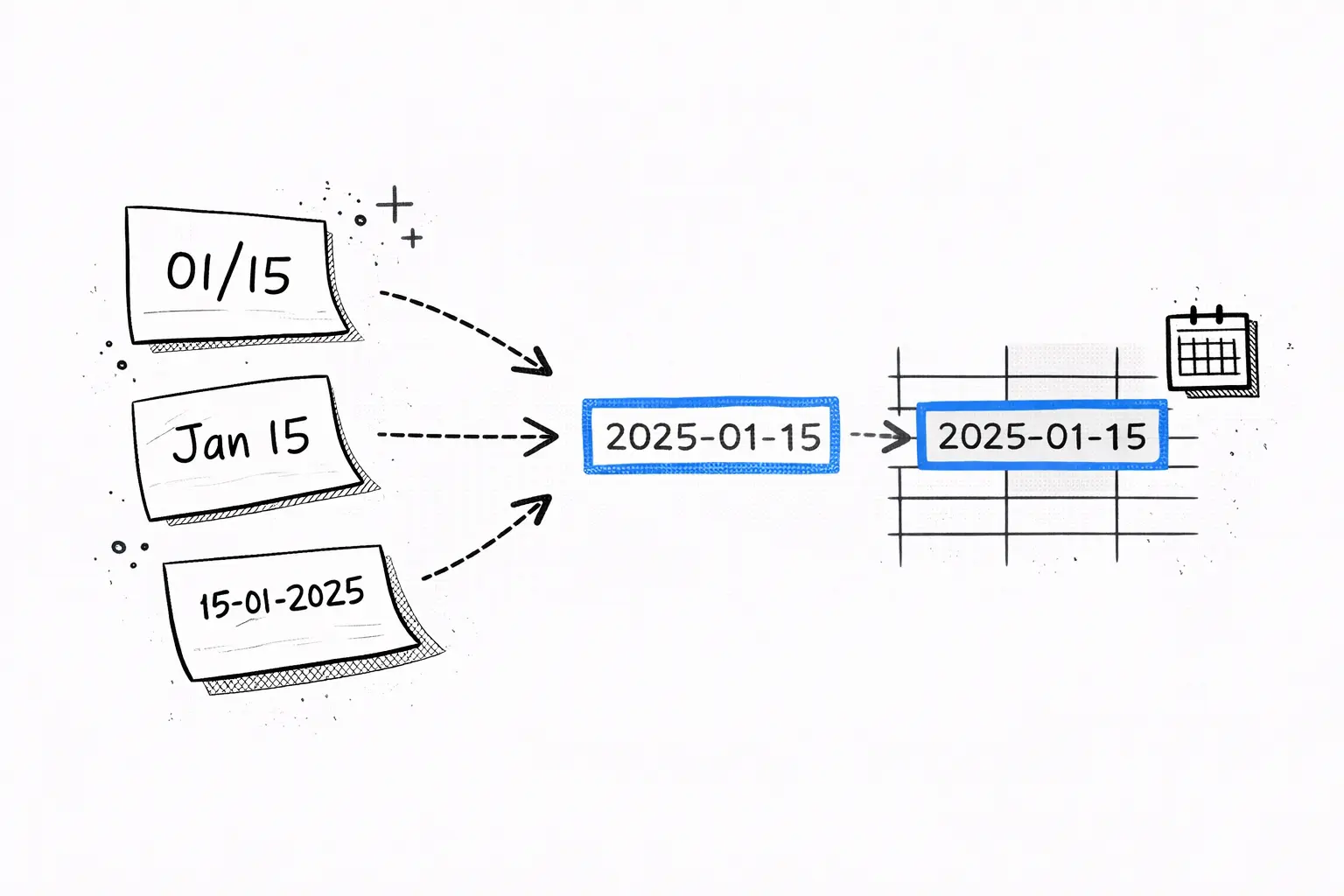
Varied date formats
Chase uses MM/DD, some banks use Jan 01, others 01-01-2025. We normalize all dates so your spreadsheet sorts correctly.
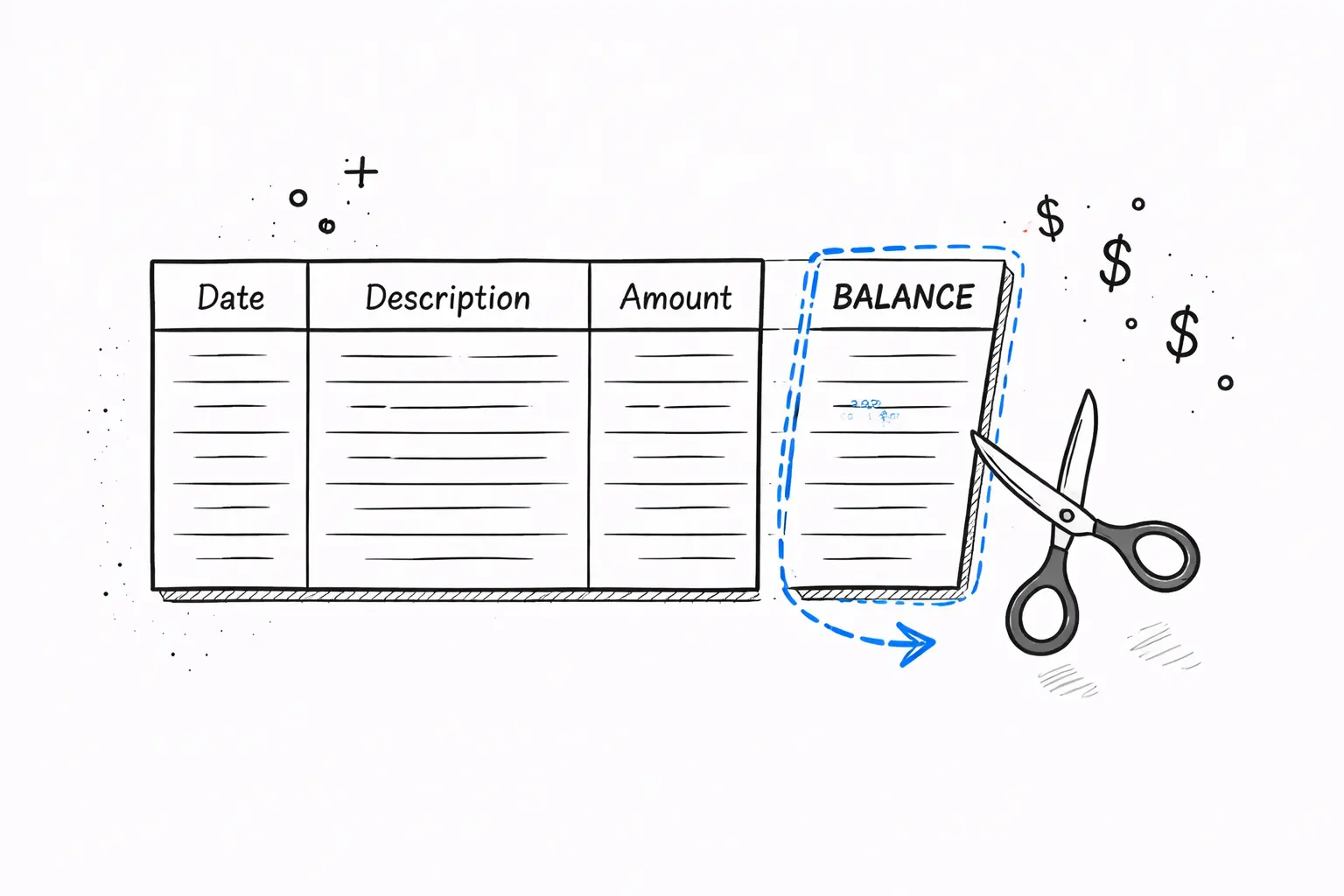
Running balance columns
Wells Fargo includes a running balance. Generic tools count this as an "amount" column, corrupting your totals. We exclude it.
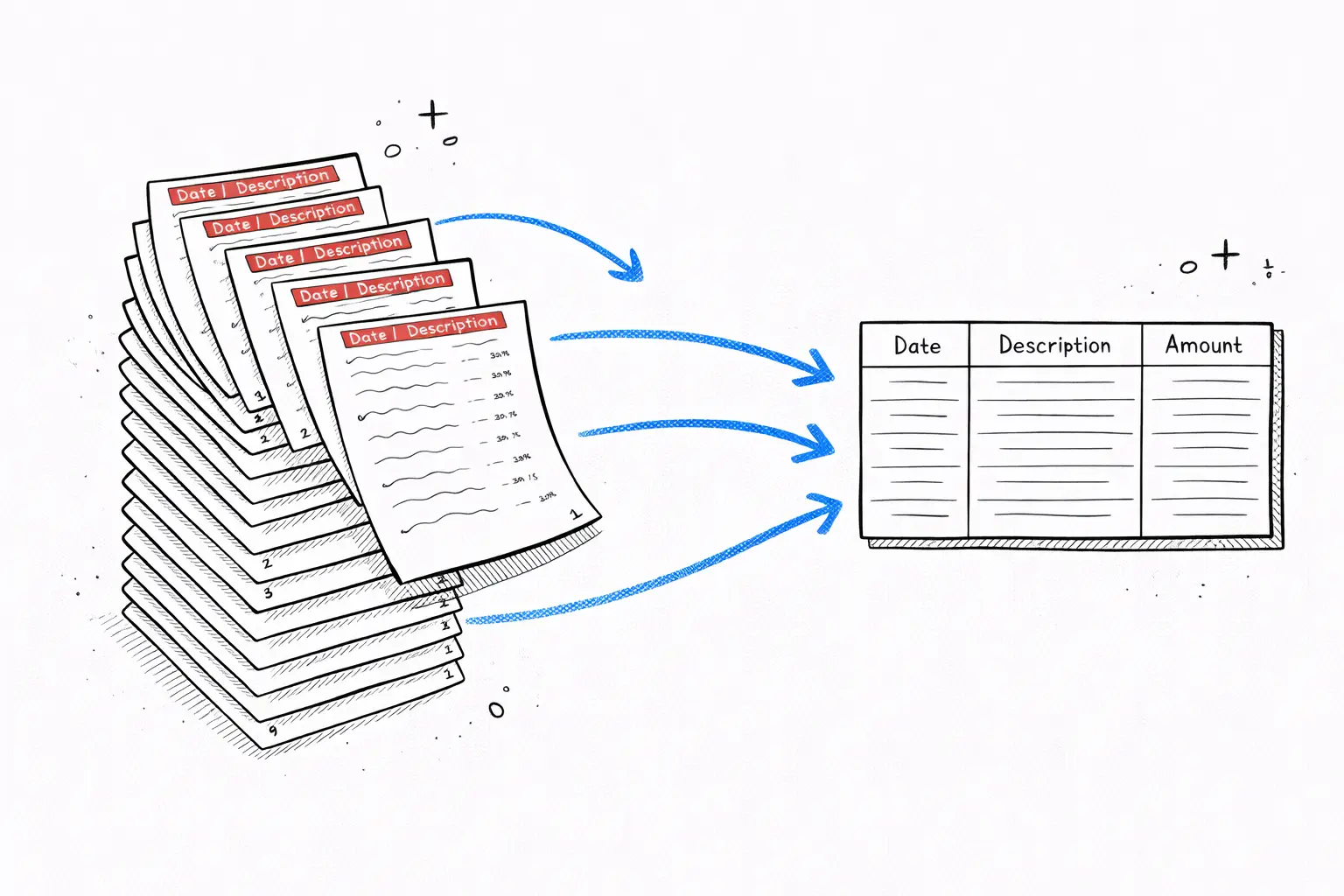
Multi-page statements
A 3-month statement spans 9 pages with repeated headers. Generic converters repeat headers as data rows. We strip them cleanly.
Why bank statement PDFs need a specialized converter
Bank statement PDFs are structured documents — tables withdates,descriptions, andamounts— but every bank formats them differently. Chase uses two-column debit/credit. Wells Fargo adds a running balance. HSBC wraps descriptions across two lines. Generic PDF converters can't handle these variations and produce unusable output.
Our converter is trained specifically on financial documents. It identifies column boundaries, strips repeated headers from multi-page statements, merges split debit/credit into signed amounts, and normalizes dates into a consistent format. The result is a clean4-column spreadsheetwith one row per transaction — ready for Excel, Google Sheets, QuickBooks, or any accounting tool.
For scanned paper statements, OCR reads every character before the AI structures the data. Whether your PDF was downloaded digitally or photographed from paper, you get the same clean output. Upload once, download a spreadsheet with19 AI categoriesassigned to every transaction — no manual cleanup needed.

Secure
Your PDF is processed in memory and never saved to disk. All data is encrypted in transit.

Private
We never sell or share your financial data. Anonymous uploads are auto-deleted after 7 days.

Transparent
No hidden fees, no account required. Try it without an account, or create a free account for 1 analysis per month.
How much does it cost?
Upload free and see a preview. Pay only when you want the full breakdown.
One statement, full report
Perfect if you just need answers from one bank statement.
- Every transaction unlocked
- Spending categories & charts
- Subscriptions & recurring charges found
- Download CSV or Excel
Preview free first — pay $7 only to unlock everything
Monthly plan
For landlords, freelancers, and anyone who checks statements often.
Cheaper than two $7 unlocks if you check statements monthly.
- 50 statement pages per month
- Saved reports & history
- Subscription tracking on every upload
- Ask AI about your spending
Need more volume? See Pro & Business below
FAQ
PDF to Excel converter — FAQ
Ready?
Upload one statement.
Get the full picture.
No credit card. No account. Drop a PDF and see every transaction categorized in 30 seconds.
Try it free →Related reading