Decode a statement line
Paste a descriptor or upload the full PDF to identify deposits, fees, and unfamiliar charges.
No signup · deleted after analysis
What Is 121 Albright Way Charge on a Bank Statement?
You see a charge from "121 ALBRIGHT WAY" or "LOS GATOS CA" on your bank statement and have no idea what it is. Here's what it means and what to do about it.
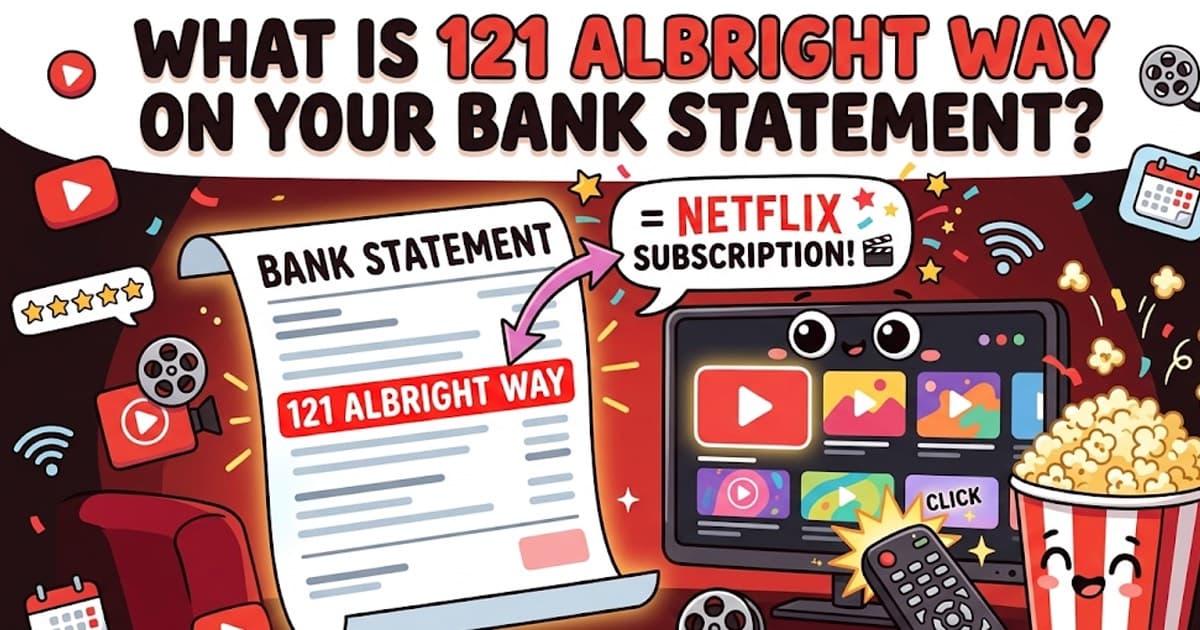
121 Albright Way is Netflix. Netflix's corporate headquarters is located at 121 Albright Way, Los Gatos, California 95032. Charges showing "121 ALBRIGHT WAY," "LOS GATOS CA," or "NETFLIX.COM" on your bank statement are all Netflix subscription payments. The amount should match your Netflix plan: $6.99, $15.49, or $22.99 per month.
What is 121 Albright Way?
121 Albright Way, Los Gatos, CA 95032 is the physical address of Netflix's global headquarters. Netflix moved to this campus in Los Gatos, a small city in Silicon Valley about 60 miles south of San Francisco.
When Netflix processes your monthly subscription payment, they submit the transaction with their billing address. Some banks and credit card issuers display this address — "121 ALBRIGHT WAY" or "LOS GATOS CA" — instead of the company name "NETFLIX" in the transaction description.
This is completely normal. The charge is not fraudulent — it's simply how your bank chose to display the Netflix billing information. Different banks format the same Netflix charge in different ways.
How Netflix appears on bank statements
Netflix charges can show up under several different names depending on your bank. All of these are the same Netflix subscription payment:
| Code on statement | What it means | Example |
|---|---|---|
| 121 ALBRIGHT WAY | Netflix subscription charge — uses the company's headquarters address as the billing descriptor | 121 ALBRIGHT WAY LOS GATOS CA |
| NETFLIX.COM | Standard Netflix subscription charge using the website domain name | NETFLIX.COM 866-579-7172 CA |
| NETFLIX | Shortened Netflix billing descriptor — same subscription charge | NETFLIX INC LOS GATOS CA |
| LOS GATOS CA | Netflix charge showing only the city and state of Netflix HQ instead of the company name | LOS GATOS CA 95032 |
| NETFLIX.COM LOS GATOS | Combined descriptor showing both the Netflix domain and headquarters location | NETFLIX.COM LOS GATOS CA 95032 |
Netflix pricing tiers (2026)
Check the charge amount against these current Netflix plans to confirm which subscription you're paying for:
| Plan | Price | Resolution | Screens | Ads? |
|---|---|---|---|---|
| Standard with Ads | $6.99/mo | 1080p (Full HD) | 2 simultaneous streams | Yes — ad breaks during content |
| Standard | $15.49/mo | 1080p (Full HD) | 2 simultaneous streams | No |
| Premium | $22.99/mo | 4K Ultra HD + HDR | 4 simultaneous streams | No |
If you see a charge of $7.99 that doesn't match any plan above, Netflix may be billing you for an extra member — a feature that lets someone outside your household use your account for an additional monthly fee.
Why does the address show instead of "Netflix"?
When a merchant processes a credit or debit card payment, they submit several pieces of information to the payment network: their company name, billing address, phone number, and merchant category code. Your bank then decides which fields to display on your statement.
- Some banks display the merchant's registered business address instead of (or alongside) the company name
- Older banking systems may truncate or reformat the merchant descriptor, leaving only the address visible
- Pending or pre-authorization charges sometimes show different information than the final settled charge
- International banks or banks with legacy systems are more likely to display the address format
- The same Netflix charge may show as 'NETFLIX.COM' on one bank and '121 ALBRIGHT WAY' on another — both are correct
How to manage or cancel your Netflix subscription
Paste the exact text from your statement into our tools — they cover thousands of merchant codes, processor labels, and subscription billing names.
Free tool · 30 seconds · No signup
Decode a 121 Albright Way charge
That address is Roku HQ — but the descriptor can mask the exact Roku product. Paste yours and AI tells you which service is billing. Free, no signup.
Better fit for this topic