← Back to blogReference
What Is DBX Digital 7.99 Charge on a Bank Statement?
You're checking your bank statement and spot a charge labeled "DBX DIGITAL" for $7.99. Here's exactly what it is, why it's there, and how to cancel it if you don't want it.
March 9, 2026 · 5 min read

Quick answer
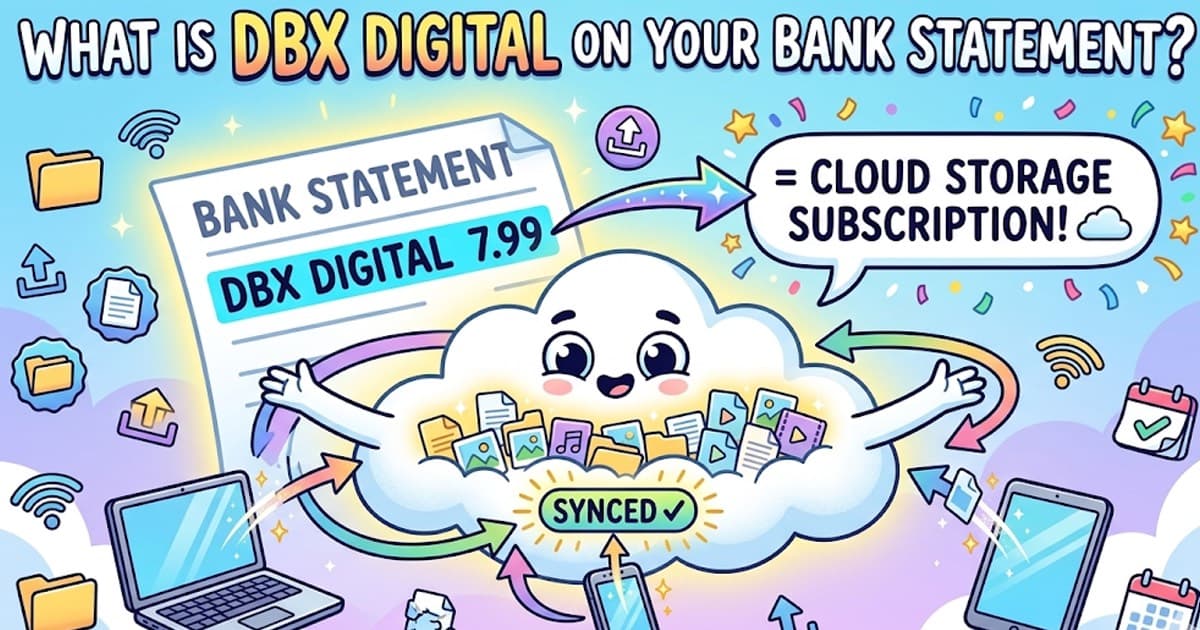
DBX Digital is Dropbox. The $7.99 charge is a Dropbox Plus subscription — their entry-level paid plan with 2 TB of cloud storage. DBX is Dropbox's NASDAQ stock ticker symbol. If you see "DBX DIGITAL," "DBX*DROPBOXINC," or "DROPBOX" on your statement, it's a Dropbox subscription payment.
What is DBX Digital?
DBX Digital is the billing descriptor used by Dropbox, Inc. — the cloud storage and file-sharing company. "DBX" comes from Dropbox's stock ticker symbol on the NASDAQ exchange, and "Digital" is part of their payment processing descriptor.
Dropbox provides cloud storage, file syncing, and collaboration tools. If you or someone with access to your card signed up for a Dropbox paid plan — even through a free trial that expired — this charge will appear on your statement.
The most common amount is $7.99/month, which is the Dropbox Plus plan. You may also see $11.99 (Dropbox Essentials), $79.99 (Plus annual), or $119.99 (Essentials annual).
DBX and Dropbox codes on bank statements
| Code on statement | What it means | Example |
|---|
| DBX DIGITAL | Dropbox subscription charge — generic billing descriptor used for most plans | DBX DIGITAL $7.99 |
| DROPBOX | Dropbox subscription billed directly under the company name | DROPBOX $11.99 |
| DBX*DROPBOXINC | Dropbox charge with the corporate entity name. Common on Visa/Mastercard statements. | DBX*DROPBOXINC $7.99 |
| DROPBOX.COM | Charge referencing the Dropbox website — typically from online signup or plan upgrade | DROPBOX.COM $11.99 |
| DBX DIGITAL 7.99 | Dropbox Plus monthly subscription at the current $7.99/month price point | DBX DIGITAL 7.99 SAN FRANCISCO CA |
| DBX DIGITAL 11.99 | Dropbox Essentials (formerly Professional) monthly subscription | DBX DIGITAL 11.99 SAN FRANCISCO CA |
Dropbox plans and pricing (2026)
Match the amount on your statement to the plan below to identify exactly which Dropbox subscription you're paying for.
| Plan | Price | Storage | Notes |
|---|
| Dropbox Basic | Free | 2 GB | No charge on your statement — this is the free tier |
| Dropbox Plus | $7.99/mo or $79.99/yr | 2 TB | Most common DBX DIGITAL charge. The $7.99 amount. |
| Dropbox Essentials | $11.99/mo or $119.99/yr | 3 TB | Formerly called Professional. Shows as $11.99. |
| Dropbox Business | $15/mo per user | 9 TB+ | Team plan — usually billed to a company card |
| Dropbox Business Plus | $24/mo per user | 15 TB+ | Advanced business plan with compliance features |
Why you might not recognize this charge
There are several common reasons people don't recognize a DBX Digital charge on their statement:
- You signed up for a Dropbox free trial and it auto-converted to a paid plan after 30 days
- You signed up years ago and forgot — Dropbox accounts can stay active and billing for months without being used
- A family member or someone with access to your card signed up for Dropbox
- You signed up through a third-party promotion or bundle that included Dropbox
- The billing descriptor says 'DBX DIGITAL' instead of 'Dropbox,' making it hard to identify
How to cancel Dropbox and stop the DBX Digital charge
1
Log in to your Dropbox account
Go to dropbox.com and sign in. If you don't remember which email you used, search your inbox for emails from "no-reply@dropbox.com" to find the linked email address.
2
Go to your account settings
Click your profile icon in the top-right corner, then select "Settings" from the dropdown menu.
3
Navigate to the Plan tab
Click the "Plan" tab in your account settings. You'll see your current plan, billing cycle, and next payment date.
4
Click "Cancel plan"
Select "Cancel plan" and follow the prompts. Dropbox will try to offer you a discount or downgrade — you can decline and proceed with cancellation.
5
Confirm the cancellation
After canceling, you'll keep access to Dropbox Plus features until the end of your current billing period. Your account will then revert to the free Basic plan (2 GB). Your files remain stored but you won't be charged again.
What to do if you didn't authorize this charge
If you're certain you never signed up for Dropbox and no one with access to your card did either, the charge may be unauthorized. Here's what to do:
Contact Dropbox support
Visit dropbox.com/support and explain you don't recognize the charge. Provide the charge date and amount. They can look up the account associated with your card and issue a refund if appropriate.
Dispute with your bank
If Dropbox can't resolve it, file a dispute with your bank or credit card company. Most banks allow you to dispute charges online or by phone. You typically have 60 days from the statement date.
Monitor for additional charges
If this was an unauthorized use of your card, check for other unfamiliar charges. Consider requesting a new card number from your bank to prevent future unauthorized billing.
Spot every subscription charge on your statement
Upload your bank statement and get a full breakdown of where your money goes — subscriptions like Dropbox, streaming services, and more — all categorized automatically.
Analyze my statement free →Frequently asked questions
What is DBX Digital 7.99 on my bank statement?
DBX Digital 7.99 is a Dropbox Plus subscription charge. DBX is Dropbox's stock ticker symbol (traded on NASDAQ as DBX), and "Digital" is part of their billing descriptor. The $7.99 amount corresponds to the Dropbox Plus monthly plan, which includes 2 TB of cloud storage.
Why does it say DBX instead of Dropbox on my statement?
Companies often use abbreviated billing descriptors on bank statements. Dropbox uses "DBX DIGITAL" because DBX is their stock ticker and corporate shorthand. Different banks may display it as DBX DIGITAL, DBX*DROPBOXINC, DROPBOX, or DROPBOX.COM — they all refer to the same company.
I don't remember signing up for Dropbox — is this charge legitimate?
It's possible you signed up for a free trial that converted to a paid plan. Dropbox often offers 30-day free trials of Dropbox Plus. If you entered payment details during the trial and didn't cancel before it ended, the subscription auto-renewed at $7.99/month. Check your email for a Dropbox welcome or billing confirmation email.
How do I cancel my Dropbox subscription to stop the DBX Digital charge?
Log in to dropbox.com, click your profile icon, go to Settings > Plan, and click "Cancel plan." You'll keep access until the end of your current billing period. If you can't log in, check your email for Dropbox correspondence to find which email address is linked, then use the password reset flow.
Can I get a refund for a DBX Digital charge?
Dropbox offers refunds on a case-by-case basis. Contact Dropbox support at dropbox.com/support within 30 days of the charge. If you were charged after a free trial you forgot about, explain the situation — they often issue a one-time courtesy refund. If Dropbox denies the refund, you can dispute the charge with your bank.
What is the difference between DBX Digital 7.99 and DBX Digital 11.99?
DBX Digital 7.99 is Dropbox Plus ($7.99/month, 2 TB storage). DBX Digital 11.99 is Dropbox Essentials, formerly called Dropbox Professional ($11.99/month, 3 TB storage with additional features like full-text search and watermarking). Both are personal plans billed monthly.
Why was I charged a different amount like $79.99 or $119.99?
These are annual billing amounts. Dropbox Plus costs $79.99/year (saving vs. monthly), and Dropbox Essentials costs $119.99/year. If you chose annual billing, you'll see one larger charge per year instead of monthly charges. Check your Dropbox account settings to see your billing cycle.
Other mystery charges explained
Continue reading
Reference8 min read
What Does [Service] Show Up As on a Bank Statement? (2026 Decoder)
Confused by a cryptic charge? We decoded what OnlyFans, Amazon, Venmo, Comenity Pay, TPG Products, WMT Plus, and 20+ other services actually show up as.
Reference5 min read
What Does Amazon Look Like on a Bank Statement?
Every Amazon charge code — AMZN MKTP US, AMAZON.COM, AMZNPrime, AMZN Digital, and more — explained with examples.
Reference4 min read
What Does POS Mean on a Bank Statement?
POS stands for Point of Sale — a debit card purchase at a physical store or terminal.