Analyze your bank statement

Upload PDF → see categorized spending, charts, subscriptions, and export to CSV. Free, 30 sec.

AI categorization
Spending charts
CSV & Excel export
Private & encrypted
Upload your PDF free →

No signup · deleted after analysis

← Back to blog
Reference

DoorDash Charge on a Bank Statement

You see "DOORDASH*ORDER," "DD *DOORDASH," or "DOORDASHDASHPASS" on your statement and want to know what each one is. Here is how to decode every DoorDash descriptor and cancel a DashPass subscription in under two minutes.
April 20, 2026 · 5 min read
Quick answer

DOORDASH on your bank statement is a charge from DoorDash — a one-time order, a DashPass subscription (DOORDASHDASHPASS, $9.99/mo or $96/year), an added tip, or a Dasher payout. Open the DoorDash app → Orders to find the exact order or Account → DashPass to cancel a subscription.

Free tool · no signup

Paste your exact DoorDash descriptor

The decoder identifies whether it is an order, DashPass, tip, or a pending auth hold.

Descriptor explainer

Paste one raw line from the statement. This tool is for one descriptor, not the whole document.

Card purchase, bill, or outgoing movement

Likely source
Amazon or Whole Foods

Looks like an Amazon retail, marketplace, Prime, digital, or Whole Foods descriptor. Common variants: AMZN MKTP, AMAZON.COM, AMZNPrime, Amazon RETA, Amazon Digital, AMZN Digital Svcs.

Likely category
Shopping

Best manual read from the pasted descriptor.

Confidence
High match

Pattern-match confidence, not a guarantee.

What to do next

Check Amazon order history, digital orders, Prime renewals, Subscribe & Save shipments, and family member purchases.

Usually legitimate, but the underlying merchant may be hidden or abbreviated.

DoorDash codes on bank statements — what each one means

Code on statementWhat it meansExample
DOORDASH*ORDERA one-time DoorDash food delivery order — the total includes restaurant, fees, tip, and taxDOORDASH*ORDER 03/14 #92M8K
DD *DOORDASHShort-form DoorDash descriptor some banks use for deliveries and DashPassDD *DOORDASH 03/14 $23.47
DOORDASHDASHPASSRecurring DashPass subscription ($9.99/mo or $96/year) — unlimited free delivery on orders above $12DOORDASHDASHPASS 03/14 $9.99
DOORDASH *TIPAdded tip for a Dasher after the order delivered — posts as a separate lineDOORDASH *TIP 03/14 $4.00
DD DOORDASH INCPayout from DoorDash to a Dasher (driver) — this is a credit, not a chargeDD DOORDASH INC DIRECT DEP

How to cancel DashPass and dispute an order

1
Open the DoorDash app
Sign in with the account tied to the bank card that was charged.
2
Cancel DashPass if recurring
Account → Manage DashPass → End Membership. Cancellation prevents the next renewal; you keep DashPass until the end of the current billing period.
3
Find the order to dispute
Orders lists every order. Tap the problem order → Help → choose the issue (missing items, wrong order, never arrived, etc.).
4
Request a refund through DoorDash first
DoorDash typically refunds missing items or full no-show orders within 24 hours. Refunds go back to the original payment method.
5
Chargeback with your bank if DoorDash refuses
If DoorDash denies the refund and you believe the charge is invalid, file a chargeback with your bank within 60 days of the statement date.

Free tool · 30 seconds · No signup

Upload a statement.
See where every dollar goes.

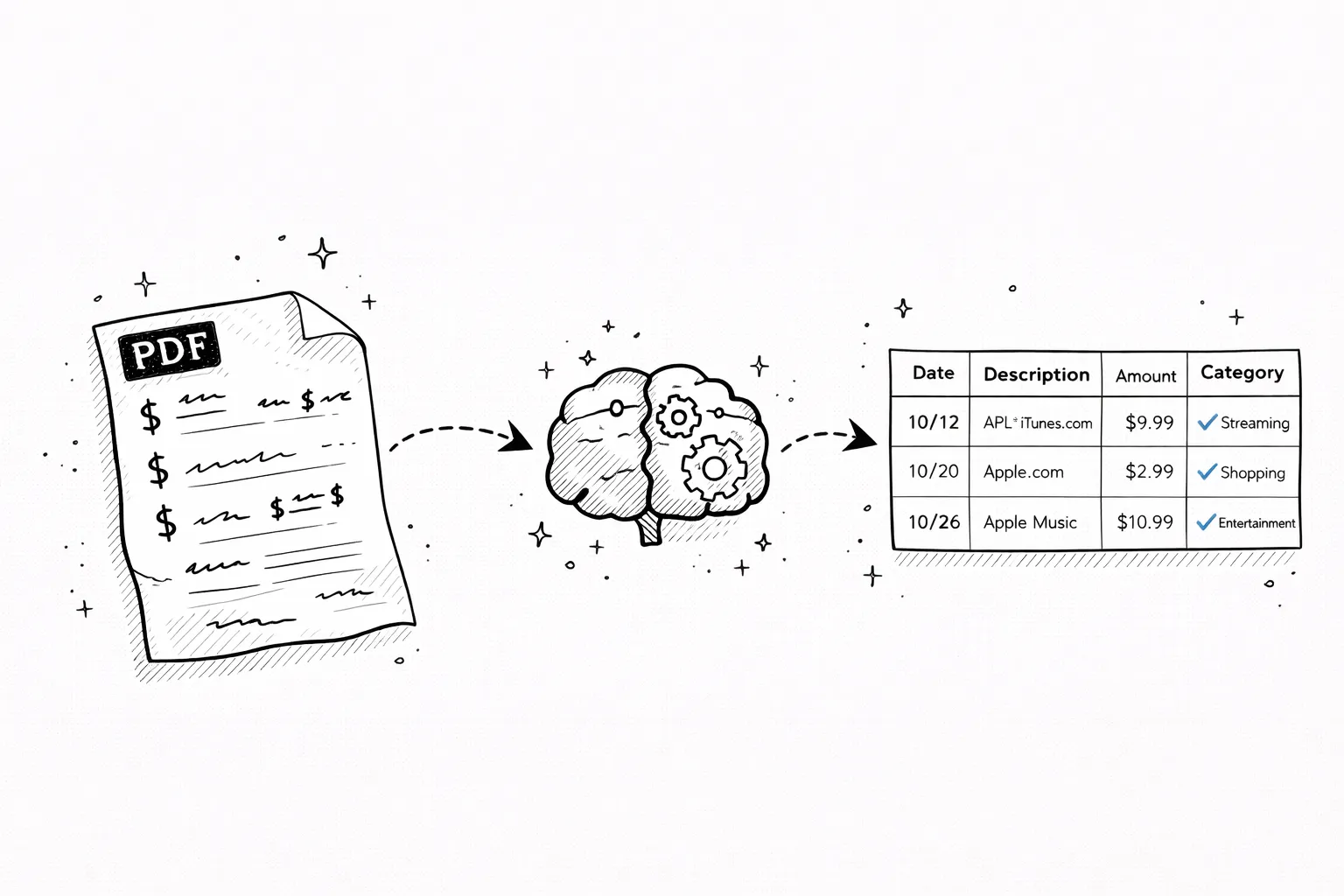
AI reads your bank PDF, categorizes every transaction, finds subscriptions you forgot about, and exports everything to CSV.

Frequently asked questions

What does DOORDASH mean on my bank statement?
A DOORDASH line on your bank statement is a charge from DoorDash — usually a one-time food delivery order, a recurring DashPass subscription ($9.99/month or $96/year), an added tip, or occasionally a Dasher payout if you drive for DoorDash. The exact type of charge is in your DoorDash app under Orders or Account → DashPass.
What is DOORDASHDASHPASS on my bank statement?
DOORDASHDASHPASS is the recurring subscription charge for DashPass — DoorDash's $9.99 per month (or $96 annual) membership that waives delivery fees on orders over $12. If you subscribed during checkout or took a free trial that rolled over, you'll see this charge monthly or yearly until you cancel.
Why do I have a DoorDash charge I do not recognize?
Common reasons: a DashPass free trial that rolled into paid; an order placed by a family member on your shared account; a DoorDash gift card purchase; or a DoorDash credit re-authorization. Open the DoorDash app → Orders to see every order with the restaurant name, date, and amount. For subscription charges, check Account → DashPass.
How do I cancel DashPass?
In the DoorDash app: tap Account → Manage DashPass → End Membership and confirm. On doordash.com: log in, click your profile → DashPass → End Membership. Cancellation stops the next renewal but you keep DashPass until the current billing period ends. The app does not offer a refund for the current period.
How do I dispute a DoorDash order?
Open the DoorDash app → Orders → find the problem order → tap Help → choose the issue (missing items, wrong order, never arrived). DoorDash typically refunds missing items or the full order for no-shows within 24 hours. If DoorDash refuses, file a chargeback with your bank within 60 days of the statement date.
Why are there multiple small DoorDash charges on my statement?
DoorDash sometimes posts an authorization hold before the final order total, then captures the real amount after delivery — the pre-auth typically drops off in 3–7 business days. Added tips post as separate lines after delivery. If the order included alcohol, alcohol can post as a separate transaction from the food.
What should I do if DoorDash charged me but I did not order?
Check if someone on your shared DoorDash account placed the order. If not, change your DoorDash password immediately, remove saved payment methods, and contact DoorDash support at 1-855-431-0459 to report the unauthorized charge. Then dispute with your bank if DoorDash does not refund.
Other mystery charges explained
Amazon chargesApple.com/billNetflix / 121 Albright WaySP SpotifyUber / Uber EatsGoogle / 1600 AmphitheatreMSFT (Microsoft)POS chargesComenity PayTPG ProductsWMT Plus (Walmart)SQ (Square)
Continue readingView all posts →
Reference3 min read
What Is Teller Transaction Credit on a Bank Statement?
Teller transaction credit means a deposit made at a bank teller — mostly on Bank of America statements. How it differs from counter credit.
Reference5 min read
Apple.com/bill on Bank Statement — Every Apple Charge Explained
APPLE.COM/BILL, Apple Digital Services, iTunes.com/bill — every Apple billing code decoded with examples.
Reference5 min read
Google Charge on Bank Statement — 1600 Amphitheatre Parkway Explained
GOOGLE *SERVICES, GP PAYMENTS, 1600 AMPHITHEATRE PKWY — every Google billing code explained.