Analyze your bank statement

Upload PDF → see categorized spending, charts, subscriptions, and export to CSV. Free, 30 sec.

AI categorization
Spending charts
CSV & Excel export
Private & encrypted
Upload your PDF free →

No signup · deleted after analysis

← Back to blog
Reference

Steam Charge on a Bank Statement

You see "STEAMGAMES.COM," "VALVE *STEAM," or "STEAMPOWERED" on your statement. Here is how to trace the exact purchase, request a refund, and stop kids from spending on your saved card.
April 20, 2026 · 5 min read
Quick answer

STEAMGAMES or VALVE on your bank statement is a Steam purchase — a game, DLC, wallet top-up, or in-game item. Log into Steam → Account Details → View Purchase History to see the exact item. Most games can be refunded within 14 days of purchase if played under 2 hours.

Free tool · no signup

Paste your exact Steam descriptor

The decoder identifies whether it is a game, DLC, wallet top-up, or gift card.

Descriptor explainer

Paste one raw line from the statement. This tool is for one descriptor, not the whole document.

Card purchase, bill, or outgoing movement

Likely source
Amazon or Whole Foods

Looks like an Amazon retail, marketplace, Prime, digital, or Whole Foods descriptor. Common variants: AMZN MKTP, AMAZON.COM, AMZNPrime, Amazon RETA, Amazon Digital, AMZN Digital Svcs.

Likely category
Shopping

Best manual read from the pasted descriptor.

Confidence
High match

Pattern-match confidence, not a guarantee.

What to do next

Check Amazon order history, digital orders, Prime renewals, Subscribe & Save shipments, and family member purchases.

Usually legitimate, but the underlying merchant may be hidden or abbreviated.

Steam codes on bank statements — what each one means

Code on statementWhat it meansExample
STEAMGAMES.COMStandard descriptor for a Steam purchase — a game, DLC, wallet top-up, or item on the Community MarketSTEAMGAMES.COM 03/14 $59.99
VALVE *STEAMValve (Steam's parent company) charged your card — same as STEAMGAMES.COMVALVE *STEAM 425-889-9642
STEAMPOWEREDAlternate Steam descriptor used by some banks — abbreviation of steampowered.comSTEAMPOWERED 03/14 #8829
STEAM WALLETFunds added to your Steam Wallet — used to buy games and items without re-entering card detailsSTEAM WALLET ADD $20.00
STEAM GIFT CARDDigital Steam gift card purchased through the Steam store, not a retail gift cardSTEAMGAMES.COM GIFT $50.00

How to trace, refund, or block a Steam charge

1
Log into Steam and open Purchase History
store.steampowered.com → your profile → Account Details → View Purchase History shows every transaction with date, item, and amount.
2
Identify the exact purchase
Match the bank statement amount and date. If there was a wallet top-up first, the game purchase may show as $0.00 billed (paid from wallet).
3
Request a refund
help.steampowered.com → find the purchase → I would like a refund. Games under 2 hours played and within 14 days usually refund automatically.
4
Secure your account if you did not make the purchase
Settings → Security → log out of all devices, change password, enable Steam Guard Mobile Authenticator. Remove saved payment methods.
5
Set Family View to block kids from purchasing
Steam menu → Settings → Family → turn on Family View → set a PIN. Kids can browse but need the PIN to buy anything with saved payment methods.

Free tool · 30 seconds · No signup

Upload a statement.
See where every dollar goes.

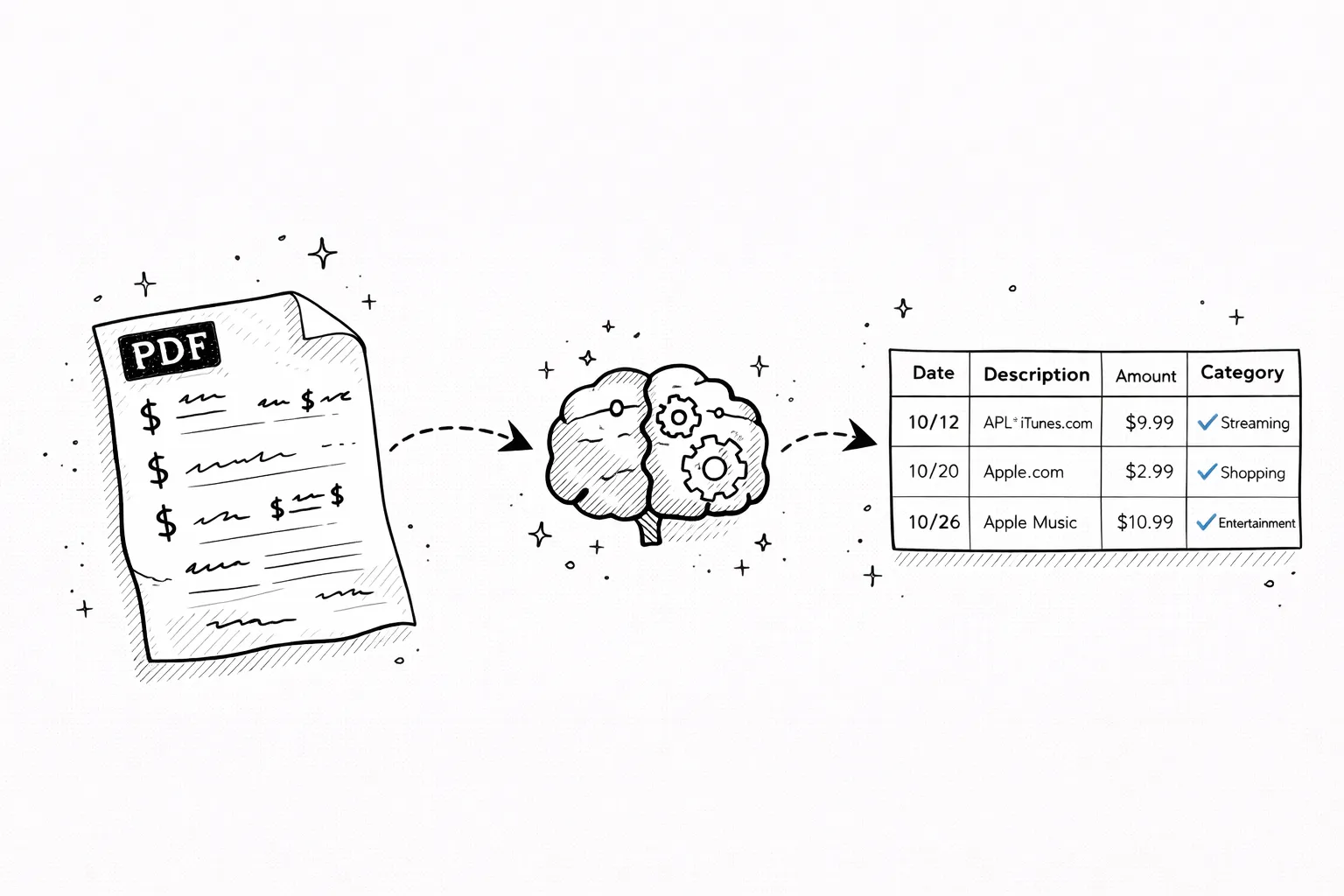
AI reads your bank PDF, categorizes every transaction, finds subscriptions you forgot about, and exports everything to CSV.

Frequently asked questions

What does STEAMGAMES mean on my bank statement?
A STEAMGAMES or STEAMGAMES.COM line on your bank statement is a purchase made on Steam, the PC gaming platform owned by Valve Corporation. It could be a game, downloadable content (DLC), a wallet top-up, a Community Market item, or a digital gift card. The exact purchase is visible in your Steam account purchase history.
What is VALVE *STEAM on my bank statement?
VALVE *STEAM is the same as STEAMGAMES.COM — Valve is the company behind Steam, so some banks list the charge under the parent company name. If you see VALVE *STEAM and STEAMGAMES.COM on the same statement, they are both from the Steam platform.
Why do I have a Steam charge I do not recognize?
Common causes: a family member or child bought a game or loot box using your saved card; a refund you requested that has not processed yet and a duplicate charge posted in the meantime; a Steam wallet top-up that auto-converted from a game purchase; or a compromised Steam account. Open your Steam account purchase history at store.steampowered.com/account.
How do I find the exact Steam purchase?
Log into Steam, hover over your profile name, and click Account Details. Under Store & Purchase History, click View Purchase History. Every transaction shows the date, item purchased, amount, and a transaction ID. Match the date and amount on your bank statement to identify the exact purchase.
How do I get a refund from Steam?
Steam's refund policy is generous: go to help.steampowered.com, find the purchase, and click 'I would like a refund.' Steam refunds most games if requested within 14 days of purchase AND you have played less than 2 hours. DLC, in-app items, and wallet funds have different rules. Refunds post back to the original payment method within 7 business days.
How do I stop kids from charging my card on Steam?
Enable Steam Family View (Steam menu → Settings → Family) and set a PIN. You can also remove your saved card from the account: Account Details → Manage Payment Methods → Delete. For future purchases, require the PIN or use a separate child account with Family Sharing and no payment method attached.
What should I do if Steam charged me but I never purchased anything?
First check if your account was accessed by someone else: Settings → Security → Logged in devices. Change your Steam password and enable Steam Guard Mobile Authenticator. Then open a Steam support ticket at help.steampowered.com and dispute the charge. If Steam does not refund, file a chargeback with your bank within 60 days, but note that chargebacks can permanently lock your Steam account.
Other mystery charges explained
Amazon chargesApple.com/billNetflix / 121 Albright WaySP SpotifyUber / Uber EatsGoogle / 1600 AmphitheatreMSFT (Microsoft)POS chargesComenity PayTPG ProductsWMT Plus (Walmart)SQ (Square)
Continue readingView all posts →
Reference3 min read
What Is Teller Transaction Credit on a Bank Statement?
Teller transaction credit means a deposit made at a bank teller — mostly on Bank of America statements. How it differs from counter credit.
Reference5 min read
Apple.com/bill on Bank Statement — Every Apple Charge Explained
APPLE.COM/BILL, Apple Digital Services, iTunes.com/bill — every Apple billing code decoded with examples.
Reference5 min read
Google Charge on Bank Statement — 1600 Amphitheatre Parkway Explained
GOOGLE *SERVICES, GP PAYMENTS, 1600 AMPHITHEATRE PKWY — every Google billing code explained.