Decode a statement line

Paste a descriptor or upload the full PDF to identify deposits, fees, and unfamiliar charges.

AI categorization
Spending charts
CSV & Excel export
Private & encrypted
Check descriptor →

No signup · deleted after analysis

← Back to blog
Reference

PayPal Charge on a Bank Statement

You see "PAYPAL *something," "PPD ID PAYPAL," or "PYPL" on your bank statement and you cannot tell what you actually paid for. Here is how to decode it and trace the real merchant in under five minutes.
April 20, 2026 · 5 min read
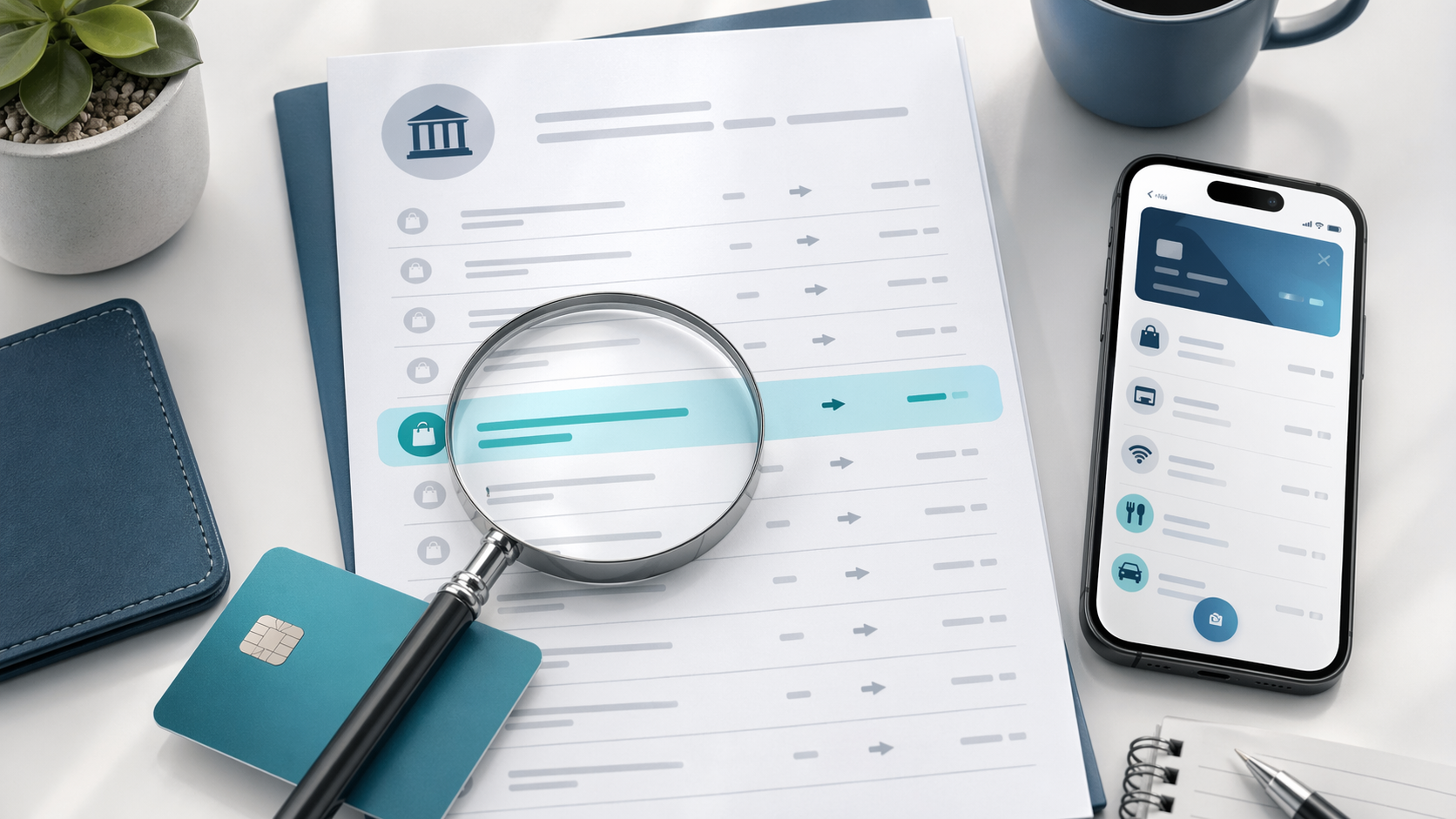
Highlighted mystery charge on a bank statement with payment app context
Quick answer

PAYPAL on your bank statement is a payment routed through PayPal — not always to PayPal itself. The actual merchant is usually listed after an asterisk: PAYPAL *NETFLIX means Netflix billed you via PayPal. To find a missing merchant name, log into PayPal → Activity and match the date and amount.

Free tool · no signup

Paste your exact PayPal descriptor

The decoder identifies the merchant, what to do next, and how to cancel — faster than scrolling.

Descriptor explainer

Paste one raw line from the statement. This tool is for one descriptor, not the whole document.

Card purchase, bill, or outgoing movement

Likely source
Amazon or Whole Foods

Looks like an Amazon retail, marketplace, Prime, digital, or Whole Foods descriptor. Common variants: AMZN MKTP, AMAZON.COM, AMZNPrime, Amazon RETA, Amazon Digital, AMZN Digital Svcs.

Likely category
Shopping

Best manual read from the pasted descriptor.

Confidence
High match

Pattern-match confidence, not a guarantee.

What to do next

Check Amazon order history, digital orders, Prime renewals, Subscribe & Save shipments, and family member purchases.

Usually legitimate, but the underlying merchant may be hidden or abbreviated.

What does a PayPal charge actually mean?

PayPal is a payment processor — it sits between your bank and the merchant. When you see "PAYPAL" on your bank statement, your bank sent money to PayPal, and PayPal forwarded that money to whoever you actually paid. That is why the descriptor often looks confusing: your bank only sees PayPal, not the underlying merchant.

Some merchants set a clean descriptor ("PAYPAL *NETFLIX"), some set a generic one ("PAYPAL *MERCHANT"), and some set nothing — leaving you with just "PAYPAL" and no clue. The full transaction history with merchant names always lives in your PayPal account, never on the bank statement.

PayPal codes on bank statements — what each one means

Code on statementWhat it meansExample
PAYPAL *MERCHANTPayPal payment to the merchant named after the asterisk — the merchant set the descriptorPAYPAL *NETFLIX 402-935-7733
PAYPAL DES:INST XFERInstant transfer from your PayPal balance to your bank — money you cashed outPAYPAL DES:INST XFER ID:1234567890
PPD ID: PAYPALACH debit pulled by PayPal — usually to fund a payment or top up your PayPal balancePPD ID: PAYPAL 9F8A2B7C
PYPLAbbreviated PayPal descriptor — same as PAYPAL, used by some banks to save spacePYPL *EBAY SELLER 03/14
PAYPAL TRANSFERBank-to-PayPal funding transfer initiated by you, not a purchasePAYPAL TRANSFER 03/14 #28391

How to find the merchant behind a PayPal charge

1
Log into PayPal
Go to paypal.com or open the app and sign in with the email tied to the bank account that was charged.
2
Open Activity and filter by date
Click Activity in the top nav and set the date range to a few days around the bank statement date. Find the transaction with the matching amount.
3
Open the transaction details
Click the row. The detail page shows the merchant name, the transaction ID, the funding source, and any related billing agreement.
4
Check Pre-approved Payments if recurring
Settings → Payments → Manage Pre-approved Payments lists every merchant you authorized to bill you on a schedule. Cancel any you do not recognize.
5
Open a dispute if it is unauthorized
From the transaction page, click Report a Problem to start a PayPal dispute. If PayPal does not resolve it, you can chargeback through your bank within 60 days.

Free tool · 30 seconds · No signup

Need to identify another statement line?

Paste the descriptor or upload the statement to decode deposits, fees, merchant aliases, and unfamiliar charges.

Frequently asked questions

What does PAYPAL on my bank statement mean?
A PAYPAL line on your bank statement means a payment was processed through PayPal — either to fund a purchase, send money, top up your PayPal balance, or pay back a billing agreement. The actual merchant is usually listed after an asterisk: 'PAYPAL *MERCHANT_NAME'. If there is no merchant name, it's usually a balance transfer or a billing agreement debit.
Why is there a PayPal charge I do not recognize?
Unrecognized PayPal charges almost always come from a billing agreement you set up but forgot — often a free trial that converted, a streaming or app subscription, an Etsy or eBay purchase, or a charity donation. Log into PayPal, go to Settings → Payments → Manage Pre-approved Payments to see every active billing agreement and the merchant behind each one.
How do I find out who charged me through PayPal?
Open the PayPal app or paypal.com, click Activity, and find the transaction with the matching date and amount. The transaction page shows the merchant name, transaction ID, and the original purchase. The descriptor on your bank statement may not include the merchant if the payment was a balance funding or a billing agreement.
What is PPD ID PAYPAL on a bank statement?
PPD stands for 'Prearranged Payment and Deposit' — an ACH transaction type used for recurring or one-time consumer debits. 'PPD ID: PAYPAL' means PayPal pulled an ACH debit from your bank account, usually because you authorized PayPal to debit your bank to fund a purchase, top up your balance, or settle a billing agreement.
How do I stop a recurring PayPal charge?
Log into PayPal, go to Settings (gear icon) → Payments → Manage Pre-approved Payments (or 'Manage automatic payments'). Find the merchant and click Cancel. The cancellation stops PayPal from charging you again, but it does not cancel your subscription with the merchant — you may need to cancel directly with them too.
Can I dispute a PayPal charge through my bank?
Yes, but it's usually faster to dispute through PayPal first. PayPal's Resolution Center handles disputes for items not received, items not as described, and unauthorized transactions. If PayPal denies the dispute, you can then file a chargeback with your bank within 60 days of the statement date.
Why does PayPal show on my statement when I never used it?
Common reasons: someone with access to your card or bank account opened a PayPal account using your details; your card information was stolen and used to fund a stranger's PayPal account; or a merchant you bought from years ago saved your card and is billing through PayPal under a new descriptor. Contact PayPal at 1-888-221-1161 to verify whether an account exists with your bank info, then dispute the charge with your bank.
Decoding every line on your statement by hand is slow. A bank statement analyzer reads the whole PDF in 30 seconds and labels every merchant automatically.
Other mystery charges explained
Amazon chargesApple.com/billNetflix / 121 Albright WaySP SpotifyUber / Uber EatsGoogle / 1600 AmphitheatreMSFT (Microsoft)POS chargesComenity PayTPG ProductsWMT Plus (Walmart)SQ (Square)
Continue readingView all posts →
Guide5 min read
DoorDash Charge on Bank Statement: What It Means & How to Dispute
DOORDASH*ORDER, DD *DOORDASH, and DOORDASHDASHPASS on your statement are DoorDash orders, DashPass subscriptions, or driver reimbursements. Identify each and cancel recurring charges in minutes.
Guide5 min read
Etsy Charge on Bank Statement: What ETSY.COM or PAYPAL *ETSY Means
ETSY.COM, PAYPAL *ETSY, or ETSY *SELLER on your statement is an Etsy purchase or seller fee. Find the order, request a refund, or stop seller subscription charges.
Guide5 min read
Steam Charge on Bank Statement: What STEAMGAMES or VALVE Means
STEAMGAMES.COM, VALVE STEAM, or STEAMPOWERED on your statement is a Steam game, DLC, or wallet top-up. Trace the purchase, refund a game, and stop child-account charges.