Decode a statement line

Paste a descriptor or upload the full PDF to identify deposits, fees, and unfamiliar charges.

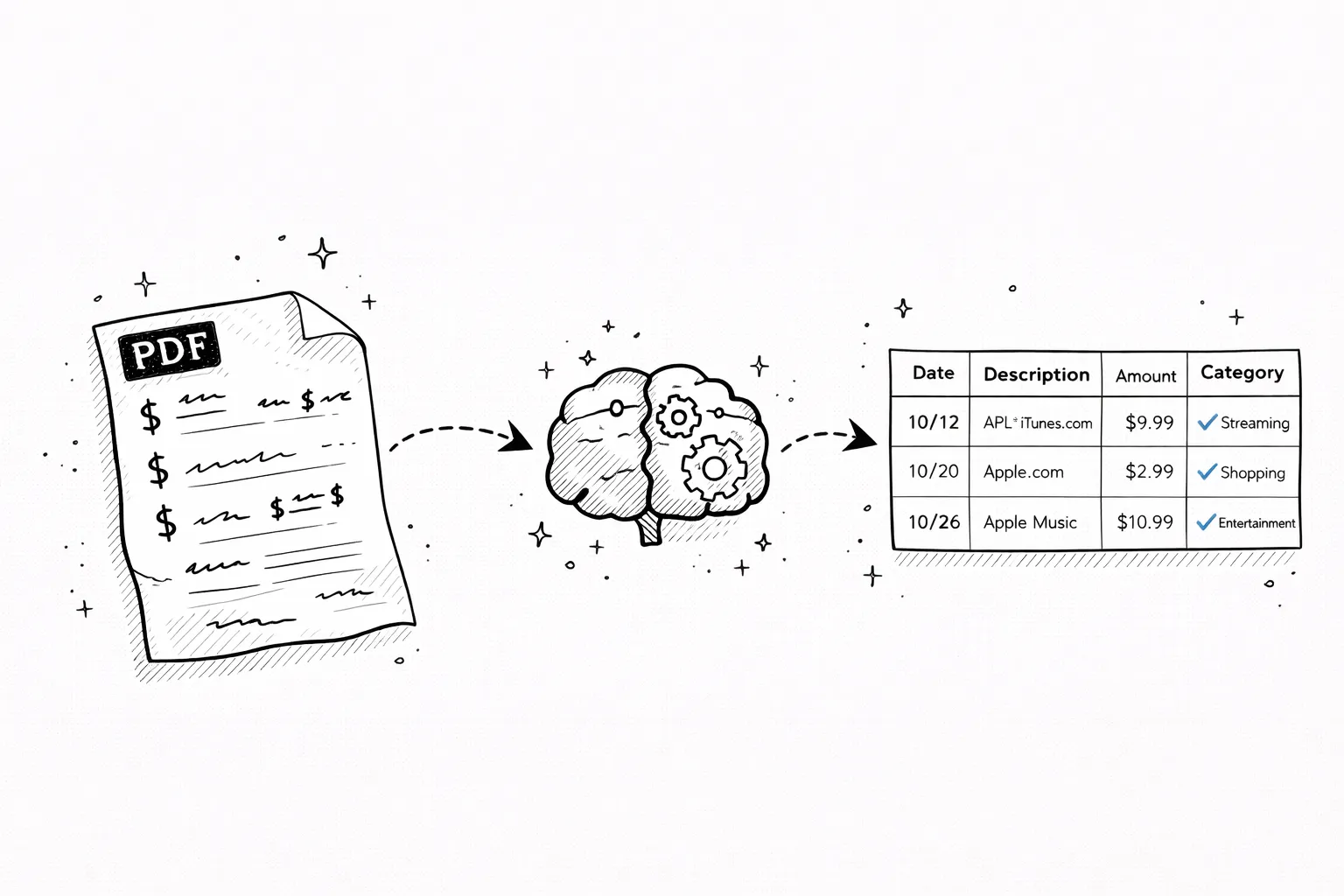
AI categorization
Spending charts
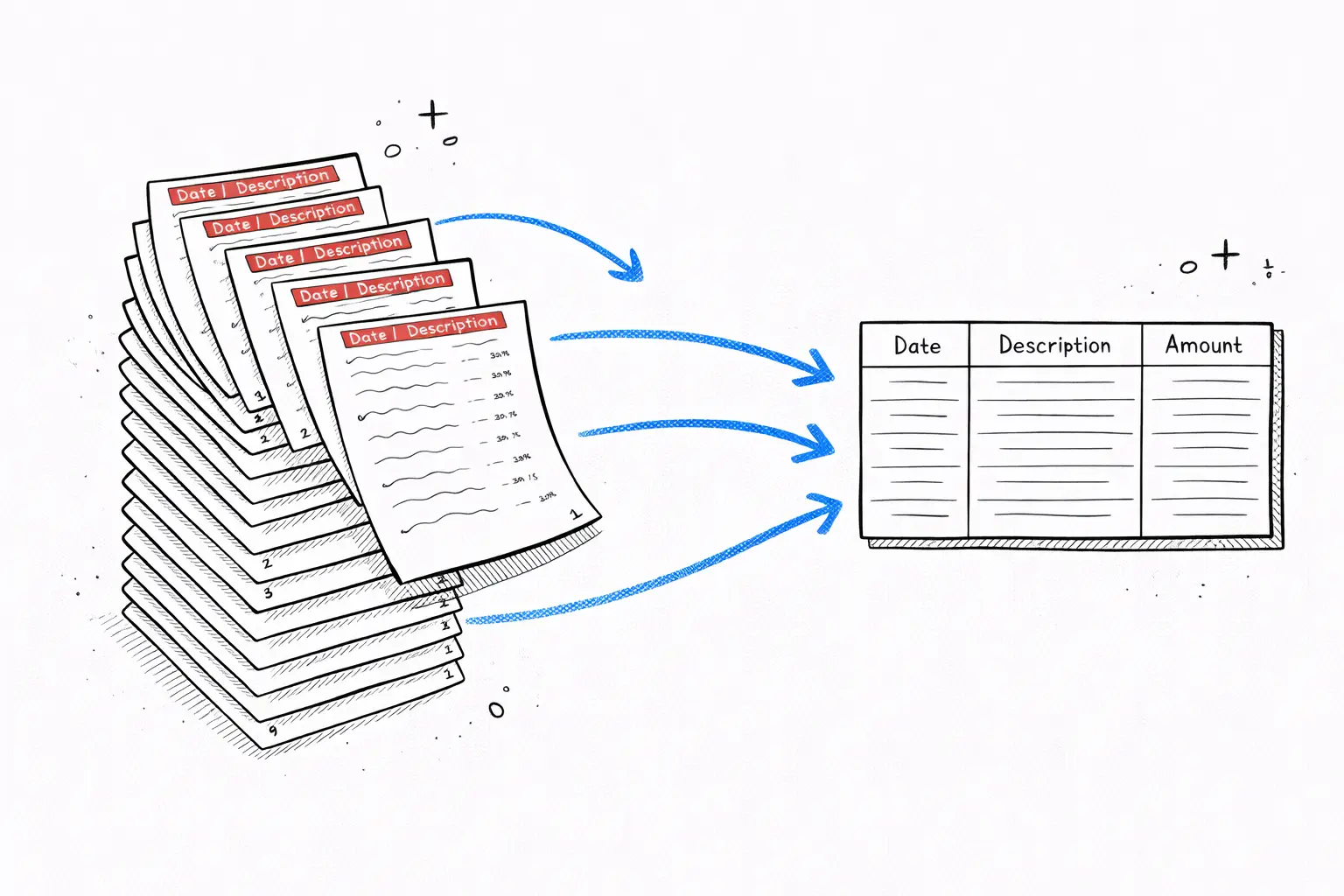
CSV & Excel export
Private & encrypted
Check descriptor →

No signup · deleted after analysis

← Back to blog
Reference

Etsy Charge on a Bank Statement

You see "ETSY.COM," "PAYPAL *ETSY," or "ETSY *SELLER" on your statement and want to know what it is. Here is how to decode every Etsy descriptor and find the seller behind the charge.
April 20, 2026 · 5 min read
Etsy Charge on Bank Statement: What ETSY.COM or PAYPAL *ETSY Means
Quick answer

ETSY on your bank statement is a charge from Etsy — usually a purchase from a seller, but it can also be an Etsy Plus subscription, seller fees, or a gift card. PAYPAL *ETSY means you paid through PayPal. Find the order at etsy.com → You → Purchases.

Free tool · no signup

Paste your exact Etsy descriptor

The decoder identifies whether it is a buyer purchase, seller fee, or subscription.

Descriptor explainer

Paste one raw line from the statement. This tool is for one descriptor, not the whole document.

Card purchase, bill, or outgoing movement

Likely source
Amazon or Whole Foods

Looks like an Amazon retail, marketplace, Prime, digital, or Whole Foods descriptor. Common variants: AMZN MKTP, AMAZON.COM, AMZNPrime, Amazon RETA, Amazon Digital, AMZN Digital Svcs.

Likely category
Shopping

Best manual read from the pasted descriptor.

Confidence
High match

Pattern-match confidence, not a guarantee.

What to do next

Check Amazon order history, digital orders, Prime renewals, Subscribe & Save shipments, and family member purchases.

Usually legitimate, but the underlying merchant may be hidden or abbreviated.

Etsy codes on bank statements — what each one means

Code on statementWhat it meansExample
ETSY.COMA direct Etsy purchase paid with a debit or credit card on Etsy.comETSY.COM 03/14 $42.50
PAYPAL *ETSYAn Etsy purchase you paid for with PayPal — the PayPal descriptor includes ETSY because Etsy is the merchantPAYPAL *ETSY ORDER 18-29-3
ETSY *SELLERAn Etsy seller (shop owner) charged for listing fees, transaction fees, or Etsy Plus subscriptionETSY *SELLER FEES 03/14
ETSY INCGeneric Etsy descriptor sometimes used by banks for any Etsy-related chargeETSY INC 03/14 #82914
ETSY GIFT CARDAn Etsy digital gift card purchased on Etsy.com — different from a third-party gift cardETSY.COM GIFT CARD $25

How to find an Etsy order or refund a charge

1
Sign into Etsy and open Purchases
etsy.com → You icon → Purchases and Reviews lists every order with the seller, items, total, and date.
2
Match the amount and date
Find the order line that matches your bank statement. Click it to see the seller name, items, shipping address, and payment method.
3
Contact the seller for a refund
Click Help with order → Contact Shop. Most sellers respond and refund within 48 hours for items not as described or never received.
4
Open an Etsy case if the seller does not respond
After 48 hours of no seller response, escalate to Etsy at help.etsy.com → buyer protection. Etsy mediates and may refund directly.
5
Cancel Etsy Plus or close your shop if it is a seller fee
Shop Manager → Settings → Subscriptions to cancel Etsy Plus. Shop Manager → Options → close shop to stop listing and transaction fees.

Free tool · 30 seconds · No signup

Need to identify another statement line?

Paste the descriptor or upload the statement to decode deposits, fees, merchant aliases, and unfamiliar charges.

Frequently asked questions

What does ETSY mean on my bank statement?
An ETSY line on your bank statement is a charge from Etsy — usually a purchase from an independent seller, but it could also be Etsy seller fees if you run a shop, an Etsy Plus subscription ($10/mo), or a digital gift card purchase. The exact item is in your Etsy order history at etsy.com/your/purchases.
What is PAYPAL *ETSY on my bank statement?
PAYPAL *ETSY means you paid for an Etsy order using PayPal. PayPal then charged your bank account or PayPal balance. The Etsy seller never sees your bank info — just the PayPal payment. The actual order details (seller name, item, shipping) are in your Etsy order history, not in PayPal.
Why do I have an Etsy charge I do not recognize?
Common causes: a saved card on Etsy was used for a guest checkout you forgot about; a family member made a purchase; an Etsy Plus subscription you started during a free trial that auto-renewed; or a seller fee if you have a dormant Etsy shop. Sign into Etsy and check both your Purchases and your Shop Manager (if you have a shop).
How do I find the Etsy order behind a charge?
Log into Etsy, click the You icon → Purchases and Reviews. Every order shows the seller name, items, total, payment method, and date. Match the bank statement amount and date to the order. If you do not see a matching order, the charge may be a seller fee — check Shop Manager → Finances if you sell on Etsy.
How do I cancel Etsy Plus or seller subscription charges?
Sign into Etsy → Shop Manager → Settings → Subscriptions → cancel Etsy Plus. The cancellation prevents the next renewal but you keep Etsy Plus features until the current billing period ends. If you no longer want to sell on Etsy, also close your shop in Shop Manager → Options to stop transaction and listing fees.
How do I get a refund from Etsy?
Etsy purchases are between you and the individual seller, not Etsy directly. Open the order in Purchases → Help with order → Contact Shop. Most sellers handle refunds within a few days. If the seller does not respond after 48 hours, open an Etsy case for buyer protection at help.etsy.com. Etsy refunds are issued to the original payment method.
What if Etsy charged me but I never bought anything?
Either your card was saved on Etsy and used by someone with account access, or your card information was used to checkout as a guest by a stranger. Sign into Etsy → Account Settings → Security → Recent activity. Change your password, remove saved cards, and contact Etsy support. Then file a chargeback with your bank within 60 days if Etsy does not refund.
Decoding every line on your statement by hand is slow. A bank statement analyzer reads the whole PDF in 30 seconds and labels every merchant automatically.
Other mystery charges explained
Amazon chargesApple.com/billNetflix / 121 Albright WaySP SpotifyUber / Uber EatsGoogle / 1600 AmphitheatreMSFT (Microsoft)POS chargesComenity PayTPG ProductsWMT Plus (Walmart)SQ (Square)
Continue readingView all posts →
Guide5 min read
DoorDash Charge on Bank Statement: What It Means & How to Dispute
DOORDASH*ORDER, DD *DOORDASH, and DOORDASHDASHPASS on your statement are DoorDash orders, DashPass subscriptions, or driver reimbursements. Identify each and cancel recurring charges in minutes.
Guide5 min read
PayPal Charge on Bank Statement: What It Means & How to Trace It
PAYPAL *DESC, PPD ID PAYPAL, or PYPL on your statement is a payment routed through PayPal — not always to PayPal itself. Find the merchant, dispute, or cancel a recurring PayPal billing.
Guide5 min read
Steam Charge on Bank Statement: What STEAMGAMES or VALVE Means
STEAMGAMES.COM, VALVE STEAM, or STEAMPOWERED on your statement is a Steam game, DLC, or wallet top-up. Trace the purchase, refund a game, and stop child-account charges.