
Photo, screenshot, or scan to spreadsheet
Image to Excel
Upload any image with a table — get OCR extraction , AI structure , Excel download in seconds.
What you can convert to Excel
Any image with a table — phone photo, screenshot, scan, or saved image file. If you can see rows and columns, we can extract them.
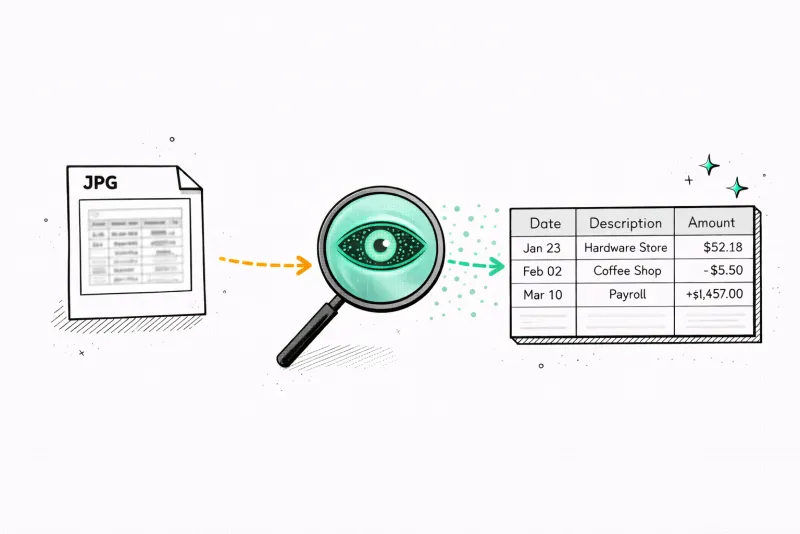
Phone photos
Point your camera at a paper document, receipt, or printed table. Take a photo and upload — OCR reads it instantly.
Tip: Shoot straight down with good lighting for best results.
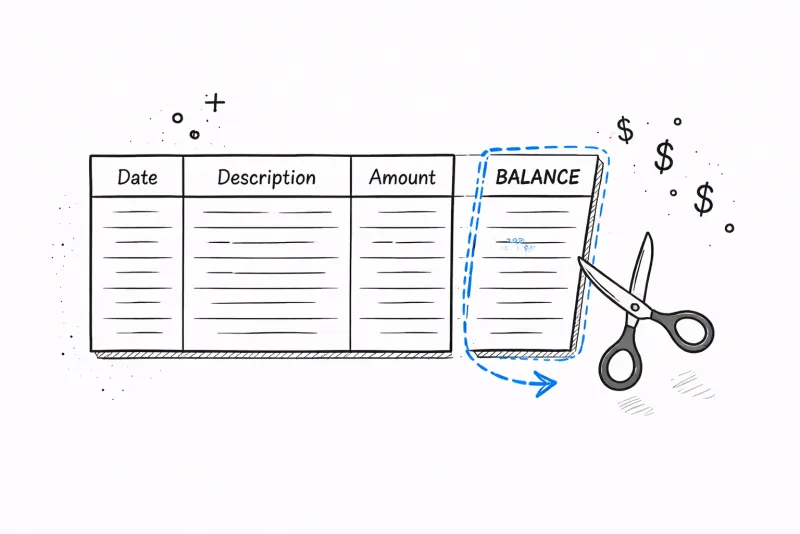
Screenshots
Screenshot any table on your screen — a web page, an email, a dashboard. Perfect clarity means perfect extraction.
Tip: Cmd+Shift+4 (Mac) or Win+Shift+S (PC) to capture a region.
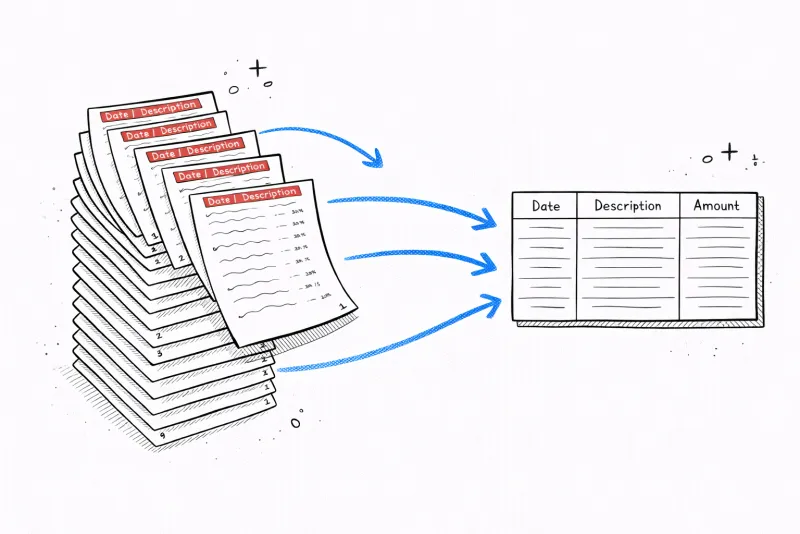
Scanned documents
Scanned bank statements, invoices, or reports as image files. Our OCR handles even low-DPI scans from office scanners.
Tip: 300 DPI or higher gives the best OCR accuracy.
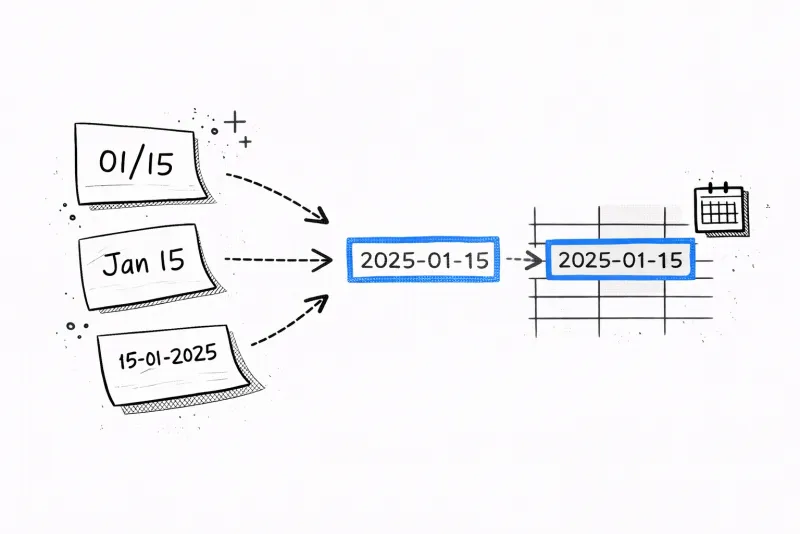
Any PNG or JPG
Any image file containing a table — exported charts, cropped PDFs, WhatsApp photos. If you can see the data, we can extract it.
Tip: Crop to just the table area for faster, more accurate results.
Other tools choke on your statement
Scanned, photographed, blurry, or in another language — we handle it all.
Others
- Can't read scanned statements
- Mixes up columns and dates
- Doesn't understand transaction context
- Manual sorting required
- English only
Our analyzer
- Reads any PDF — scanned, digital, or photo
- Gets columns right every time
- Understands context: $1,200 to "RESIDENT MGMT" = rent
- Auto-categorizes every transaction
- 35+ languages supported
How image to Excel conversion works
OCR + AI in four steps — from pixels to a structured spreadsheet.
Upload your image
Drop a PNG, JPG, or PDF. Phone photos, screenshots, scans — all work. We accept files up to 20MB.
OCR reads every character
Google Cloud Vision scans the image pixel by pixel. Every letter, number, and symbol is identified — even from blurry or rotated sources.
AI finds the table structure
Our AI identifies column boundaries, header rows, and cell alignment — even when the table has no visible borders or uses inconsistent spacing.
Download your spreadsheet
Get a clean Excel file with every cell in the right place. Open in Excel, Google Sheets, or any spreadsheet app.
Get the best extraction accuracy
Our OCR handles most images, but these tips make the difference between 95% and 99.5% accuracy.
Best results
- Flat, straight-on angle (not tilted)
- Good, even lighting — no shadows on the table
- Crop to just the table area
- High resolution (300+ DPI for scans)
- Clear, printed text (not handwritten)
Avoid
- Dark, underexposed photos
- Extreme angles or perspective distortion
- Blurry or out-of-focus images
- Tables obscured by fingers or objects
- Heavily compressed JPGs (below 50KB)
50+ languages
Upload from any country — AI reads local scripts
Smart vision extracts transactions from any format — no matter the bank, country, or language
More than just categories
Real financial clarity from your bank statement.
Subscription tracker
Find the charges you forgot about
AI scans every transaction and flags recurring payments. Most people discover at least one subscription they'd forgotten.
- Detects monthly, annual, and weekly charges
- Shows your true monthly subscription cost
- Spots free trial conversions before they auto-renew
Subscription tracker
Find the charges you forgot about
AI scans every transaction and flags recurring payments. Most people discover at least one subscription they'd forgotten.
- Detects monthly, annual, and weekly charges
- Shows your true monthly subscription cost
- Spots free trial conversions before they auto-renew
AI Insights
Your finances, explained by AI
Get a personalized breakdown of spending habits and anomalies. AI reads every transaction and tells you what actually matters.
- Highlights unusual spending spikes
- Tracks month-over-month trends
- Summarizes financial health in plain English
AI Insights
Your finances, explained by AI
Get a personalized breakdown of spending habits and anomalies. AI reads every transaction and tells you what actually matters.
- Highlights unusual spending spikes
- Tracks month-over-month trends
- Summarizes financial health in plain English
Smart recommendations
Not generic tips — your tips
Every recommendation is based on your actual transactions. Specific dollar amounts, not vague advice.
- Based on your real spending patterns
- Specific dollar amounts you can save
- Actionable in under 5 minutes
Potential monthly savings
$227/mo
Potential monthly savings
$227/mo
Smart recommendations
Not generic tips — your tips
Every recommendation is based on your actual transactions. Specific dollar amounts, not vague advice.
- Based on your real spending patterns
- Specific dollar amounts you can save
- Actionable in under 5 minutes
Analyze your own statement
Upload a PDF, get your full report in 30 seconds.
Pricing
See where your money goes
Upload a statement and get answers in seconds. No card required.
- 1 analysis / month (up to 25 pages)
- 20 transactions per document
- Auto-categorized transactions
- Money flow visualization
- Export to CSV & Excel
- 500 pages / month
- 100 transactions per document
- Everything in Free
- AI savings advisor chat
- Find hidden subscriptions
- Extract receipts, invoices & tables
- 12 months history
- Unlimited pages
- Unlimited transactions per document
- Everything in Basic
- 5 image recaps / month
- Redact sensitive data
- Fraud & fake-statement detection
- Translate any language
- Priority support
FAQ