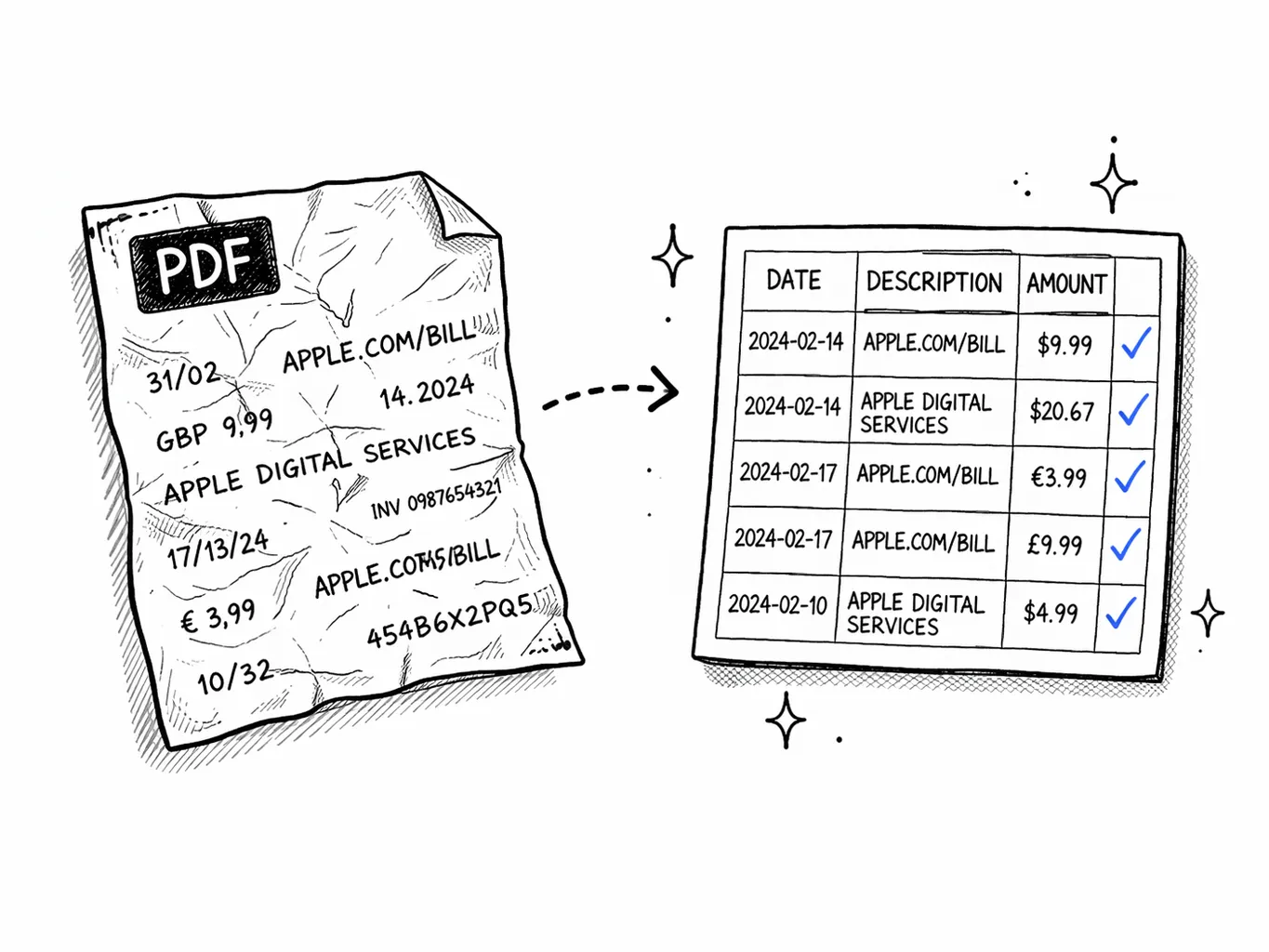
Best Bank Statement Analyzer Tools in 2026 (8 Tested, Free & Paid)

Use the main analyzer when you already know you want categories, charts, recurring charges, and a report from your uploaded PDF.
Open the analyzerUse the software page when you want OCR, privacy, setup, and workflow tradeoffs instead of a ranked editorial review.
Compare bank statement softwareUse the converter when the main job is CSV, Excel, QIF, OFX, or QBO output for another system.
Open the converterWhether you want to understand your spending, prepare for a loan, or just stop wondering where your money went — a good bank statement analyzer saves you hours. We tested the top options in 2026 so you don't have to.
- Best overall (free tier): mybankstatementanalysis — AI categorization, full export coverage, 1,000+ banks
- Best for spreadsheet users: Tiller Money — auto-syncs to Google Sheets/Excel, $79/year
- Best iOS app: Copilot — beautiful design, $13/month, US only
- Best for QuickBooks workflows: MoneyThumb — mature QBO export and duplicate detection, $149/year
- Best for developer pipelines: Docparser — API-first with webhooks, $39+/month
- Best for lender fraud detection: Ocrolus — enterprise-only, built for mortgage and SBL underwriting
- Best for enterprise volume: Nanonets — custom-trained models, $499+/month
- Most flexible (but most work): Excel/Google Sheets manually
How we ranked these tools
We ran the same set of 50 statements (US, UK, India, EU, South Africa) through each tool and scored the output on six axes:
What makes a good bank statement analyzer?
Before comparing tools, here are the criteria we used to evaluate each bank statement analyzer:
- Accuracy: Does it correctly extract every transaction without errors?
- Categorization: Does it automatically sort transactions into useful categories?
- Ease of use: Can a non-technical person use it in under 5 minutes?
- Privacy: Where is your data stored? Who can see it?
- Price: What does it cost, and is the free tier actually useful?
- Export: Can you get your data out in a usable format?
The best bank statement analyzers in 2026
mybankstatementanalysis.com
Best FreeAI-powered analyzer that reads any PDF bank statement, categorizes every transaction, and gives you a money flow chart + savings tips. Free for 1 analysis/month.
Tiller Money
Best for Spreadsheet Power UsersAutomatically pulls your bank transactions into Google Sheets or Excel daily. Great for people who already live in spreadsheets. Requires bank connection (not PDF upload). $79/year.
Copilot
Best UIBeautiful iOS app for bank statement analysis with automatic transaction sync. Strong on visuals and UX. $13/month after trial. iOS only.
MoneyThumb
Best for QuickBooks WorkflowsLong-time favourite for CPAs and bookkeepers who export to QuickBooks at scale. Mature QIF/OFX/QBO engine and strong duplicate detection. $149/year for single seat.
Docparser
Best for Developer PipelinesAPI-first parser with custom rules per bank template. Built for engineering teams wiring statement data into another system — Zapier, Make, n8n integrations included. From $39/month.
Ocrolus
Best for Lender Fraud DetectionEnterprise lender stack with built-in tampering and fraud detection, designed for mortgage and SBL underwriting workflows end-to-end. Enterprise pricing only.
Nanonets
Best for Enterprise VolumeCustom-trained models for niche bank formats — built for fintechs and BPOs processing 10,000+ statements per month. From $499/month with data labelling required.
Excel / Google Sheets (manual)
Most FlexibleManually import your CSV bank export into Excel and build your own analysis. Total control, but requires hours of setup and ongoing maintenance.
Pick by use case
Skip to the right answer for your situation:
| Your situation | Recommended pick |
|---|---|
| I want a free analysis once a month | mybankstatementanalysis (free tier) |
| I'm a CPA processing dozens of clients | MoneyThumb or mybankstatementanalysis Pro |
| I'm building a fintech feature | Docparser (or Plaid if you have account-link consent) |
| I'm a lender doing risk underwriting | Ocrolus or Nanonets |
| I just need a CSV from a PDF | mybankstatementanalysis or BankStatementConverter |
| I need Tally / Indian bank coverage | mybankstatementanalysis |
| I need QuickBooks .QBO export | MoneyThumb or mybankstatementanalysis |
| I need recurring-charge detection | mybankstatementanalysis |
| I want a beautiful iOS app and connected accounts | Copilot |
What we left off the list
Several products show up in "top 10" lists elsewhere but didn't make our 2026 cut:
- Generic OCR APIs (AWS Textract, Google Document AI) — strong extraction but no categorization, no metrics, no usable interface for non-developers.
- ProperSoft — solid converter but no analysis layer; better positioned as a pure CSV/QBO converter.
- BankStatementConverter — fast PDF→CSV, but no categorization, charts, or analysis features.
- LedgerBox — fine for tiny accounting practices but smaller bank coverage outside US/UK.
- Tabula — open-source PDF table extraction; useful for technical users but requires manual cleanup per statement.
- Generic accounting software (Xero, QuickBooks) — they import statements but do not analyze PDF inputs directly without a separate converter.
Methodology and bias disclosure
We publish this comparison on mybankstatementanalysis, so the #1 pick is our own product. Read the per-tool pros and cons rather than the ranking alone — and verify the claims by running your own sample statement through any tool before committing. Every product on this list offers a trial, free tier, or sample mode for that purpose.
- IRS recordkeeping guidance — Used to weight exportability, category clarity, and audit-ready transaction records.
- FDIC statement review guidance — Used to weight balance review, fee visibility, deposit/withdrawal checks, and statement reconciliation.
- Plaid Transactions documentation — Used as a benchmark for connected-account transaction enrichment, categorization, and merchant normalization.
- CFPB deposit account fee guidance — Used to weight overdraft, NSF, and fee detection for consumer-facing analysis.
For a deeper desktop-vs-online breakdown, see bank statement analysis software vs online tools. For the underlying methodology, see the complete 2026 bank statement analysis guide.
Free tool · 30 seconds · No signup
See every transaction categorized in 30 seconds
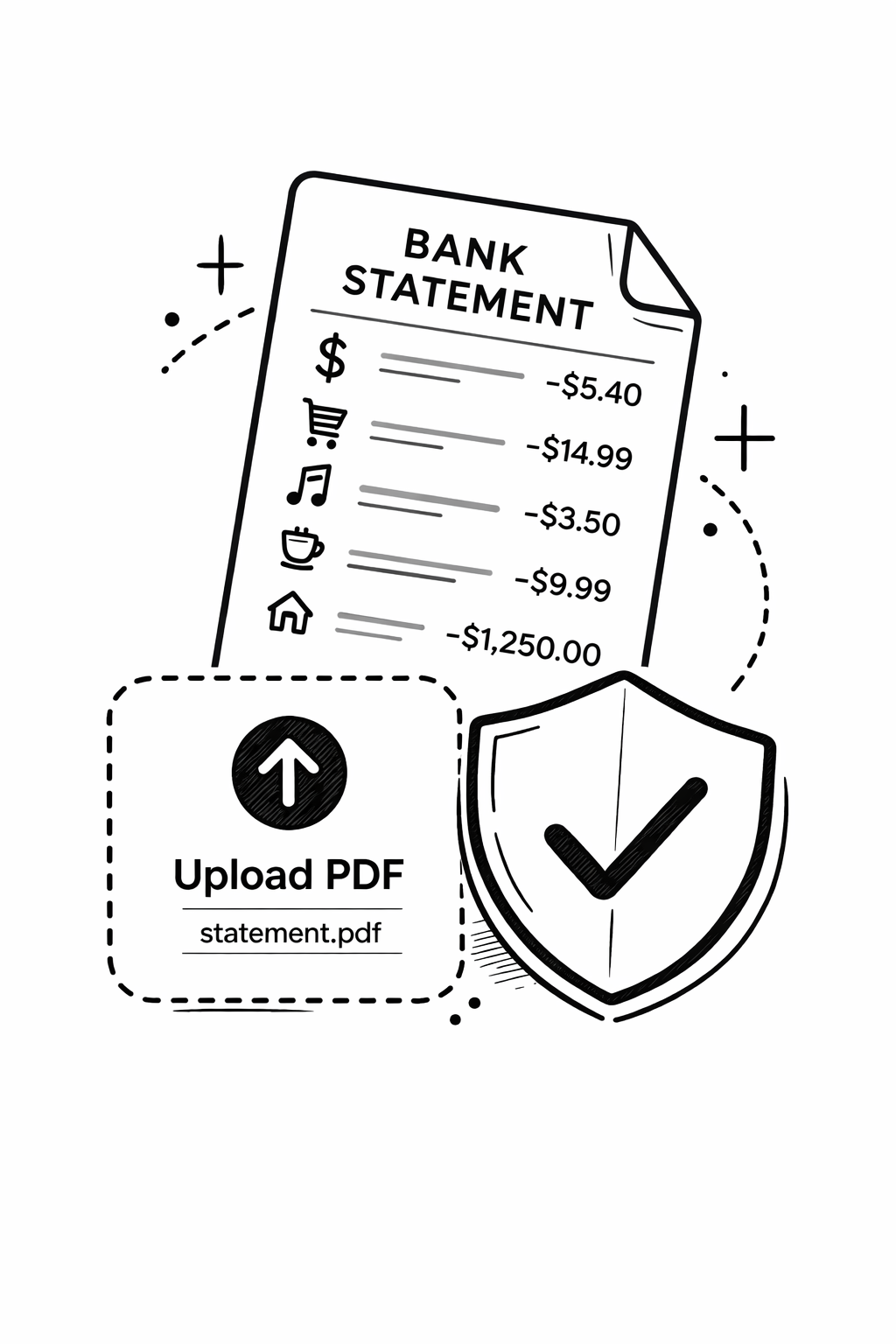
Upload your bank statement PDF and get an instant spending breakdown by category, subscription detection, money flow chart, and CSV export. Free, no account needed.
Frequently asked questions
Our bank statement analyzer app runs in any browser — no download, no install. Works on iPhone, Android, Mac, and Windows. Upload a PDF and get results in 30 seconds.
Try the Analyzer App — Free →- The complete bank statement analysis guide (2026) — methodology, ratios, red flags
- How to analyze bank statements — methodology, ratios, and red flags
- Bank statement analysis software vs online tools — desktop or cloud?