Credit card statement analyzer
Upload a credit card statement PDF to categorize every charge, find recurring fees, and export clean transactions to CSV or Excel.
Works with every card issuer
To analyze a credit card statement, upload the PDF from your issuer and review the categorized transactions. The analyzer identifies merchants, amounts, categories, recurring subscriptions, and fees, then lets you export the rows to CSV or Excel. No bank login or live account connection is required.
Why analyze your credit card statement?
Your credit card issuer shows you a list of charges. What they don't show: how much you actually spend on dining vs. groceries vs. subscriptions. A credit card statement analyzer reads your PDF and turns raw charges into categorised, exportable data.
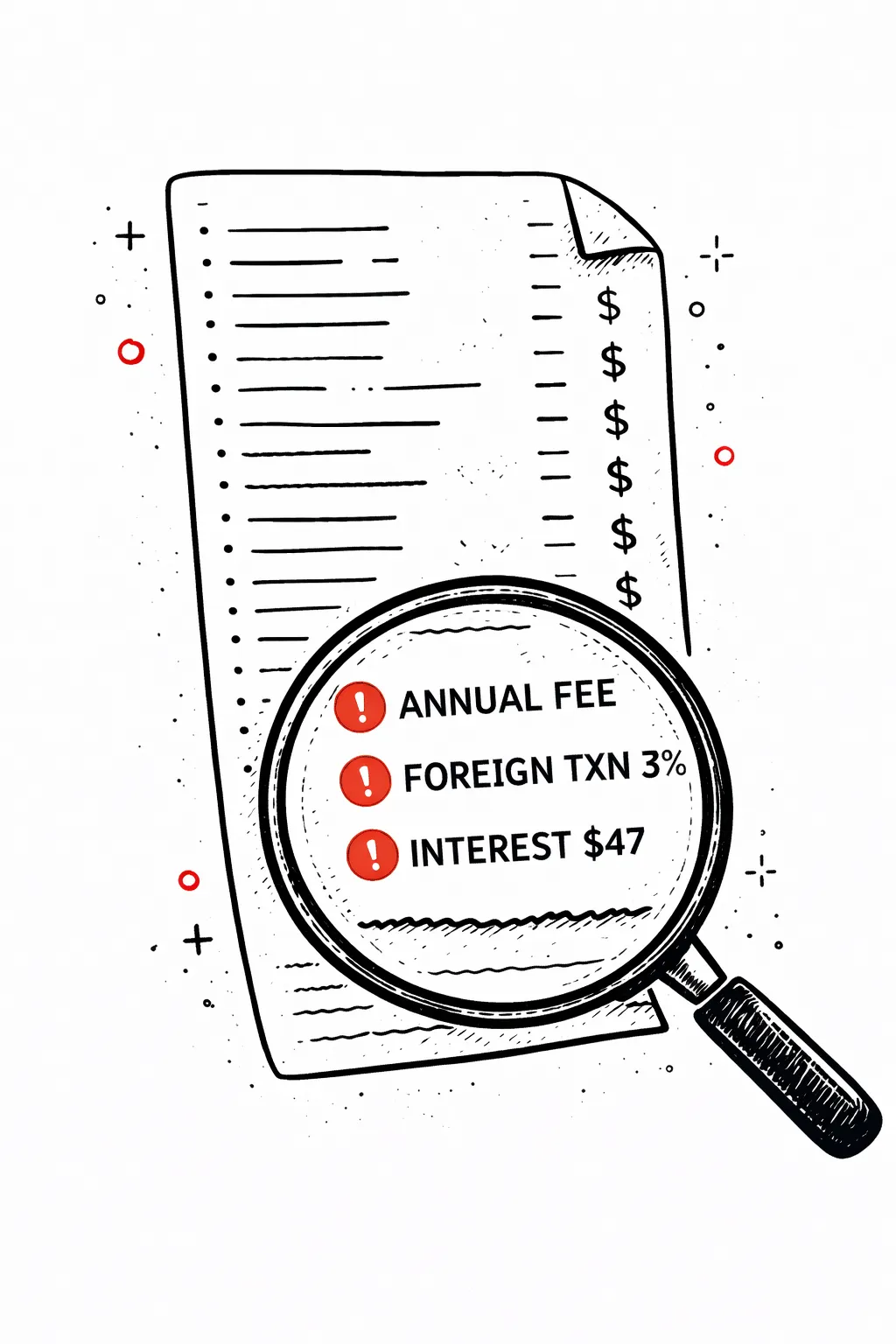
Spot hidden fees
Annual fees, foreign transaction charges, and interest charges buried in your credit card statement — found automatically.
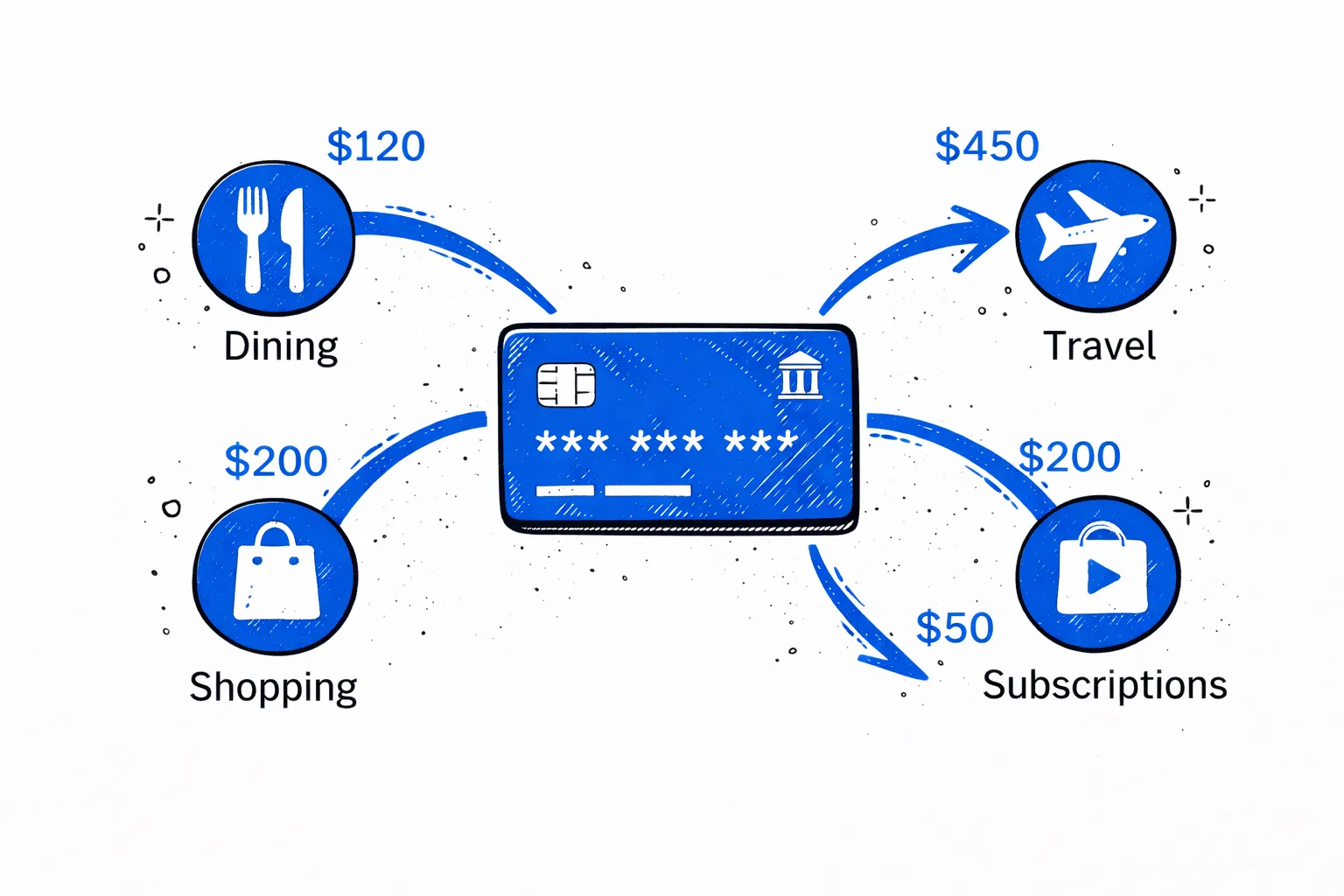
Track spending by category
Dining, travel, shopping, subscriptions — across all your credit card charges.
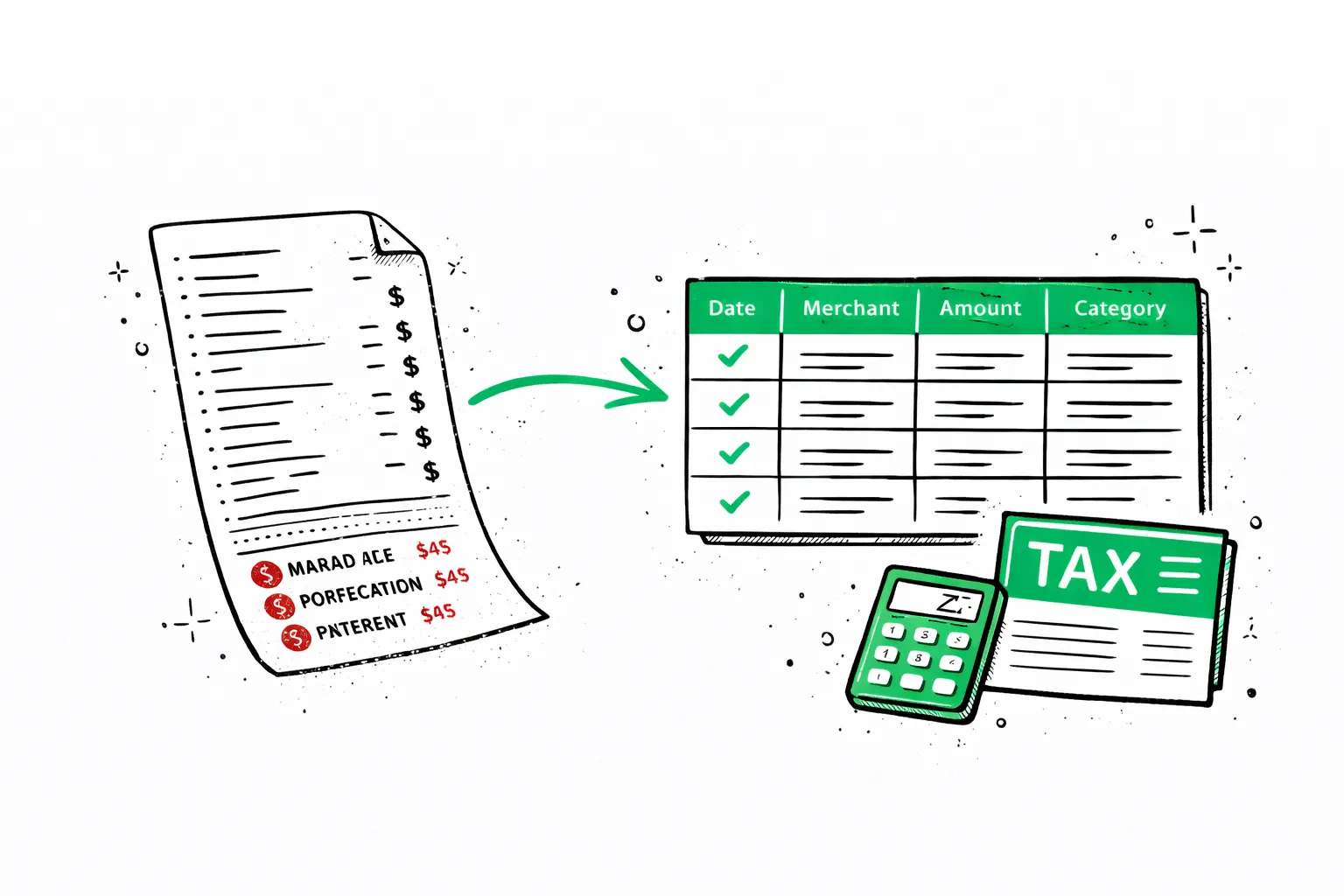
Export for tax prep
Clean CSV or Excel for your accountant, bookkeeper, or expense report.
Most people use a credit card statement analyzer for one of three reasons: tracking personal spending, preparing business expenses for tax season, or getting a credit card statement to CSV format that accounting software can import.
Your full spending report
Net saved in October 2024
Income
$7,712
Spent
$4,844
Activity
47 tx · ~$103/day
Find money you're leaving on the table
Cancel unused subscriptions
3 services you haven't used in 60+ days
Switch to cheaper phone plan
You're overpaying vs similar usage profiles
Cook 3 more meals per week
You averaged $42/meal eating out — 18 times this month
Ask your statement anything
Dining spending jumped 42% vs last month. You ate out 18 times — that's $42 per meal on average.
See where every dollar went
$4,844 across 7 categories
Your financial health, scored
Spot hidden recurring charges
8 subscriptions found · $349/mo
From credit card PDF to Excel in 30 seconds
What your card issuer gives you
What our analyzer gives you
Our credit card spending analyzer reads the PDF, uses AI to categorise every charge — Shopping, Dining, Subscriptions, Travel — and exports a credit card statement to Excel or CSV with one click. Each row includes date, merchant, amount, and category.
Works with Chase, Amex, Capital One, Citi, Discover, and 500+ more card issuers worldwide. Whether it's a personal Visa or a business Amex — upload the PDF, get categorised spending data you can actually use. One free statement upload total, ever — no signup required.
More than just categories
Real financial clarity from your bank statement.
Subscription tracker
Find the charges you forgot about
AI scans every transaction and flags recurring payments, including charges you may not recognize at first glance.
- Detects monthly, annual, and weekly charges
- Shows your true monthly subscription cost
- Spots free trial conversions before they auto-renew
Subscription tracker
Find the charges you forgot about
AI scans every transaction and flags recurring payments, including charges you may not recognize at first glance.
- Detects monthly, annual, and weekly charges
- Shows your true monthly subscription cost
- Spots free trial conversions before they auto-renew
AI Insights
Your finances, explained by AI
Get a personalized breakdown of spending habits and anomalies. AI reads every transaction and tells you what actually matters.
- Highlights unusual spending spikes
- Tracks month-over-month trends
- Summarizes financial health in plain English
AI Insights
Your finances, explained by AI
Get a personalized breakdown of spending habits and anomalies. AI reads every transaction and tells you what actually matters.
- Highlights unusual spending spikes
- Tracks month-over-month trends
- Summarizes financial health in plain English
Smart recommendations
Not generic tips — your tips
Every recommendation is based on your actual transactions. See the pattern behind the suggestion and its estimated monthly impact, not vague budgeting advice.
- Ranks changes by potential monthly impact
- Names the transaction pattern behind each tip
- Gives you a concrete next action to review
Potential monthly savings
$227/mo
Potential monthly savings
$227/mo
Smart recommendations
Not generic tips — your tips
Every recommendation is based on your actual transactions. See the pattern behind the suggestion and its estimated monthly impact, not vague budgeting advice.
- Ranks changes by potential monthly impact
- Names the transaction pattern behind each tip
- Gives you a concrete next action to review
Analyze your own statement
Upload a PDF, get a categorized report preview in 30 seconds.
Statement analyzer pricing
Pro
For heavy files and repeat work
- 200 PDF pages per billing cycle
- Unlimited visible transactions per report
- Subscription and recurring charge detection
- Priority support
Business
For lenders, accountants, and teams processing at volume
- 500 PDF pages per billing cycle, then $0.08/page
- REST API access with your own keys
- Unlimited visible transactions per report
- Priority support
FAQ