
Bank statement to CSV
Bank statement to CSV
Upload a PDF — get a clean CSV with every transaction categorized from any bank .
Choose The Right Tool
Need all export formats?
Use the converter owner page when you want CSV, Excel, QIF, OFX, and QBO options from one workflow.
Open the converter →Need spreadsheet formulas next?
Use the Excel path when the next step is pivot tables, formulas, and manual spreadsheet review.
Open Excel conversion →Need insights, not file output?
Use the analyzer when the goal is categories, charts, subscriptions, and a readable spending report.
Open the analyzer →What the CSV output looks like
Plain text, comma-separated — opens in any spreadsheet app, imports into any accounting tool, parseable by any script.
1Date,Description,Amount,Category201/03,"WHOLE FOODS MKT #10247",-67.42,Groceries301/05,"SHELL OIL 57442365",-52.18,Gas401/07,"AMZN MKTP US*2K7",-134.99,Shopping501/10,"DIRECT DEPOSIT PAYROLL",3250.00,Income601/12,"NETFLIX.COM",-15.99,Subscriptions701/15,"UBER TRIP HL4K9",-24.50,Transport8...
4 columns
Date, Description, Amount, Category
UTF-8
Universal encoding
RFC 4180
Standard CSV format
How it works
Three steps to a clean CSV
Upload your PDF
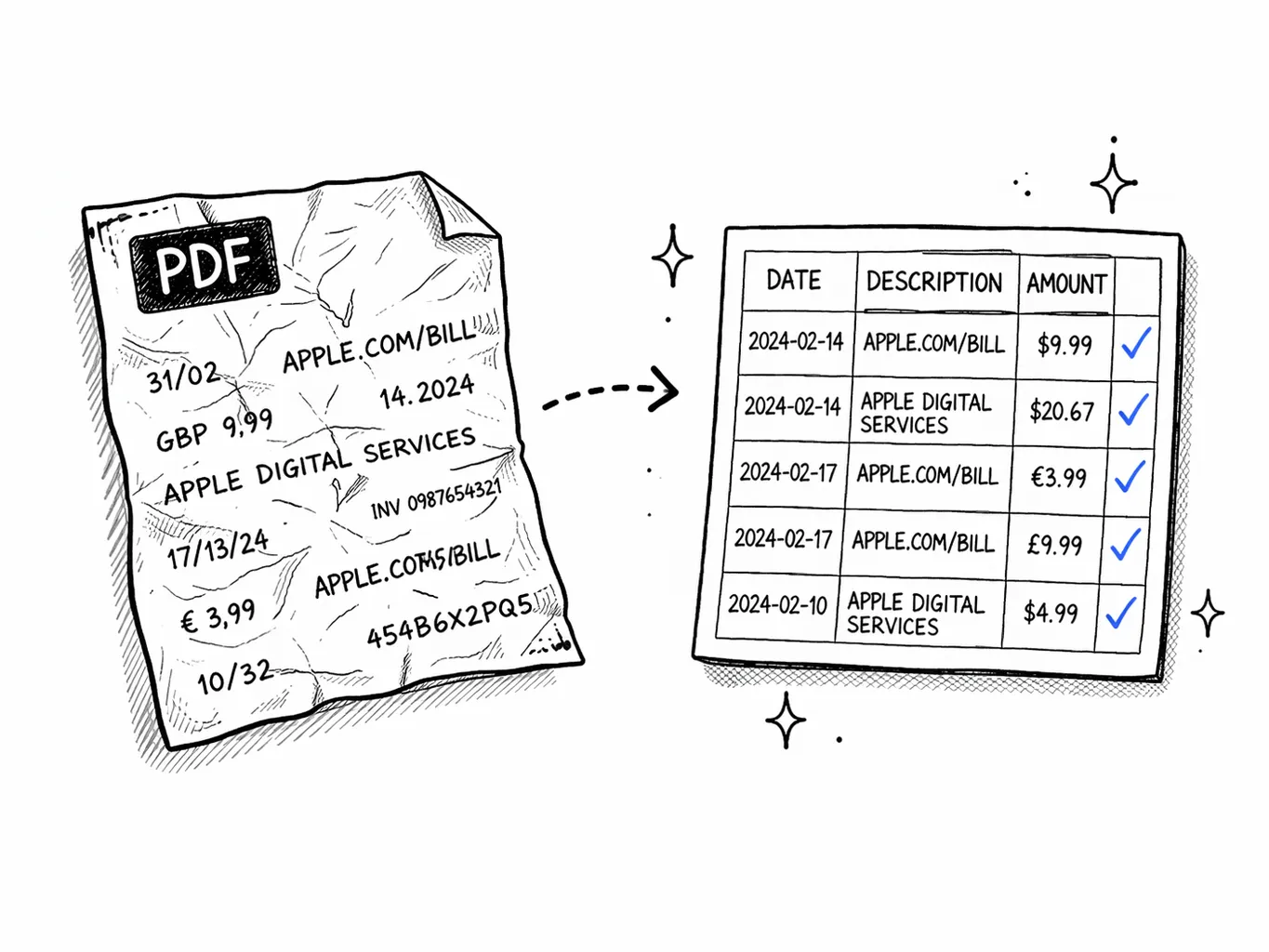
Drop your bank statement PDF — scanned or digital. JPG and PNG images of statements also work.
AI extracts every transaction
Our AI reads each row, identifies dates, merchants, and amounts, then classifies spending into 19 categories.
Download CSV
One click exports a clean CSV file — opens in Excel, Google Sheets, QuickBooks, Xero, or any tool you use.
Universal format
CSV works everywhere
CSV is the most universally accepted data format. Every spreadsheet app, every accounting tool, and every programming language can read it. No special software required — just plain text with commas.
Our CSV includes 4 columns per transaction: Date, Description, Amount (signed — negative for debits, positive for credits), and AI-assigned Category. Import directly into QuickBooks, Xero, Google Sheets, or process with Python/pandas.
CSV vs Excel — which one should you download?
Both formats contain the same data. CSV is better for importing into other tools. Excel is better if you want to analyze in a spreadsheet.
TL;DR: Choose CSV to import into QuickBooks, Xero, or code. Choose Excel to analyze with formulas and charts. We offer both.
Import your CSV anywhere
CSV is the universal format. Here's how to use your bank statement CSV in the most popular tools.
QuickBooks Online
Xero
Google Sheets
Python / pandas
Before you import
Three quick checks that make the CSV more useful
Date format
Open the first few rows and confirm the dates match your regional format expectations before sorting or importing.
Debit vs credit signs
Check that purchases are negative and deposits are positive if your downstream tool expects signed amounts.
Non-transaction rows
Skim for opening balances, closing balances, and summary lines if you are working with unusual statement layouts.
Why convert your bank statement to CSV
Your bank gives you a PDF — but every tool you use wantsstructured data. QuickBooks needs a CSV import. Your accountant wants a spreadsheet. Your budget tracker needs individual transactions, not a monolithic PDF. Converting to CSV bridges that gap — turning a static document into data you can sort, filter, and analyze.
Our converter does more than dump text. It understandsbank statement layouts— multi-column tables, split debit/credit columns, running balances, and varieddate formats. The AI normalizes everything into a clean 4-column CSV with one row per transaction.
Every transaction is also assigned one of19 spending categories— Groceries, Dining, Transport, Subscriptions, and more. This means your CSV is ready to use immediately: import into QuickBooks and categories are there, open in Sheets and you can pivot by category, or feed it to a Python script for custom analysis. No manual tagging required.
Method & Accuracy
Supporting pages for teams converting statements to CSV
Use these pages to evaluate extraction quality, OCR scenarios, supported statement types, and the differences between converter-style and analyzer-style workflows.
How It Works
→See how uploads move from PDF or image to structured transactions, categories, and export files.
Accuracy
→Understand what accuracy means for digital PDFs, scanned statements, OCR, categorization, and exports.
Supported Banks
→Check which statement types, regions, and export formats work best with the analyzer and converter.
Best Analyzer Guide
→Comparison-style page for buyers evaluating statement analysis tools and workflows.
Best Converter Guide
→Commercial comparison page for teams choosing a bank statement converter or PDF-to-CSV workflow.

Secure
Your PDF is processed in memory and never saved to disk. All data is encrypted in transit.

Private
We never sell or share your financial data. Anonymous uploads are auto-deleted after 7 days.

Transparent
No hidden fees, no account required. Try it without an account, or create a free account for 1 analysis per month.
Pricing
Pick by volume
One-time for a single report. Basic for regular files. Pro for heavy statements.
- 500 PDF pages per month
- Up to 100 visible transactions per report
- Subscription and recurring charge detection
- AI explanations for spending patterns
- 12-month analysis history
- Unlimited PDF pages
- Unlimited visible transactions per report
- Receipt scanning (5/mo)
- Priority support
FAQ
Bank statement to CSV — FAQ
Ready?
Upload one statement.
Get the full picture.
No credit card. No account. Drop a PDF and see every transaction categorized in 30 seconds.
Try it free →Related reading
Bank Statements for Self Assessment
How to use your CSV export to calculate income and expenses for HMRC.
Bank Statements for Self-Employed
What lenders and HMRC want to see — and how a CSV makes it easier.
Import to Xero & QuickBooks
Step-by-step guide to importing your converted CSV into accounting software.