Merge bank statements
Combine multiple PDFs into one file — processed in your browser , never uploaded . Free forever.
How it works
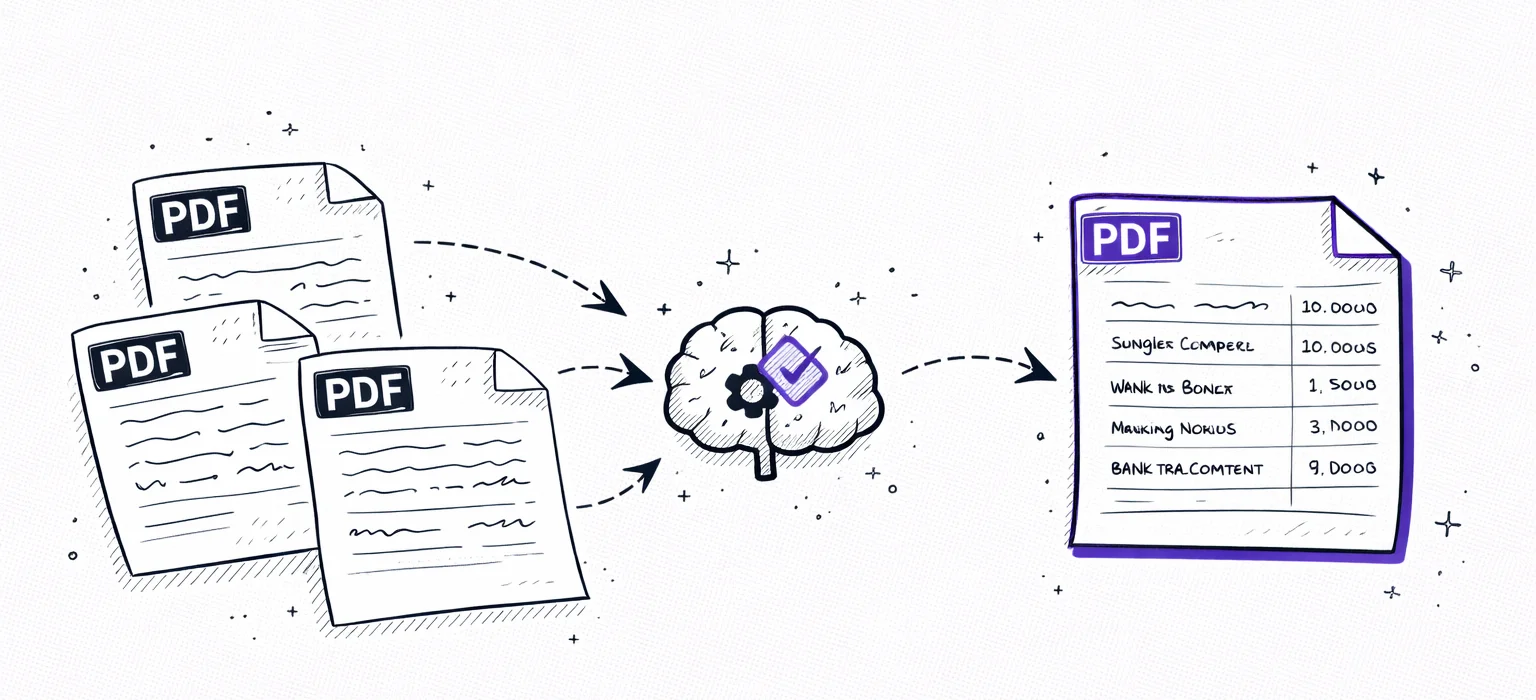
Three steps, zero server uploads
Select PDFs
Upload 2 or more bank statement PDFs from any bank or account. Mix statements from different months or different banks — any PDF works.
Merged in your browser
All processing happens locally on your device using JavaScript. Your files never leave your browser — nothing is sent to any server.
Download merged PDF
One combined PDF downloads instantly — ready to share with your accountant, lender, or anyone who needs all your statements in one file.
100% client-side
Your files never leave your device
Unlike most PDF merge tools that upload your files to a server, ours runs entirely in your browser. The merge is performed using client-side JavaScript — your bank statements are never transmitted over the internet.
This makes it safe for sensitive financial documents. No cloud processing, no temporary storage, no data retention. The merged PDF is generated on your device and downloaded directly.
Why merge bank statements?
One combined PDF is cleaner and easier to share than a folder of separate files.
Mortgage application
Lenders typically ask for 3–6 months of statements. Combine them into one PDF for easy submission.
Tax preparation
Give your accountant a full year of statements in one file instead of 12 separate PDFs.
Multiple accounts
Combine checking, savings, and credit card statements from the same month into one document.
Loan applications
Most lenders want proof of income across several months. One merged file is cleaner than a folder of PDFs.
Why merging bank statements saves hours
Lenders, accountants, and government agencies routinely ask for three to twelve months of bank statements. Sending a dozen separate PDF files is messy, error-prone, and often leads to follow-up requests formissing pages. Merging your statements into a single PDF creates one clean, chronologically ordered document that is easier to review, easier to email, and far less likely to cause confusion during amortgage application, tax filing, or visa process.
Our tool also handlesmulti-account consolidation. If you hold a checking account, savings account, and credit card with the same or different banks, combine all their statements into one file. This gives you — or your accountant — a complete picture of your finances in a single document.
Every PDF is processed entirely inside your browser using client-side JavaScript. Your files arenever sent to a server, never stored, and never seen by anyone but you. The merged output is generated locally and downloaded directly — no cloud upload, no account required, no limits. Safe for even the most sensitive financial documents.

Secure
Your PDF is processed in memory and never saved to disk. All data is encrypted in transit.

Private
We never sell or share your financial data. Anonymous uploads are auto-deleted after 7 days.

Transparent
No hidden fees, no account required. Try one statement without an account; the free upload is one-time, not monthly.
FAQ
Merge bank statements — FAQ
Ready?
Upload one statement.
Get the full picture.
No credit card. No account. Drop a PDF and see a categorized preview in 30 seconds.
Try it free →