
Invoice parser
Invoice parser
Upload a PDF — extract line items , totals , vendor details into Excel instantly.
What you get
Every line item, structured and ready
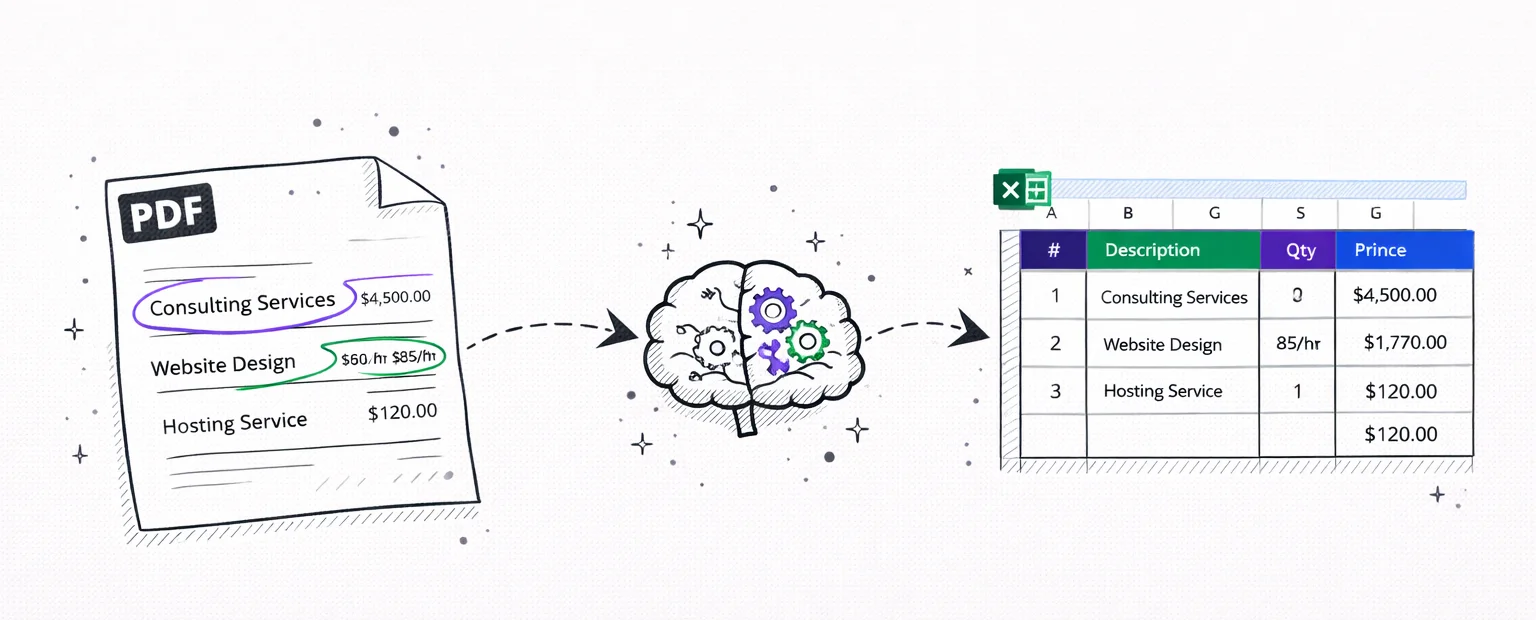
Line items
Extracted
Totals & tax
Calculated
Vendor info
Identified
Any invoice, any format
Digital PDFs, scanned paper, photos — the AI reads them all.
Freelancer invoices
Hourly rates, project fees, retainer invoices from contractors and consultants.
Vendor & supplier bills
Purchase orders, wholesale invoices, supply chain documents with line items.
Utility & service bills
Electricity, internet, phone, SaaS subscriptions — recurring monthly invoices.
Medical bills
Itemized medical invoices with procedure codes, quantities, and insurance adjustments.
Scanned paper invoices
Paper invoices photographed or scanned. OCR reads the image, AI extracts the data.
Multi-page invoices
Long invoices spanning multiple pages — all line items extracted into one spreadsheet.
Why manual invoice entry is a waste of time
Every invoice you receive is a PDF withline items,totals, andvendor detailstrapped inside. Copy-pasting line items into a spreadsheet takes 5–15 minutes per invoice. Multiply by 20+ invoices a month and you're losing hours.
Our AI reads the visual layout of any invoice — regardless of how it's formatted — and extracts every line item with description, quantity, unit price, and total. It handles single-page freelancer invoices and multi-page purchase orders equally well. The output is a clean spreadsheet with one row per line item, ready to import into your accounting software.
Unlike enterprise tools like Google Document AI that require API setup, GCP projects, and code, this is a simple upload. Drop a PDF, get a spreadsheet. No developer needed, no configuration, no monthly API fees. Just extracted data inExcel or CSVformat.

Secure
Your PDF is processed in memory and never saved to disk. All data is encrypted in transit.

Private
We never sell or share your financial data. Anonymous uploads are auto-deleted after 7 days.

Transparent
No hidden fees, no account required. Try it without an account, or create a free account for 1 analysis per month.
Pricing
Start with one report
Pay once when you need one full result. Subscribe only when statement work becomes regular.
- All transactions unlocked for this report
- Categories, charts, and subscription detection
- CSV and Excel exports included
- No renewal, no account required
FAQ
Invoice parser FAQ
Ready?
Upload one statement.
Get the full picture.
No credit card. No account. Drop a PDF and see every transaction categorized in 30 seconds.
Try it free →