
Convert bank statement to Excel
Upload a PDF — get a clean .xlsx with every transaction extracted, categorized, and ready for pivot tables.
Choose The Right Tool
Need all export formats?
Use the converter owner page when you want to compare CSV, Excel, QIF, OFX, and QBO instead of choosing Excel first.
Open the converter →Need a universal text file?
Use CSV when the next step is imports, scripts, Google Sheets, or a workflow that does not need Excel formatting.
Open CSV conversion →Need analysis, not a spreadsheet?
Use the analyzer when the goal is categories, charts, subscriptions, and a readable report rather than a file export.
Open the analyzer →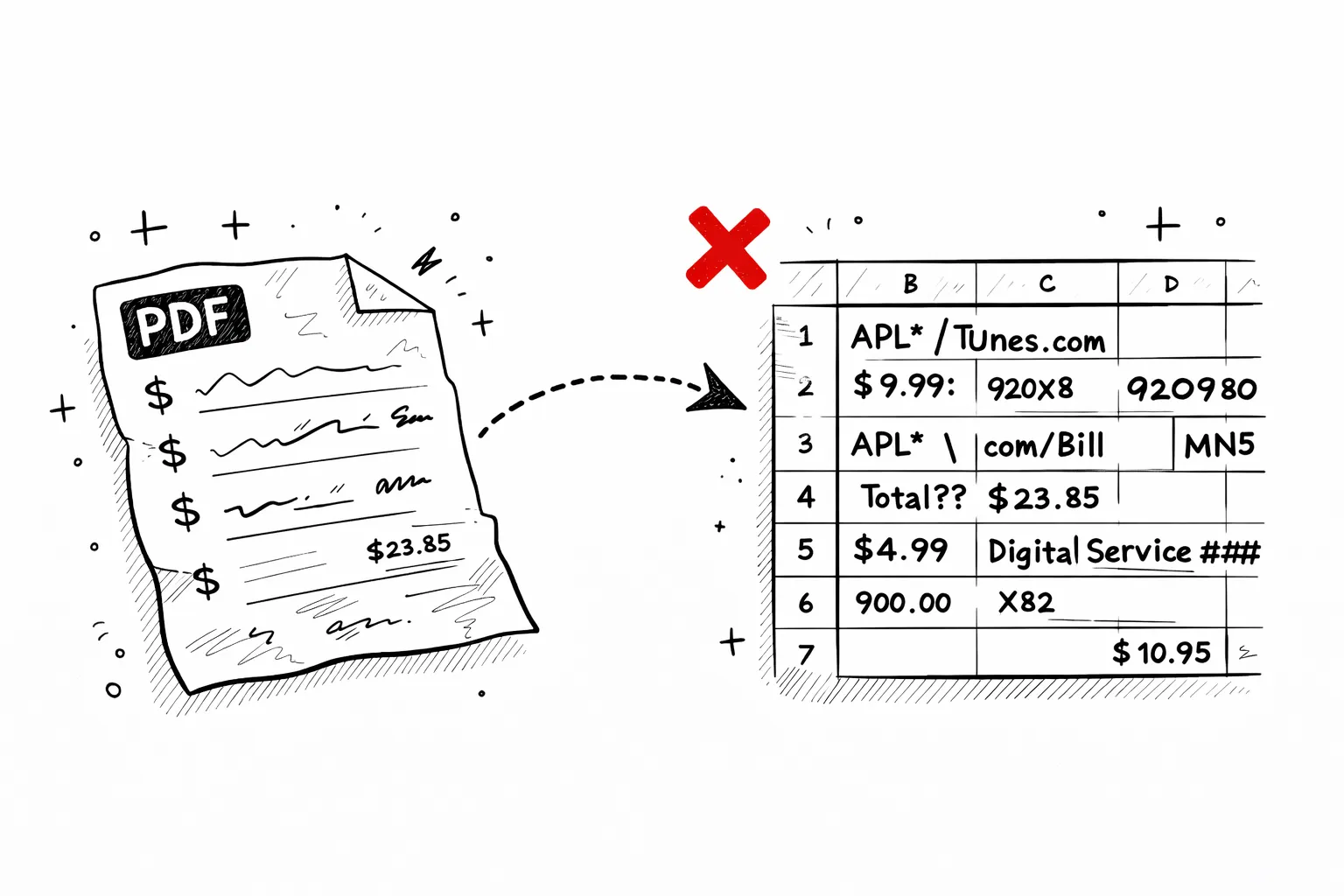
The problem
Copy-pasting PDFs into Excel doesn't work
You've tried it. Select all → paste into Excel → and the result is a mess of merged cells, amounts in the wrong columns, and dates that Excel doesn't recognize.
Bank statement PDFs use invisible table structures that break when pasted. Our converter reads the actual PDF layout and outputs a clean spreadsheet — every transaction in its own row, every field in the right column.
The solution
What your Excel export actually looks like
Every transaction, structured into 4 columns
Your bank statement PDF has the data you need, but it's trapped in a format designed for printing, not analysis. Copy-paste it into Excel and you get merged cells, broken rows, and amounts landing in the wrong columns. Our converter reads the PDF structure and outputs a clean spreadsheet where each row is one transaction with exactly four fields:
Date
Normalized to MM/DD — sorts correctly regardless of how your bank formats it
Description
Full merchant name exactly as printed — no truncation, no rewriting
Amount
Positive for deposits, negative for purchases — split columns merged automatically
Category
AI-assigned from 19 categories — groceries, housing, subscriptions, and more
The result is a spreadsheet you can actually work with — filter by category, sum by month, build pivot tables, or import directly into QuickBooks, Xero, or any accounting tool. No manual cleanup, no re-typing. Upload the PDF, download the Excel.
Stop copy-pasting from your PDF
The manual way takes 45 minutes and still needs cleanup. Our converter does it in 30 seconds.
Manual copy-paste
- Download PDF from your bank
- Open PDF, manually copy each transaction
- Paste into Excel row by row
- Fix broken formatting and merged cells
- Manually categorize each transaction
- Double-check totals against statement
~45 minutes per statement
With this converter
- Upload your PDF here
- AI reads every transaction automatically
- Download structured .xlsx file
30 seconds, fully categorized
What you can do with your bank statement in Excel
Once your bank statement is converted to Excel, these formulas give you instant insights — no pivot tables needed.
=SUMIF(D:D,"Groceries",C:C)Total spent on groceries
=SUMIF(C:C,">0")Sum of all deposits (income)
=SUMIF(C:C,"<0")Sum of all withdrawals
=COUNTIF(D:D,"Subscriptions")Number of subscription charges
=AVERAGE(C:C)Average transaction amount
=MAX(C:C)Largest single deposit
Pro tip: Pivot Table in 30 seconds
Select all rows → Insert → Pivot Table → drag Category to Rows and Amount to Values. Instant spending breakdown by category with totals — the same view you'd get from a budgeting app, but in your own spreadsheet.
Before analysis
What to check when the spreadsheet opens
Column alignment
Make sure dates, descriptions, amounts, and categories stayed in separate columns before you start formulas or pivots.
Signed amounts
Confirm money in and money out are represented the way your analysis expects, especially if you plan to sum totals quickly.
Category edge cases
Review transfers, fees, and mixed-purpose merchants first. They are the rows most likely to benefit from human judgment.
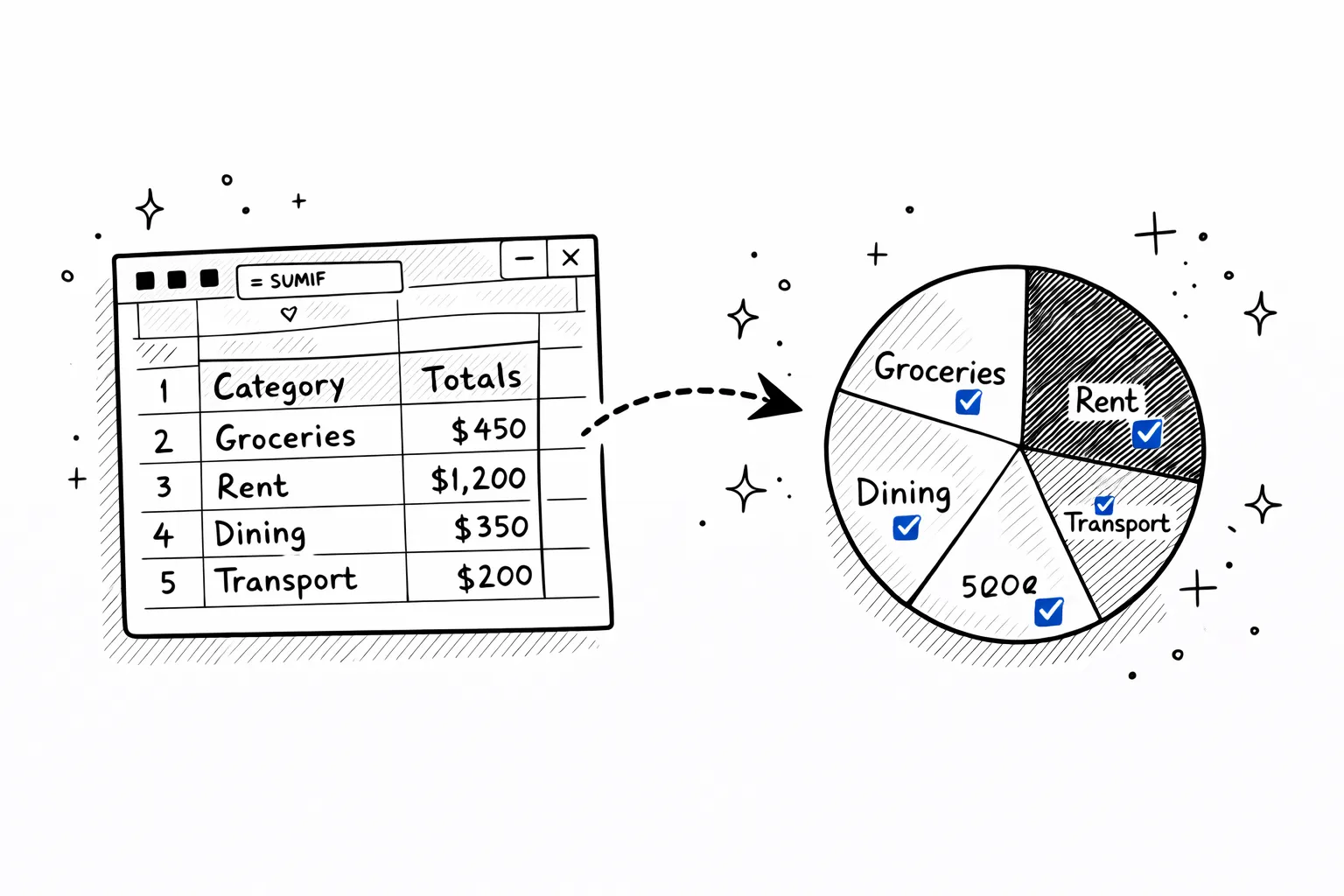
30 seconds later
From raw PDF to pivot table
The structured output is instantly ready for pivot tables, SUMIF formulas, and charts. No column cleanup, no reformatting.
Why convert your bank statement to Excel?
A PDF locks your data in a document. Excel unlocks it — filter, sort, sum, chart, and share.
Tax preparation
Give your accountant a categorized Excel file instead of a raw PDF. They can filter by category (medical, business, donations) and sum deductible expenses in seconds.
Mortgage & loan applications
Lenders want to see income consistency and spending patterns. A structured spreadsheet with labeled income rows is faster to review than a 30-page PDF.
Monthly budgeting
Import into Google Sheets or Excel and build your own budget tracker. Category totals are already done — just compare them against your budget targets.
Freelancer income tracking
Filter by Category = Income to isolate all client payments. Sum by month to track revenue trends without connecting your bank to another app.
Visa & immigration proof of funds
Embassies want clean financial documentation. A structured spreadsheet showing consistent income and healthy balance is more convincing than a raw PDF dump.
Business expense reporting
Filter business transactions, export just those rows, and attach to expense reports. Category labels save hours of manual line-by-line tagging.
Import your bank statement into any tool
The exported Excel or CSV works everywhere. Here's how to import it into the most popular tools.
Proof & Workflow
Pages that help evaluate Excel conversion quality
These supporting pages explain how extraction works, what accuracy depends on, which statement types are supported, and when a spreadsheet export is better than a raw PDF or OCR-only workflow.
How It Works
→See how uploads move from PDF or image to structured transactions, categories, and export files.
Accuracy
→Understand what accuracy means for digital PDFs, scanned statements, OCR, categorization, and exports.
Supported Banks
→Check which statement types, regions, and export formats work best with the analyzer and converter.
Best Analyzer Guide
→Comparison-style page for buyers evaluating statement analysis tools and workflows.
Best Converter Guide
→Commercial comparison page for teams choosing a bank statement converter or PDF-to-CSV workflow.

Secure
Your PDF is processed in memory and never saved to disk. All data is encrypted in transit.

Private
We never sell or share your financial data. Anonymous uploads are auto-deleted after 7 days.

Transparent
No hidden fees, no account required. Try it without an account, or create a free account for 1 analysis per month.
Pricing
Start with one report
Pay once when you need one full result. Subscribe only when statement work becomes regular.
- All transactions unlocked for this report
- Categories, charts, and subscription detection
- CSV and Excel exports included
- No renewal, no account required
FAQ
Convert bank statement to Excel — FAQ
Ready?
Upload one statement.
Get the full picture.
No credit card. No account. Drop a PDF and see every transaction categorized in 30 seconds.
Try it free →Related reading
Bank Statements for Self Assessment
Use your Excel export to calculate income and expenses for your HMRC tax return.
Import to Xero & QuickBooks
Step-by-step guide to importing converted bank data into accounting software.
Bank Statements for Self-Employed
What lenders and accountants want to see — and how spreadsheets help.