Bank statement analyser
Analyse any PDF bank statement into categorised spending, income, subscriptions, and exports — works with 1,000+ banks worldwide.
Takes ~30 seconds · Preview free · PDF not stored
- Spending sorted into categories
- Subscriptions and recurring charges flagged
- Export transactions to CSV or Excel — for taxes, your accountant, or loans
Works with UK, US, Indian & 1,000+ banks
UK bank statements are harder to read than they should be
Whether it's Barclays, HSBC, Lloyds, or Monzo — every UK bank exports PDF statements in a slightly different format. Some bury merchant names in reference codes. Others mix credits and debits into a single column. None of them categorise your spending.
Our analyser handles every UK bank statement format automatically. Upload the PDF from your online banking, and within 30 seconds you get a full breakdown — every transaction categorised, subscriptions flagged, and your money flow visualised.
Scanned paper statements work too. If your PDF is an image rather than selectable text, we run OCR first, then analyse. The result is the same — clean, categorised data you can export to CSV, Excel, QIF, or any accounting format.
What you'll get
Your full spending report
Net saved in October 2024
Income
$7,712
Spent
$4,844
Activity
47 tx · ~$103/day
Find money you're leaving on the table
Cancel unused subscriptions
3 services you haven't used in 60+ days
Switch to cheaper phone plan
You're overpaying vs similar usage profiles
Cook 3 more meals per week
You averaged $42/meal eating out — 18 times this month
Ask your statement anything
Dining spending jumped 42% vs last month. You ate out 18 times — that's $42 per meal on average.
See where every dollar went
$4,844 across 7 categories
Your financial health, scored
Spot hidden recurring charges
8 subscriptions found · $349/mo
Free preview · Takes about 30 seconds
What the analyser does with your statement
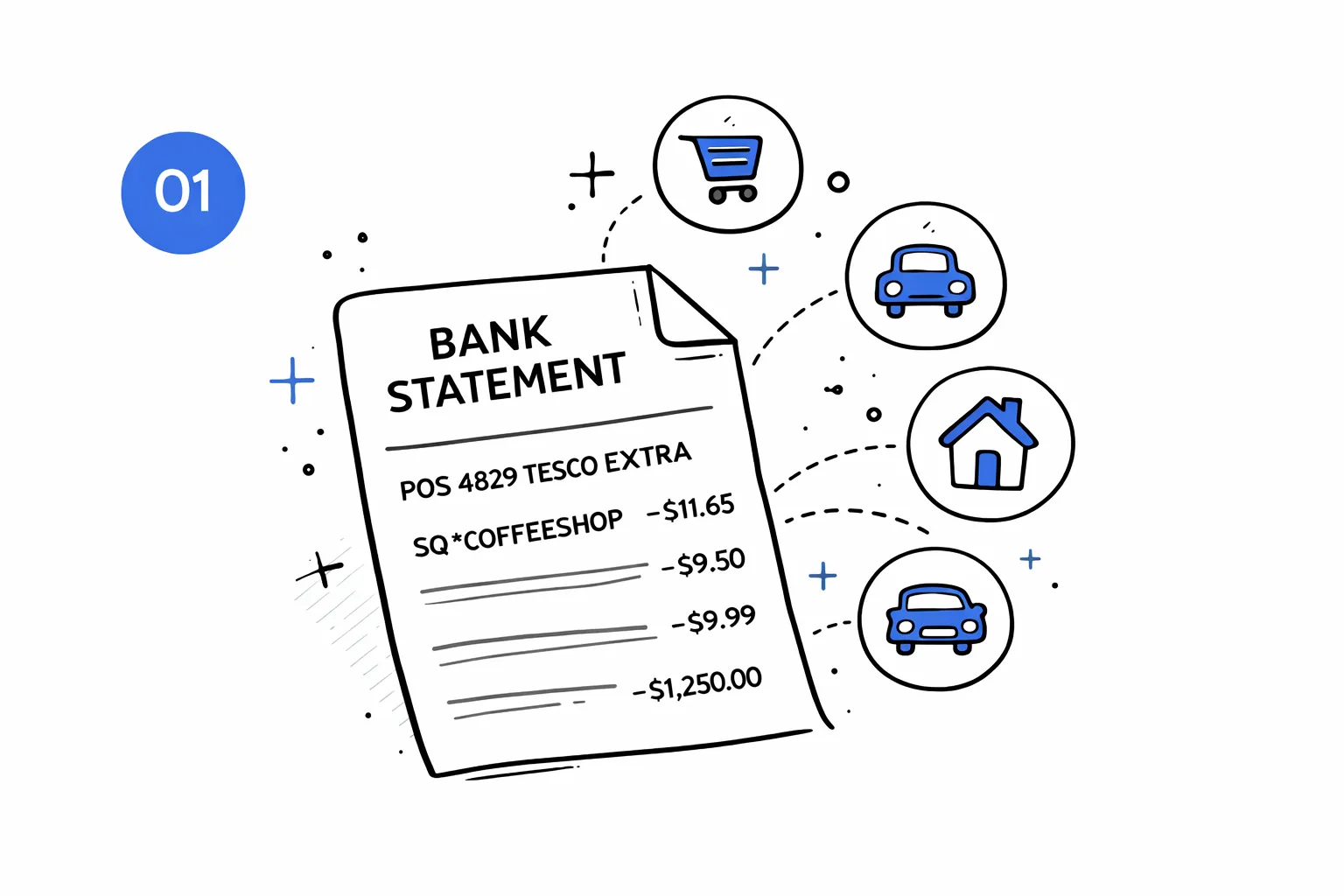
Every transaction gets a category
Rent, groceries, transport, dining, subscriptions — AI reads the merchant name and assigns a category. Works even when descriptions are cryptic codes like "POS 4829 TESCO EXTRA" or "SQ *COFFEESHOP".
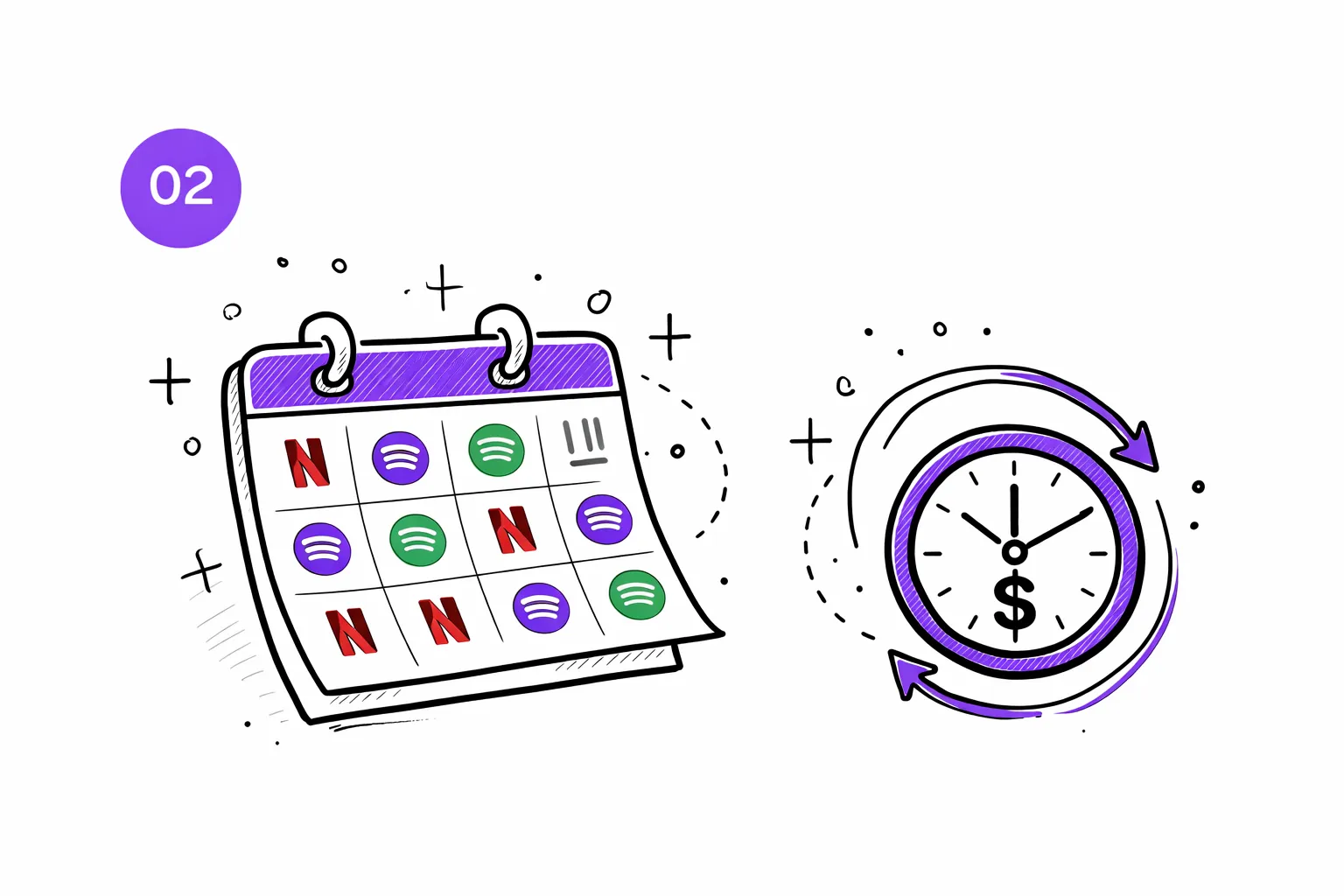
Subscriptions surface automatically
Netflix, Spotify, gym memberships, cloud storage — if it recurs monthly, we flag it. Most people discover at least one subscription they forgot about.
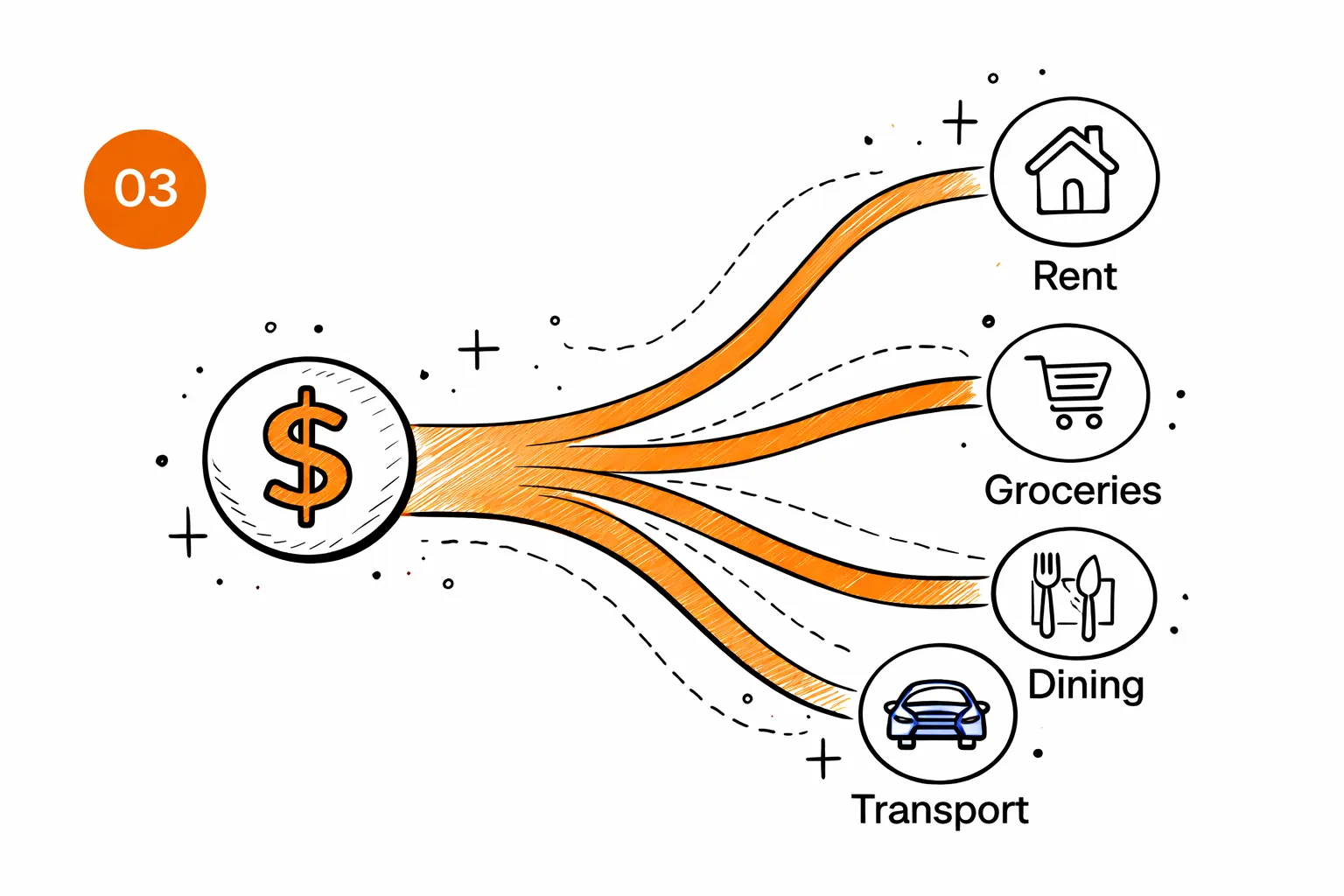
You see where the money actually goes
A Sankey chart shows income flowing into categories. It's the clearest way to see that 68% of your spending is rent, or that dining out costs more than groceries.
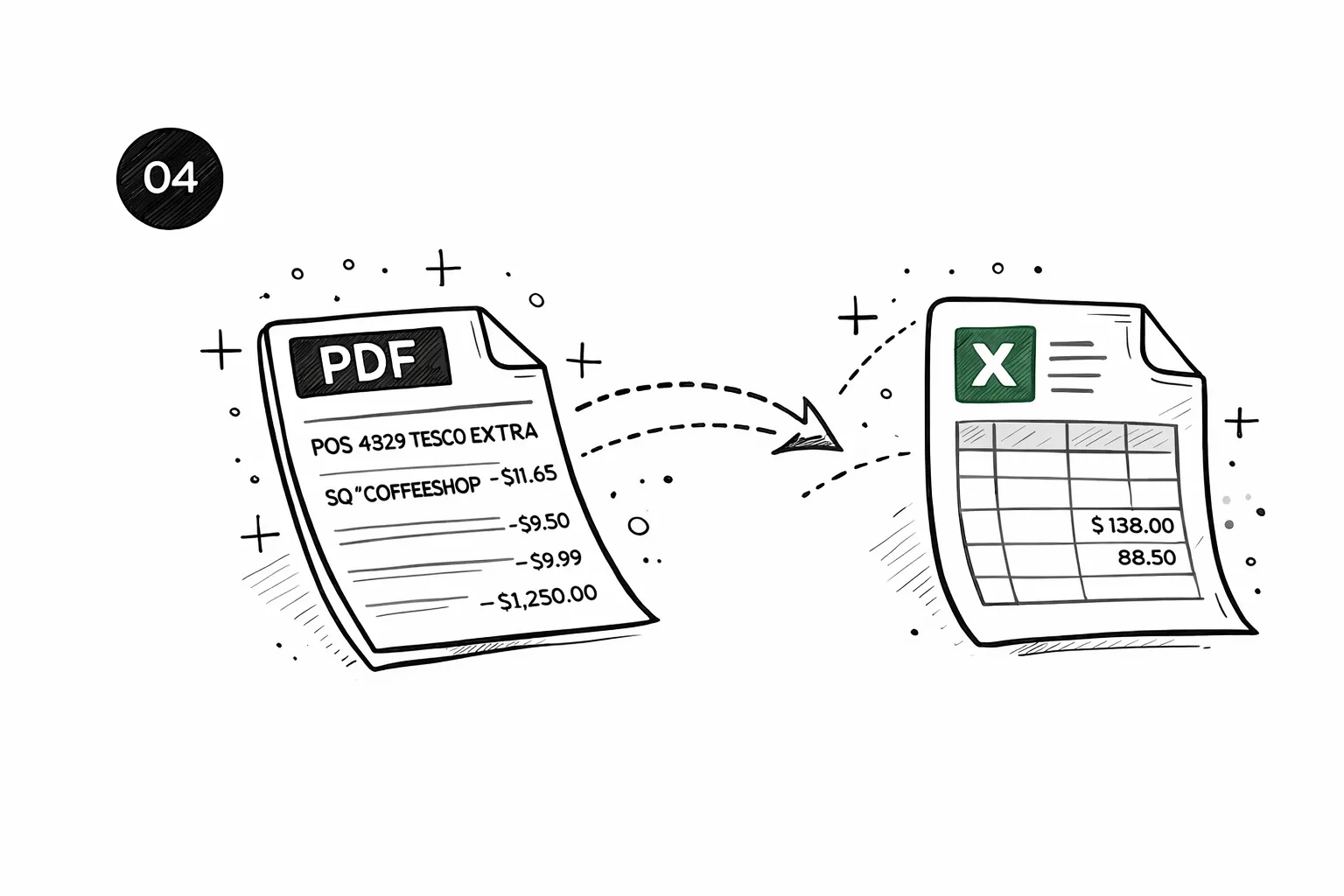
Export to CSV, Excel, QIF, OFX, or QBO
Every transaction with its category, date, and amount — exported in the format your accountant or tax software needs. Compatible with QuickBooks, Xero, FreeAgent, and Google Sheets.
Why use a bank statement analyser?
A bank statement analyser does what your bank won't — it turns months of raw transactions into a clear picture of where your money goes. Instead of scrolling through pages of POS 4829 TESCO EXTRA and DD REF NETFLIX, you get groceries, subscriptions, transport, and rent — labelled and totalled.
Mortgage prep
Lenders want categorised spending — give them clean data, not raw PDFs
Track spending
See exactly where your money goes each month, down to the category
Accountant handoff
Export transactions in the format your accountant or tax software needs
That's what separates an analyser from a simple PDF reader. Readers pull text out of the file. Analysers understand it — matching merchant names to categories, detecting recurring charges, and computing your savings rate. Ours uses AI to handle the messy, inconsistent formatting that every bank seems to invent on its own.
More than just categories
Real financial clarity from your bank statement.
Subscription tracker
Find the charges you forgot about
AI scans every transaction and flags recurring payments. Most people discover at least one subscription they'd forgotten.
- Detects monthly, annual, and weekly charges
- Shows your true monthly subscription cost
- Spots free trial conversions before they auto-renew
Subscription tracker
Find the charges you forgot about
AI scans every transaction and flags recurring payments. Most people discover at least one subscription they'd forgotten.
- Detects monthly, annual, and weekly charges
- Shows your true monthly subscription cost
- Spots free trial conversions before they auto-renew
AI Insights
Your finances, explained by AI
Get a personalized breakdown of spending habits and anomalies. AI reads every transaction and tells you what actually matters.
- Highlights unusual spending spikes
- Tracks month-over-month trends
- Summarizes financial health in plain English
AI Insights
Your finances, explained by AI
Get a personalized breakdown of spending habits and anomalies. AI reads every transaction and tells you what actually matters.
- Highlights unusual spending spikes
- Tracks month-over-month trends
- Summarizes financial health in plain English
Smart recommendations
Not generic tips — your tips
Every recommendation is based on your actual transactions. Specific dollar amounts, not vague advice.
- Based on your real spending patterns
- Specific dollar amounts you can save
- Actionable in under 5 minutes
Potential monthly savings
$227/mo
Potential monthly savings
$227/mo
Smart recommendations
Not generic tips — your tips
Every recommendation is based on your actual transactions. Specific dollar amounts, not vague advice.
- Based on your real spending patterns
- Specific dollar amounts you can save
- Actionable in under 5 minutes
Analyze your own statement
Upload a PDF, get your full report in 30 seconds.
How much does it cost?
Upload free and see a preview. Pay only when you want the full breakdown.
One statement, full report
Perfect if you just need answers from one bank statement.
- Every transaction unlocked
- Spending categories & charts
- Subscriptions & recurring charges found
- Download CSV or Excel
Preview free first — pay $7 only to unlock everything
Monthly plan
For landlords, freelancers, and anyone who checks statements often.
Cheaper than two $7 unlocks if you check statements monthly.
- 50 statement pages per month
- Saved reports & history
- Subscription tracking on every upload
- Ask AI about your spending
Need more volume? See Pro & Business below
FAQ
Bank statement analyser —
questions & answers
Related reading
How to Analyze a Bank Statement
What to look for in your data — spending patterns, recurring charges, anomalies.
Best Bank Statement Analyzers (2026)
How the top tools compare on features, accuracy, and export options.
Bank Statements for Self-Employed
Why self-employed individuals use statement analysis for tax and lending.