Canara Bank · Public Sector · Incl. OBC & UBI

Canara Bank
statement guide

Canara Bank statementguide

Download your Canara Bank statement, unlock the PDF password, and let AI analyze every transaction — UPI, NEFT, ATM, EMI.

How to downloadPDF password guideAI categorizationCSV & Excel export
Get started — it's free
✓ 3 pages free · ✓ No signup · ✓ Results in 30 seconds

How it works

Three steps to analyze your statement

1.Download your statement

Get your Canara Bank PDF from Canara ai1 app or Net Banking. We show you how below.

2.Unlock the PDF password

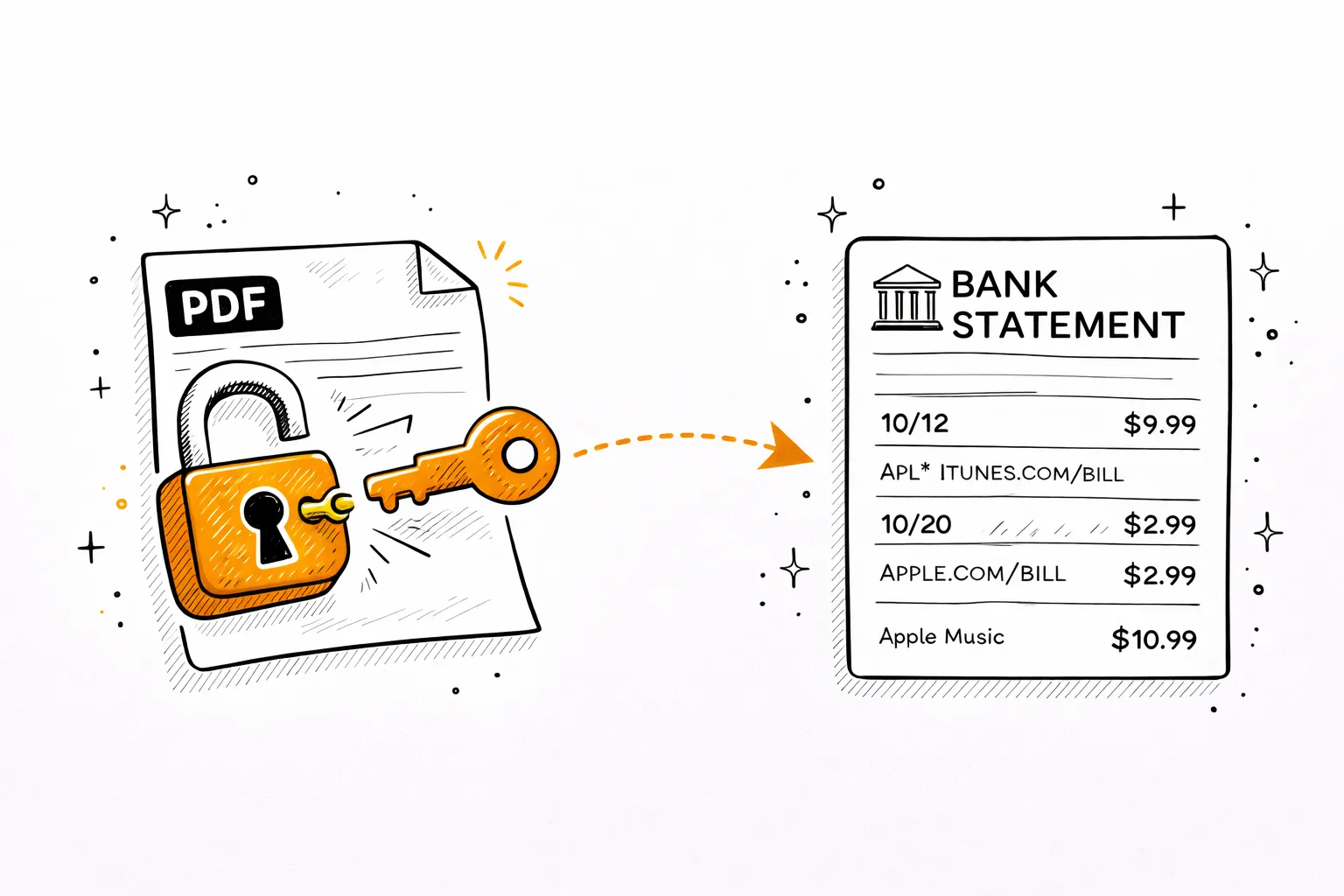
Canara Bank PDFs are locked with your DOB. Use our free tool below to remove it instantly.

3.Get AI spending breakdown

Upload the unlocked PDF — AI categorizes every UPI, NEFT, ATM, and EMI transaction automatically.

Step 1

Download your Canara Bank statement

Net Banking
canarabank.in
1
Log in to Net Banking
Visit canarabank.in → sign in with User ID & password.
2
Accounts → Account Statement
Open the Accounts menu, then select Account Statement.
3
Select account & date range
Choose your account and set the date range.
4
Download PDF
Hit Download PDF. Password is your date of birth (DDMMYYYY).
Canara ai1 App
iOS & Android
1
Open Canara ai1 App
Log in with MPIN on the Canara ai1 app (iOS & Android).
2
Tap your account
Select your savings or current account from the home screen.
3
Account Statement → Download
Tap Account Statement → select period → Download PDF.
4
Open with DOB password
Enter DOB in DDMMYYYY format to open the file.

OBC & UBI customers: Oriental Bank of Commerce (OBC) and United Bank of India (UBI) merged into Canara Bank in April 2020. Former OBC and UBI customers now access statements via canarabank.in and the Canara ai1 app.

Step 2

Unlock the PDF password

Canara Bank locks every e-statement PDF. Here's how to open it.

Password formula
DD
Day
+
MM
Month
+
YYYY
Year
=
DDMMYYYY
Your password
Example
Born 10 Mar 1985
1003198510031985
If DOB doesn't work, try
1
Last 4 digits of account number
e.g. 7821
2
Customer ID (on passbook)
e.g. 12345678
3
Call Canara Bank support
1800-425-0018 (free, 24/7)

Why is it locked? Canara Bank encrypts e-statements for your financial security.

Free unlock tool
Remove the password permanently
Enter the password once — download a clean, unlocked copy. Runs entirely in your browser. Your PDF never leaves your device.
Drop your password-protected PDFTap to upload your PDF
or click to browsePDF only · max 20MB
Free · Processed in your browser · Never uploaded to any server
Step 3

Now analyze your Canara Bank statement

Your PDF is unlocked. Upload it and AI will read every transaction — UPI, NEFT, RTGS, ATM withdrawals, EMIs — and show you exactly where your money goes.

Detected Subscriptions

$46.98/mo recurring

N
Netflix

Netflix

MonthlyMar 15, 2026

$15.99

S
Spotify Premium

Spotify Premium

MonthlyMar 22, 2026

$10.99

C
ChatGPT Plus

ChatGPT Plus

MonthlyApr 1, 2026

$20.00

Spending Breakdown

February 2026

Housing & Rent

$2,100

33.4% of total spending

Groceries

$892

14.2% of total spending

Transportation

$645

10.3% of total spending

Other

$1,511

24.1% of total spending

Total Analyzed

$6,284

AI Insights

Your grocery spending is 12% higher than last month. Consider meal planning to stay on budget.

You saved 25.6% of your income — above the recommended 20%. Great job!

Transportation costs dropped $45 from January. The new bus pass is paying off.

You have 5 active subscriptions totaling $84.96/mo. Review if all are still needed.

See your Canara Bank spending clearly

Upload your unlocked statement — full AI analysis in 30 seconds. Free for 3 pages.

Analyze My Canara Bank Statement →
✓ 3 pages free · ✓ No signup · ✓ 30 seconds

Pricing

Simple, transparent pricing

Free
Free
Try it out
  • 3 PDF pages / month
  • AI transaction categorization
  • Sankey money-flow chart
  • AI insights & savings tips
  • Financial health score
  • Spending calendar
  • CSV export
Start Free
Most popular
Basic
$9/mo
For monthly tracking
  • 500 PDF pages / month
  • Everything in Free, plus:
  • Multi-month trends dashboard
  • Subscription detector
  • AI savings opportunities
  • 6 export formats (CSV, Excel, QIF, OFX, QBO, IIF)
  • Chat AI financial advisor
  • Receipts & invoices extractor
  • Table-to-Excel extractor
  • File format converter
  • 12 months history
Start Basic
Pro
$19/mo
For power users
  • Unlimited PDF pages
  • Everything in Basic, plus:
  • Redact sensitive info from statements
  • Translate statements (30+ languages)
  • Fake statement detector
  • Fraud & authenticity scoring
  • Priority processing
  • Priority support
Start Pro

About Canara Bank

Everything about Canara Bank statements

PDF password
Date of birth (DDMMYYYY)
e.g. born 10 Mar 1985 → 10031985
Statement history
Up to 2 years online
Via Canara ai1 app or Net Banking
Mobile app
Canara ai1
Available on iOS & Android

Canara Bank statement PDF password

All Canara Bank e-statements are password-protected. The Canara Bank statement PDF password is your date of birth in DDMMYYYY format — for example, 10 March 1985 becomes 10031985. If DOB doesn't work, try the last 4 digits of your account number. For help, call 1800-425-0018 (free, 24/7).

OBC and United Bank merger — what changed

Oriental Bank of Commerce (OBC) and United Bank of India (UBI) merged into Canara Bank in April 2020. All OBC and UBI accounts, balances, and statement history were migrated. Your OBC or UBI statement history is now accessible through Canara Bank Net Banking at canarabank.in. The OBC and UBI apps no longer work — use Canara ai1 instead.

How to download your Canara Bank statement

Download your Canara Bank statement PDF via Canara ai1 app: tap your account → Account Statement → select dates → Download PDF. Via Net Banking at canarabank.in: Accounts → Account Statement → select date range → Download. Both methods provide up to 2 years of statement history.

About Canara Bank

Canara Bank is one of India's largest PSU banks, headquartered in Bengaluru. Founded in 1906, it now has 9,000+ branches across India after absorbing OBC and United Bank of India in the 2020 merger. Canara Bank serves both retail and corporate customers through its Canara ai1 app and canarabank.in portal.

Canara Bank statement for loans & visa

Lenders and embassies typically require 3–6 months of bank statements. Download directly from Canara ai1 or Net Banking — accepted by most institutions. For an official certified statement (stamped, signed), visit any Canara Bank branch. With 9,000+ branches across India, Canara Bank is one of the most accessible PSU banks.

Related topics
Canara Bank statement passwordCanara ai1 app downloadCanara Bank net banking statementOBC bank statementUnited Bank statementCanara Bank PDF passwordCanara Bank statement analysisCanara UPICanara statement for visaCanara EMICanara CSV exportCanara spending analysis

FAQ

Canara Bank statement FAQ

What is the Canara Bank statement PDF password?+
Canara Bank e-statement PDF password is your Date of Birth in DDMMYYYY format. E.g. born 10 March 1985 → password 10031985. If DOB fails, try last 4 digits of account number. Call Canara Bank: 1800-425-0018.
How do I download my Canara Bank statement via net banking?+
Log in at canarabank.in with your User ID & password → Accounts → Account Statement → select account and date range → Download PDF. Password is your DOB (DDMMYYYY).
How do I download Canara Bank statement from the Canara ai1 app?+
Open the Canara ai1 app (Canara Bank's official mobile banking app) → log in with MPIN → tap your account → Account Statement → select period → Download PDF. Opens with DOB password.
What happened to OBC and United Bank of India accounts after the merger?+
Oriental Bank of Commerce (OBC) and United Bank of India (UBI) merged into Canara Bank in April 2020. All OBC and UBI accounts were migrated. Your statement history is now accessible through canarabank.in and the Canara ai1 app using your Canara Bank credentials.
Can former OBC customers use the Canara ai1 app?+
Yes. After the 2020 merger, all OBC customers were transitioned to Canara Bank. Download the Canara ai1 app and log in with your updated Canara Bank credentials to access your statements, including pre-merger OBC history.
How far back can I get Canara Bank statements?+
Canara Bank Net Banking provides up to 2 years of statement history. For older records, including pre-2020 OBC or UBI statements, visit any Canara Bank branch with your passbook and identity proof.
Can I analyze my Canara Bank statement with AI?+
Yes. Unlock with DOB password, upload to mybankstatementanalysis — AI categorizes UPI, NEFT, ATM, EMI, and other transactions from Canara Bank accounts including migrated OBC and UBI accounts.

See your Canara Bank
spending clearly — free.

Upload your PDF — AI maps every UPI, ATM, and NEFT transaction by category.

Analyze My Statement Free →
✓ 3 pages free · ✓ No signup · ✓ Results in 30 seconds