Kotak Mahindra Bank · Private Sector

Kotak Bank
statement guide

Kotak Bank statementguide

Learn how to download your Kotak Mahindra Bank statement, unlock the PDF password, and categorize every transaction — UPI, NEFT, ATM, EMI.

How to downloadPDF password guideAI categorizationCSV & Excel export
Get started — it's free
✓ 3 pages free · ✓ No signup · ✓ Results in 30 seconds

How it works

Three steps to analyze your statement

1.Download your statement

Get your Kotak Bank PDF from Kotak Mobile Banking app or Net Banking. We show you how below.

2.Unlock the PDF password

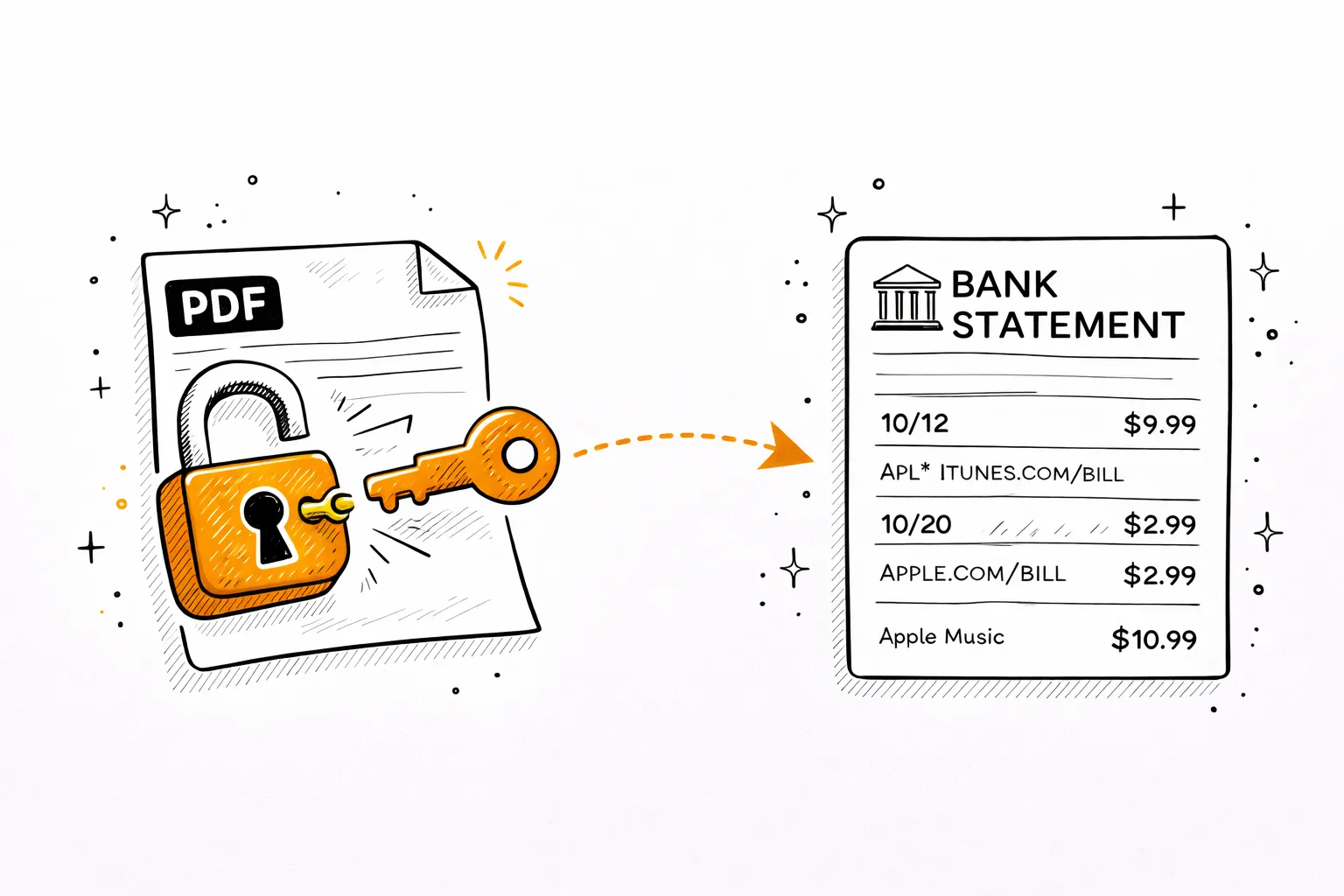
Kotak Bank PDFs are locked with your DOB. Use our free tool below to remove it instantly.

3.Get AI spending breakdown

Upload the unlocked PDF — AI categorizes every UPI, NEFT, ATM, EMI, and SIP transaction automatically.

Step 1

Download your Kotak Bank statement

Net Banking
netbanking.kotak.com
1
Log in to Net Banking
Visit netbanking.kotak.com → sign in with Customer ID & password.
2
Accounts → Account Statement
Open the Accounts menu, then select Account Statement.
3
Select account & date range
Choose your account and set the date range.
4
Download PDF
Hit Download PDF. Password is your date of birth (DDMMYYYY).
Kotak Mobile Banking App
iOS & Android
1
Open Kotak Mobile Banking
Log in with MPIN on the Kotak Mobile Banking app (iOS & Android).
2
Tap your account
Select your savings, 811, or current account.
3
Statement → Download
Tap Statement → select dates → Download PDF.
4
Open with DOB password
Enter DOB in DDMMYYYY format to open the file.

Kotak 811 customers: Kotak also offers Kotak 811 — a zero-balance digital savings account. 811 account statements are downloaded via the same Kotak Mobile Banking app.

Step 2

Unlock the PDF password

Kotak Bank locks every e-statement PDF. Here's how to open it.

Password formula
DD
Day
+
MM
Month
+
YYYY
Year
=
DDMMYYYY
Your password
Example
Born 18 Aug 1992
1808199218081992
If DOB doesn't work, try
1
Last 4 digits of account number + DOB
Some Kotak formats combine both
2
Customer ID (on passbook)
e.g. 12345678
3
Call Kotak support
1860-266-2666 (24/7)

Why is it locked? Kotak encrypts e-statements for security. Try DOB first, then account number last 4 digits.

Free unlock tool
Remove the password permanently
Enter the password once — download a clean, unlocked copy. Runs entirely in your browser. Your PDF never leaves your device.
Drop your password-protected PDFTap to upload your PDF
or click to browsePDF only · max 20MB
Free · Processed in your browser · Never uploaded to any server
Step 3

Now analyze your Kotak Bank statement

Your PDF is unlocked. Upload it and AI will read every transaction — UPI, NEFT, RTGS, ATM withdrawals, EMIs, SIP investments — and show you exactly where your money goes.

Detected Subscriptions

$46.98/mo recurring

N
Netflix

Netflix

MonthlyMar 15, 2026

$15.99

S
Spotify Premium

Spotify Premium

MonthlyMar 22, 2026

$10.99

C
ChatGPT Plus

ChatGPT Plus

MonthlyApr 1, 2026

$20.00

Spending Breakdown

February 2026

Housing & Rent

$2,100

33.4% of total spending

Groceries

$892

14.2% of total spending

Transportation

$645

10.3% of total spending

Other

$1,511

24.1% of total spending

Total Analyzed

$6,284

AI Insights

Your grocery spending is 12% higher than last month. Consider meal planning to stay on budget.

You saved 25.6% of your income — above the recommended 20%. Great job!

Transportation costs dropped $45 from January. The new bus pass is paying off.

You have 5 active subscriptions totaling $84.96/mo. Review if all are still needed.

See your Kotak Bank spending clearly

Upload your unlocked statement — full AI analysis in 30 seconds. Free for 3 pages.

Analyze My Kotak Statement →
✓ 3 pages free · ✓ No signup · ✓ 30 seconds

Pricing

Simple, transparent pricing

Free
Free
Try it out
  • 3 PDF pages / month
  • AI transaction categorization
  • Sankey money-flow chart
  • AI insights & savings tips
  • Financial health score
  • Spending calendar
  • CSV export
Start Free
Most popular
Basic
$9/mo
For monthly tracking
  • 500 PDF pages / month
  • Everything in Free, plus:
  • Multi-month trends dashboard
  • Subscription detector
  • AI savings opportunities
  • 6 export formats (CSV, Excel, QIF, OFX, QBO, IIF)
  • Chat AI financial advisor
  • Receipts & invoices extractor
  • Table-to-Excel extractor
  • File format converter
  • 12 months history
Start Basic
Pro
$19/mo
For power users
  • Unlimited PDF pages
  • Everything in Basic, plus:
  • Redact sensitive info from statements
  • Translate statements (30+ languages)
  • Fake statement detector
  • Fraud & authenticity scoring
  • Priority processing
  • Priority support
Start Pro

About Kotak Mahindra Bank

Everything about Kotak Bank statements

PDF password
Date of birth (DDMMYYYY)
e.g. born 18 Aug 1992 → 18081992
Statement history
Up to 2 years online
Via Kotak Mobile or Net Banking
Mobile app
Kotak Mobile Banking
Available on iOS & Android

Kotak Bank statement PDF password

All Kotak Bank e-statements are password-protected. The Kotak Bank statement PDF password is your date of birth in DDMMYYYY format — for example, 18 August 1992 becomes 18081992. If DOB doesn't work, try the last 4 digits of your account number. For help, call 1860-266-2666.

How to download Kotak 811 statement

Kotak 811 is India's most popular zero-balance digital savings account. To download your Kotak 811 statement, open the Kotak Mobile Banking app → tap your 811 account → Statement → select date range → Download PDF. The same DOB password applies. The Kotak 811 account was launched to bring digital banking to first-time customers.

How to download your Kotak Bank statement

Download your Kotak statement PDF via Kotak Mobile Banking app: tap account → Statement → select dates → Download PDF. Via Net Banking at netbanking.kotak.com: Accounts → Account Statement → select range → Download. Kotak provides up to 2 years of statement history online.

About Kotak Mahindra Bank

Kotak Mahindra Bank is India's 4th largest private sector bank. Founded in 1985 as a finance company, it became a full bank in 2003. In 2015, Kotak acquired ING Vysya Bank, expanding to 1,800+ branches. Kotak is also known for its strong mutual fund arm (Kotak MF) — making it easy to spot SIP transactions in your Kotak statement.

Kotak statement for loans & visa

Lenders and embassies require 3–6 months of bank statements. Download directly from Kotak Mobile or Net Banking — accepted by most institutions. For an official certified statement (stamped, signed), visit any Kotak branch. For older records beyond 2 years, a branch visit is required.

Related topics
Kotak Bank statement passwordKotak Mobile banking statementKotak Bank net banking statementKotak 811 statementKotak Bank PDF passwordKotak Bank statement analysisKotak UPI transactionsKotak statement for visaKotak EMI trackerKotak CSV exportKotak statement downloadKotak spending analysis

FAQ

Kotak Bank statement FAQ

What is the Kotak Bank statement PDF password?+
Kotak Bank e-statement password is your Date of Birth in DDMMYYYY format. E.g. born 18 August 1992 → password 18081992. If DOB fails, try account number last 4 digits. Call Kotak: 1860-266-2666.
How do I download my Kotak Bank statement via net banking?+
Log in at netbanking.kotak.com → Accounts → Account Statement → select range → Download PDF. Kotak provides statement history online.
How do I download Kotak 811 account statement?+
Kotak 811 is a digital account — download the statement via Kotak Mobile Banking app → tap your 811 account → Statement → Download. Same DOB password applies.
How do I get my Kotak statement from the mobile app?+
Open Kotak Mobile Banking → MPIN → tap account → Statement → dates → Download PDF. Opens with DOB (DDMMYYYY).
What is Kotak Bank customer care number?+
Kotak customer care: 1860-266-2666. Available 24/7. WhatsApp banking: +91-9599-599-599.
How far back can I get Kotak Bank statements?+
Kotak provides up to 2 years of statements online. For older records, visit any Kotak branch or call customer care.
Can I analyze my Kotak Bank statement with AI?+
Yes. Unlock with DOB password, upload to mybankstatementanalysis — AI categorizes UPI, NEFT, ATM, EMI, SIP transactions from Kotak accounts.

See your Kotak Bank
spending clearly — free.

Upload your PDF — AI maps every UPI, ATM, and NEFT transaction by category.

Analyze My Statement Free →
✓ 3 pages free · ✓ No signup · ✓ Results in 30 seconds