Standard Bank · South Africa

Standard Bank
statement guide

Standard Bank statementguide

Learn how to download your Standard Bank statement, unlock the PDF password, and categorize every transaction.

How to downloadPDF password guideAI categorizationCSV & Excel export
Get started — it's free
✓ 3 pages free · ✓ No signup · ✓ Results in 30 seconds

How it works

Three steps to analyze your statement

1.Download your statement

Get your Standard Bank PDF from internet.standardbank.co.za or the Standard Bank App.

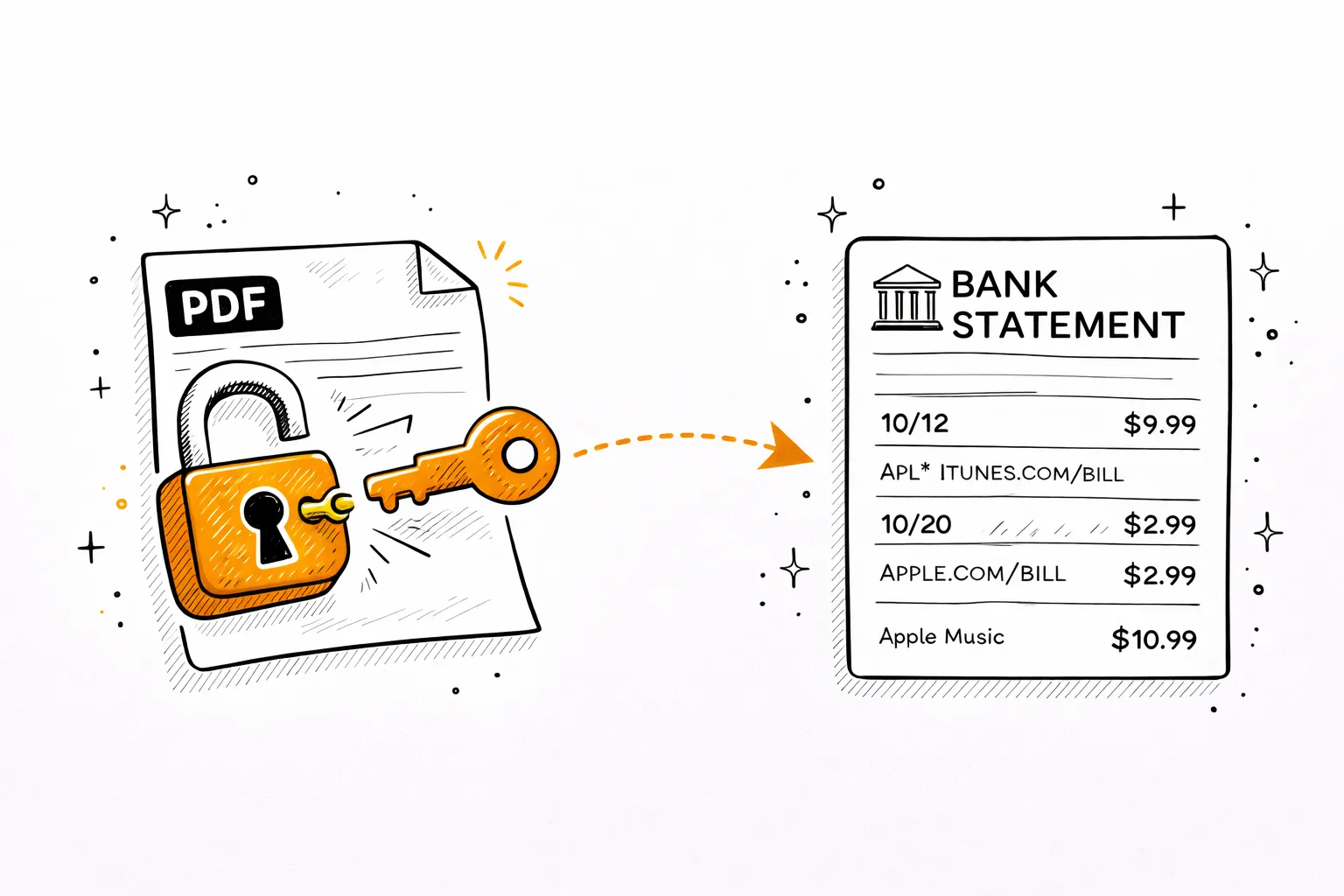
2.Unlock the PDF password

Standard Bank PDFs are locked with the last 6 digits of your SA ID. Use our free tool below.

3.Get AI spending breakdown

Upload the unlocked PDF — AI categorizes every debit, credit, EFT, and card purchase automatically.

Step 1

Download your Standard Bank statement

Online Banking
internet.standardbank.co.za
1
Log in at internet.standardbank.co.za
Sign in with your username and password.
2
Select your account
Choose your current or savings account.
3
Statements → date range
Click Statements and choose your date range.
4
Download PDF
Password is the last 6 digits of your South African ID number.
Standard Bank App
iOS & Android
1
Open Standard Bank App
Log in with your PIN.
2
Select your account
Tap your current or savings account.
3
Statements → date range → Download
Select Statements, choose date range, then Download.
4
Enter last 6 digits of SA ID
e.g. SA ID ends ...456789 → password is 456789.

Shyft users: Standard Bank also operates Shyft — a multi-currency forex app. Shyft transactions may appear as entries in your Standard Bank current account statement.

Step 2

Unlock the PDF password

Standard Bank locks every e-statement PDF. Here's exactly how to open it.

Password formula
SA ID (last 6)
Last 6 digits of your SA ID
=
XXXXXX
6-digit password
Example
SA ID ends ...456789
456789456789
If that doesn't work, try
1
Full SA ID number
e.g. 9001015432089
2
Date of birth in YYYYMMDD format
e.g. 19900101
3
Call Standard Bank support
0860 123 000

Why is it locked? Standard Bank encrypts e-statements for your security. The last 6 digits of your SA ID is your unique password.

Free unlock tool
Remove the password permanently
Enter the password once — download a clean, unlocked copy. Runs entirely in your browser. Your PDF never leaves your device.
Drop your password-protected PDFTap to upload your PDF
or click to browsePDF only · max 20MB
Free · Processed in your browser · Never uploaded to any server
Step 3

Now analyze your Standard Bank statement

Your PDF is unlocked. Upload it and AI will read every transaction — debits, credits, EFTs, cash deposits, and card purchases — showing exactly where your money goes.

Detected Subscriptions

$46.98/mo recurring

N
Netflix

Netflix

MonthlyMar 15, 2026

$15.99

S
Spotify Premium

Spotify Premium

MonthlyMar 22, 2026

$10.99

C
ChatGPT Plus

ChatGPT Plus

MonthlyApr 1, 2026

$20.00

Spending Breakdown

February 2026

Housing & Rent

$2,100

33.4% of total spending

Groceries

$892

14.2% of total spending

Transportation

$645

10.3% of total spending

Other

$1,511

24.1% of total spending

Total Analyzed

$6,284

AI Insights

Your grocery spending is 12% higher than last month. Consider meal planning to stay on budget.

You saved 25.6% of your income — above the recommended 20%. Great job!

Transportation costs dropped $45 from January. The new bus pass is paying off.

You have 5 active subscriptions totaling $84.96/mo. Review if all are still needed.

See your Standard Bank spending clearly

Upload your unlocked statement — full AI analysis in 30 seconds. Free for 3 pages.

Analyze My Standard Bank Statement →
✓ 3 pages free · ✓ No signup · ✓ 30 seconds

Pricing

Simple, transparent pricing

Free
Free
Try it out
  • 3 PDF pages / month
  • AI transaction categorization
  • Sankey money-flow chart
  • AI insights & savings tips
  • Financial health score
  • Spending calendar
  • CSV export
Start Free
Most popular
Basic
$9/mo
For monthly tracking
  • 500 PDF pages / month
  • Everything in Free, plus:
  • Multi-month trends dashboard
  • Subscription detector
  • AI savings opportunities
  • 6 export formats (CSV, Excel, QIF, OFX, QBO, IIF)
  • Chat AI financial advisor
  • Receipts & invoices extractor
  • Table-to-Excel extractor
  • File format converter
  • 12 months history
Start Basic
Pro
$19/mo
For power users
  • Unlimited PDF pages
  • Everything in Basic, plus:
  • Redact sensitive info from statements
  • Translate statements (30+ languages)
  • Fake statement detector
  • Fraud & authenticity scoring
  • Priority processing
  • Priority support
Start Pro

About Standard Bank

Everything about Standard Bank statements

PDF password
Last 6 digits of SA ID
e.g. SA ID ends ...456789 → 456789
Statement history
Up to 5 years online
Via standardbank.co.za or app
Mobile app
Standard Bank App
Available on iOS & Android

Standard Bank statement PDF password

All Standard Bank e-statements are password-protected. The Standard Bank statement PDF password is the last 6 digits of your South African ID number. For example, if your SA ID ends in ...456789, the password is 456789. If that fails, try your full SA ID number. Contact 0860 123 000 for help.

About Standard Bank & Shyft

Standard Bank (est. 1862) is Africa's largest bank by assets and operates in 20+ African countries. HQ in Johannesburg with 600+ branches in SA. Shyft is Standard Bank's multi-currency forex and remittance app — Shyft top-ups and conversions may appear as entries in your current account statement.

Standard Bank statement for visa or loan

Download the last 3–6 months of PDF statements from internet.standardbank.co.za. Most South African embassies and banks accept digital PDF statements. For a certified or stamped statement, visit any Standard Bank branch. Standard Bank has 600+ branches across SA.

Standard Bank statement analysis

Standard Bank statements include card purchases, EFT payments, cash deposits, ATM withdrawals, debit orders, and Shyft transactions. Upload your unlocked PDF to mybankstatementanalysis — AI categorizes every transaction into 19 categories and generates a Sankey money flow chart. Export to CSV or Excel instantly.

How to download Standard Bank statement

Log in at internet.standardbank.co.za → select account → Statements → date range → Download PDF. Or use the Standard Bank App: tap account → Statements → select date range → Download. The PDF is locked with the last 6 digits of your SA ID.

Related topics
Standard Bank statement passwordStandard Bank statement downloadStandard Bank app statementstandard bank PDF passwordStandard Bank statement analysisstandard bank south africa statementStandard Bank SA ID passwordstandardbank.co.za statementStandard Bank statement for visaStandard Bank spending analysis

FAQ

Standard Bank statement FAQ

What is the Standard Bank statement PDF password?+
The Standard Bank e-statement PDF password is the last 6 digits of your South African ID number. For example, if your SA ID number ends in ...456789, the password is 456789. If this fails, try your full SA ID number or call Standard Bank at 0860 123 000.
How do I download my Standard Bank statement?+
Log in at internet.standardbank.co.za → select account → Statements → date range → Download PDF. Or use the Standard Bank app → account → Statements → Download. The PDF is locked with the last 6 digits of your SA ID.
How do I get my statement from the Standard Bank app?+
Open the Standard Bank app → log in with PIN → tap your account → Statements → select date range → Download. The PDF opens with the last 6 digits of your South African ID number.
What is Shyft and how does it appear in Standard Bank statements?+
Shyft is Standard Bank's multi-currency forex app for sending and receiving international payments. Shyft top-ups and currency conversions may appear as entries in your Standard Bank current account statement when you fund your Shyft wallet.
How do I get a Standard Bank statement for a visa or home loan?+
Download the last 3–6 months of PDF statements from internet.standardbank.co.za. Most South African embassies and banks accept digital PDF statements. For a certified or stamped statement, visit any Standard Bank branch.
How far back can I get Standard Bank statements?+
Standard Bank provides up to 5 years of statements online. For older records, contact Standard Bank at 0860 123 000 or visit a branch.
Can I analyze my Standard Bank statement with AI?+
Yes. Unlock with the last 6 digits of your SA ID, upload to mybankstatementanalysis — AI categorizes all debits, credits, EFTs, cash deposits, and card purchases automatically.

See your Standard Bank
spending clearly — free.

Upload your unlocked PDF — AI maps every debit, credit, and EFT by category.

Analyze My Standard Bank Statement →
✓ 3 pages free · ✓ No signup · ✓ Results in 30 seconds